214323 373 Revision A
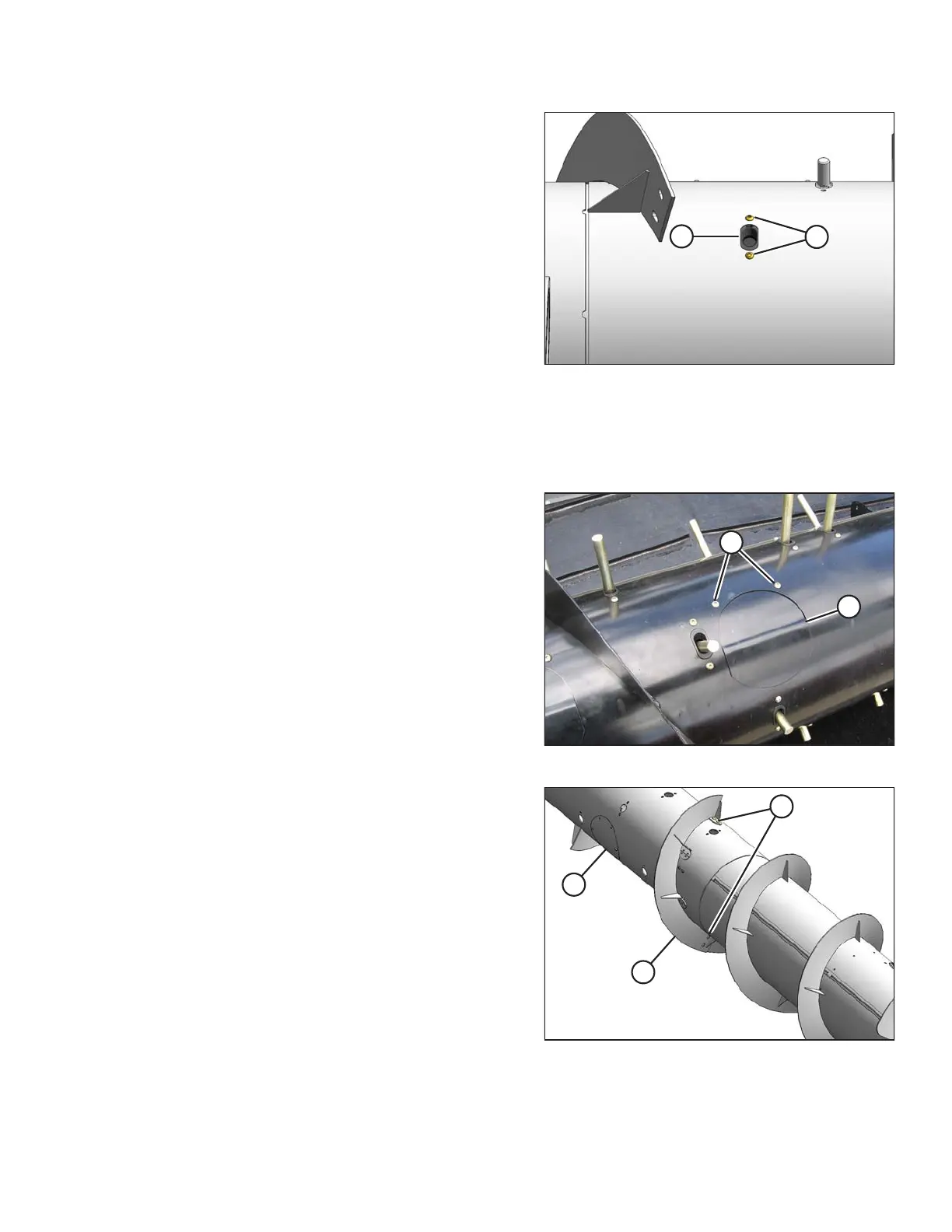
Figure 5.91: Auger
2. Position plastic guide (B) from inside the auger and
secure with screws (A). Coat screws with Loctite
®
#243
(or equivalent) and torque to 8.5 Nm (75 lbf·in).
3. Install the replacement tine. Refer to Installing Feed
Auger Tines, page 371.
5.7.7 Flighting Extensions
Removing Flighting Extensions
Figure 5.92: Auger
1. Remove screws (A) and remove access cover (B).
Figure 5.93: Auger Flighting Extensions
2. Remove five bolts (B), washers, and nuts securing
flighting extension (C) to the auger.
3. Remove flighting extension (C).
4. Repeat for opposite flighting extension.
MAINTENANCE AND SERVICING









 To Next Page