214323 228 Revision A
CAUTION
Check to be sure all bystanders have cleared the area.
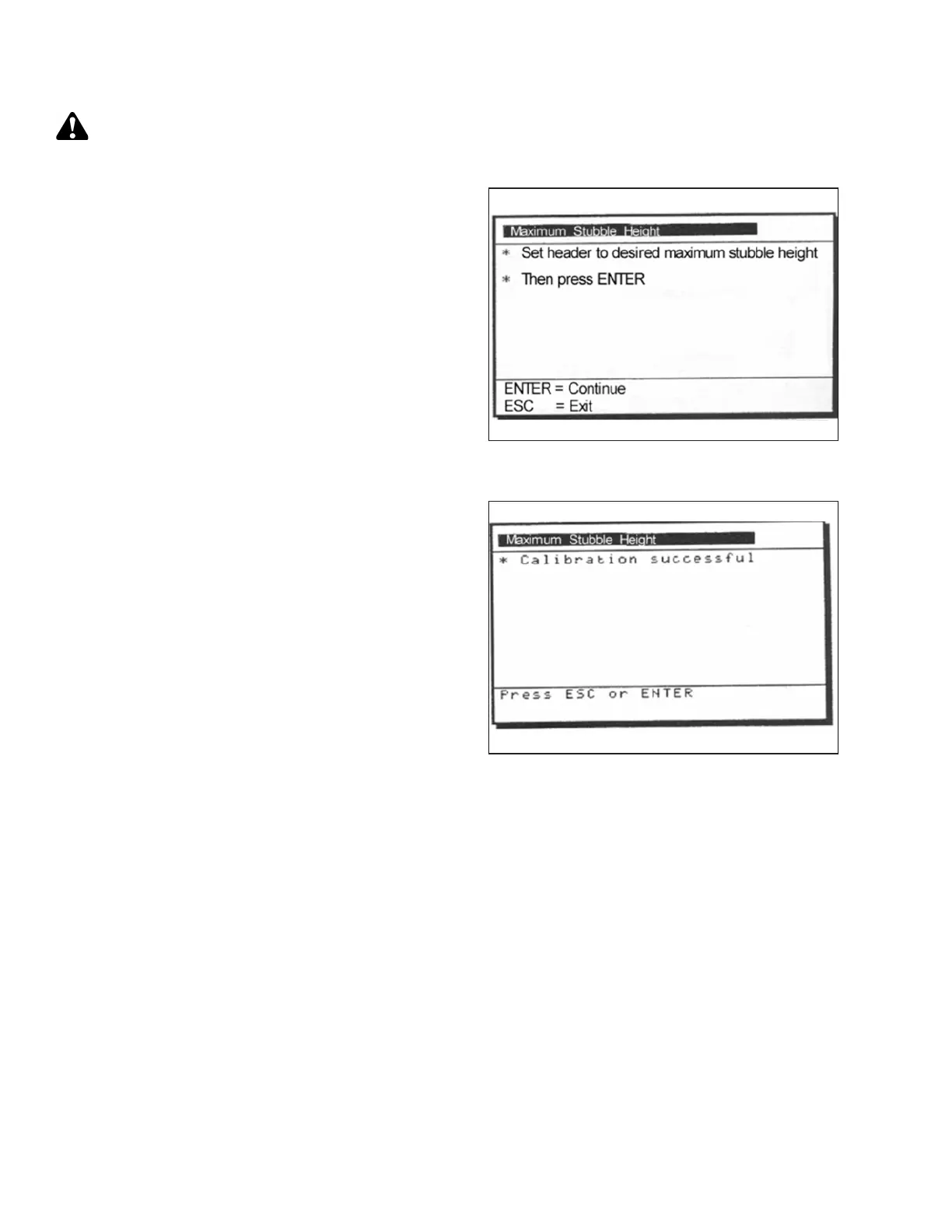
Figure 3.398: New Holland Calibration
Dialog Box
1. Select MAXIMUM STUBBLE HEIGHT calibration dialog
box. As you proceed through calibration process,
display will automatically update to show next step.
Figure 3.399: New Holland Calibration
Dialog Box
2. Move header to correct position using header up or
down control switch on multifunction handle.
3. Press ENTER to continue. As you proceed through
calibration process, display will automatically update to
show next step.
4. Press ENTER or ESC to close calibration page. The
calibration is now complete.
Adjusting Header Raise Rate (New Holland CR/CX Series)
If necessary, header raise rate (the first speed on HEADER HEIGHT rocker switch of multifunctional handle) can be
adjusted.
NOTE:
Changes may have been made to the combine controls or display since this document was published. Refer to
combine operator’s manual for updates.
OPERATION









 To Next Page