214323 465 Revision A
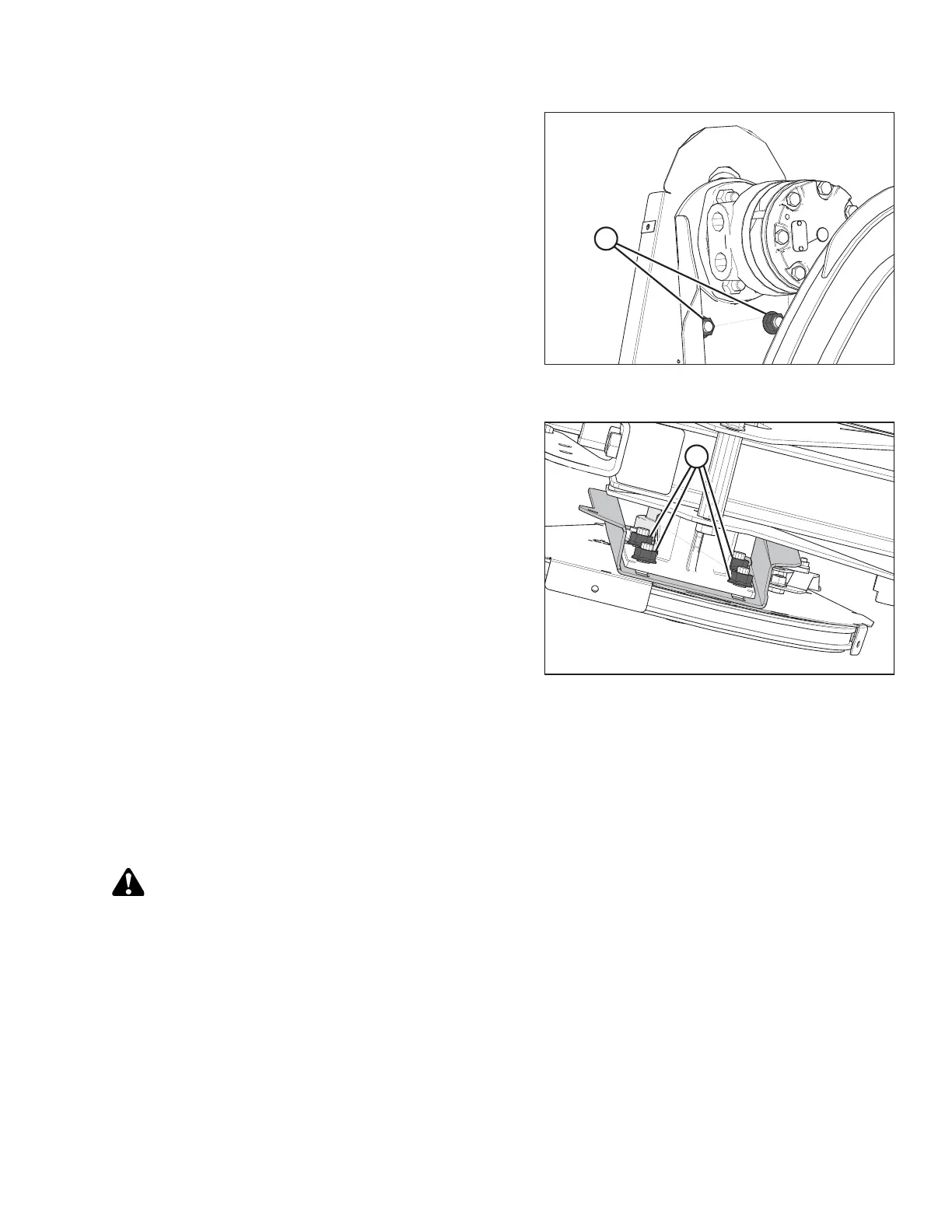
Figure 5.288: Single-Reel Drive Shown – Double
Reel Similar
Figure 5.289: Single-Reel Drive – Viewed from
Underside of Reel
4. Ensure there is 3 mm (0.12 in.) of slack at the chain
midspan. Adjust if necessary.
5. Tighten six nuts (A).
6. Torque nuts (A) to 73 Nm (54 lbf∙ft).
7. Install the drive cover. Refer to Installing Reel Drive
Cover, page 462.
5.14.3 Replacing Reel Drive Sprocket
For Case IH and New Holland combine models, configure the combine according to the reel sprocket size in order
to optimize the auto reel to ground speed control. Refer to the combine service manual for more information.
Removing Reel Drive Sprocket
DANGER
To avoid bodily injury or death from unexpected start-up or fall of raised machine, always stop engine,
remove key, and engage safety props before going under header for any reason.
1. Shut down the combine, and remove the key from the ignition.
2. Loosen the drive chain. Refer to Loosening Reel Drive Chain, page 463.
MAINTENANCE AND SERVICING









 To Next Page