214323 159 Revision A
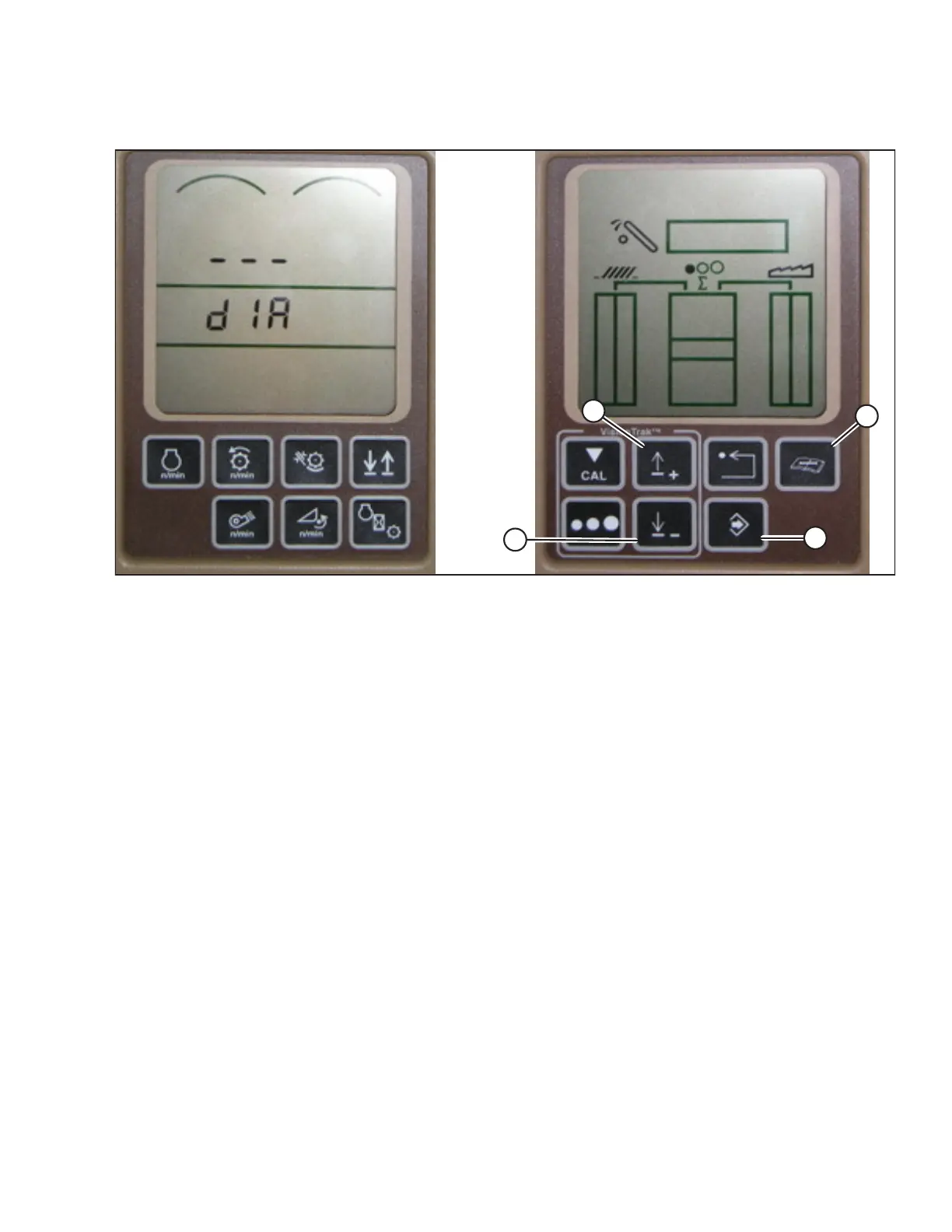
Figure 3.245: John Deere Combine Display
4. Press DIAGNOSTIC button (D) on monitor—dlA appears on monitor.
5. Press UP button (A) until EO1 appears on monitor—this is header adjustment.
6. Press ENTER button (C).
7. Press UP (A) or DOWN button (B) until 24 is displayed on top portion of monitor —this is voltage reading for
sensor.
8. Ensure header float is unlocked.
9. Start combine, and fully lower feeder house to ground. The adapter should be completely separated from
header.
NOTE:
You may need to hold HEADER DOWN switch for a few seconds to ensure feeder house is fully lowered.
10. Check sensor reading on monitor. It should be at or above 0.7 V.
11. Raise header so it is just off ground, and recheck sensor reading.
12. Raise header so it is just off ground and check sensor reading again. It should be below 4.3 V.
13. If sensor voltage is not within low and high limits (0.5–4.3 V), or if range between low and high limits is less than
3.0 V, you need to make adjustments according to Adjusting Voltage Limits, page 160.
OPERATION









 To Next Page