214323 168 Revision A
CAUTION
Check to be sure all bystanders have cleared the area.
1. Ensure center-link is set to D.
2. Rest header on down stops, and unlock adapter float.
3. Put wings in locked position.
4. Start combine.
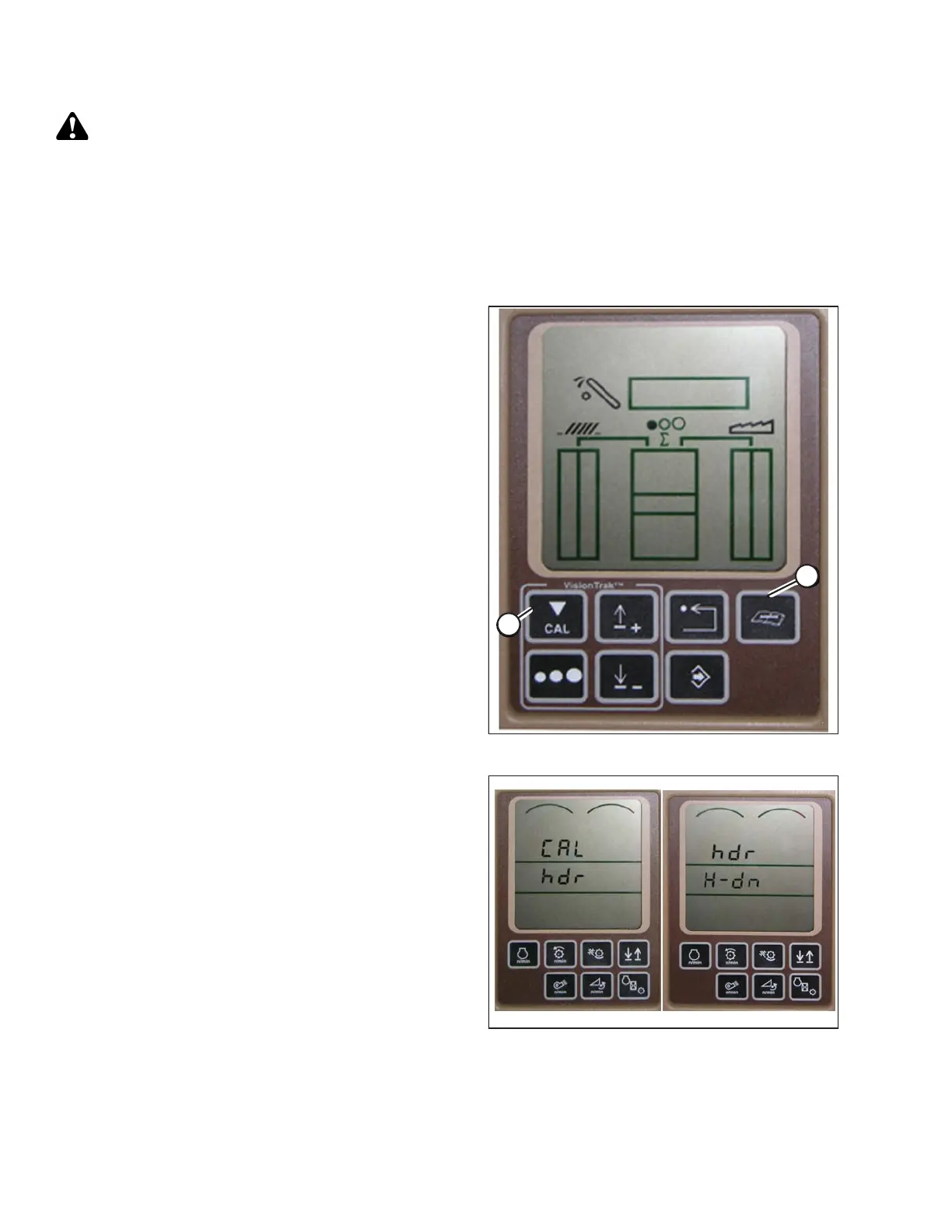
Figure 3.261: John Deere Combine Display
5. Press DIAGNOSTIC button (A) on monitor. DIA
appears on monitor.
6. Press CAL button (B). DIA-CAL appears on monitor.
Figure 3.262: John Deere Combine Display
7. Press UP or DOWN buttons until HDR appears on
monitor.
8. Press ENTER button. HDR H-DN appears on monitor.
9. Fully lower feeder house to ground.
NOTE:
You may need to hold HEADER DOWN switch for a few
seconds to ensure feeder house is fully lowered.
OPERATION









 To Next Page