214323 179 Revision A
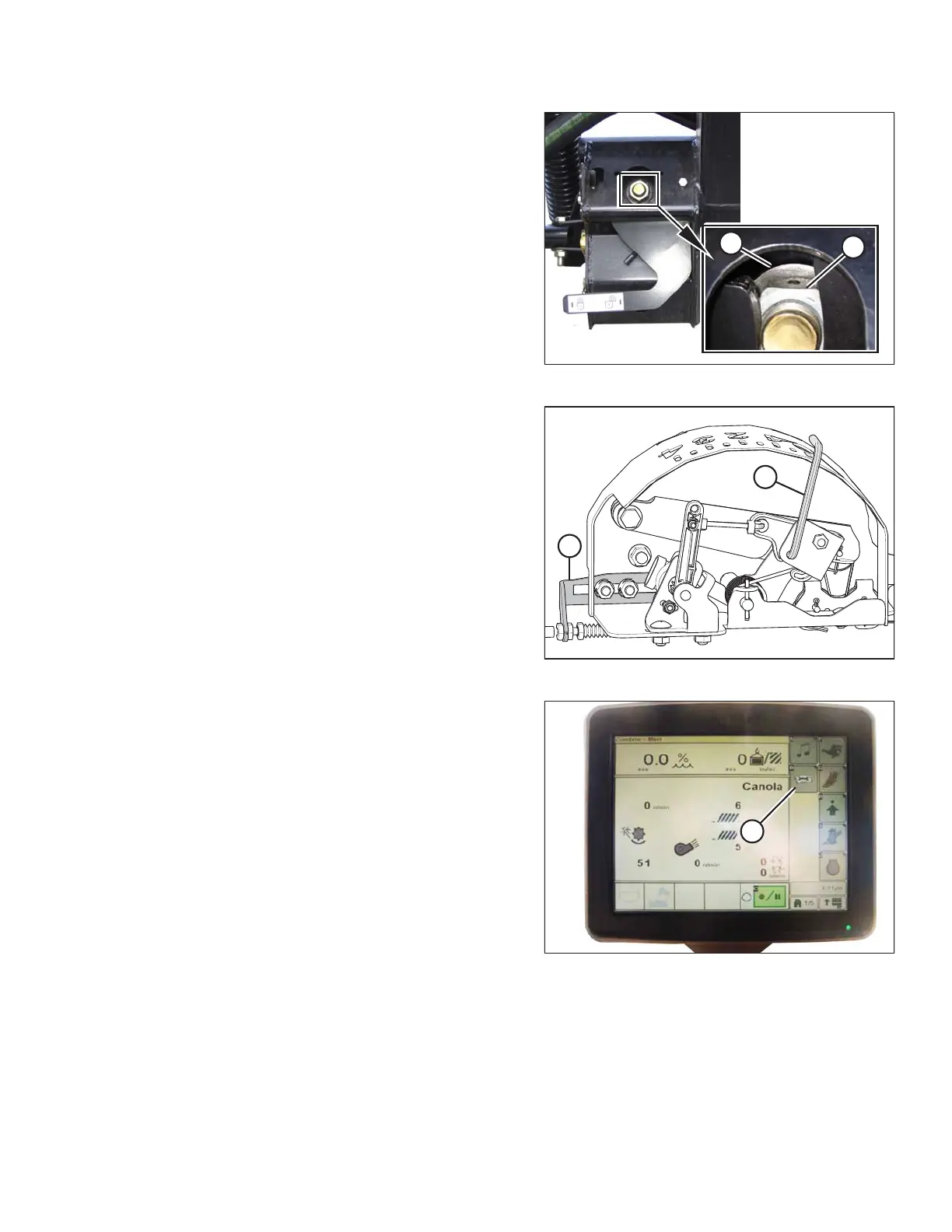
Figure 3.284: Float Lock
2. Check that float lock linkage is on down stops
(washer [A] and nut [B] cannot be moved) at both
locations.
NOTE:
If header is not on down stops during next two steps,
voltage may go out of range during operation causing a
malfunction of auto header height control (AHHC)
system.
Figure 3.285: Float Indicator Box
3. Adjust cable take-up bracket (B) (if necessary) until
pointer (A) on float indicator is on 0.
Figure 3.286: John Deere Combine Display
4. Press CALIBRATION icon (A) on main page of combine
display. The CALIBRATION page appears.
OPERATION









 To Next Page