214323 217 Revision A
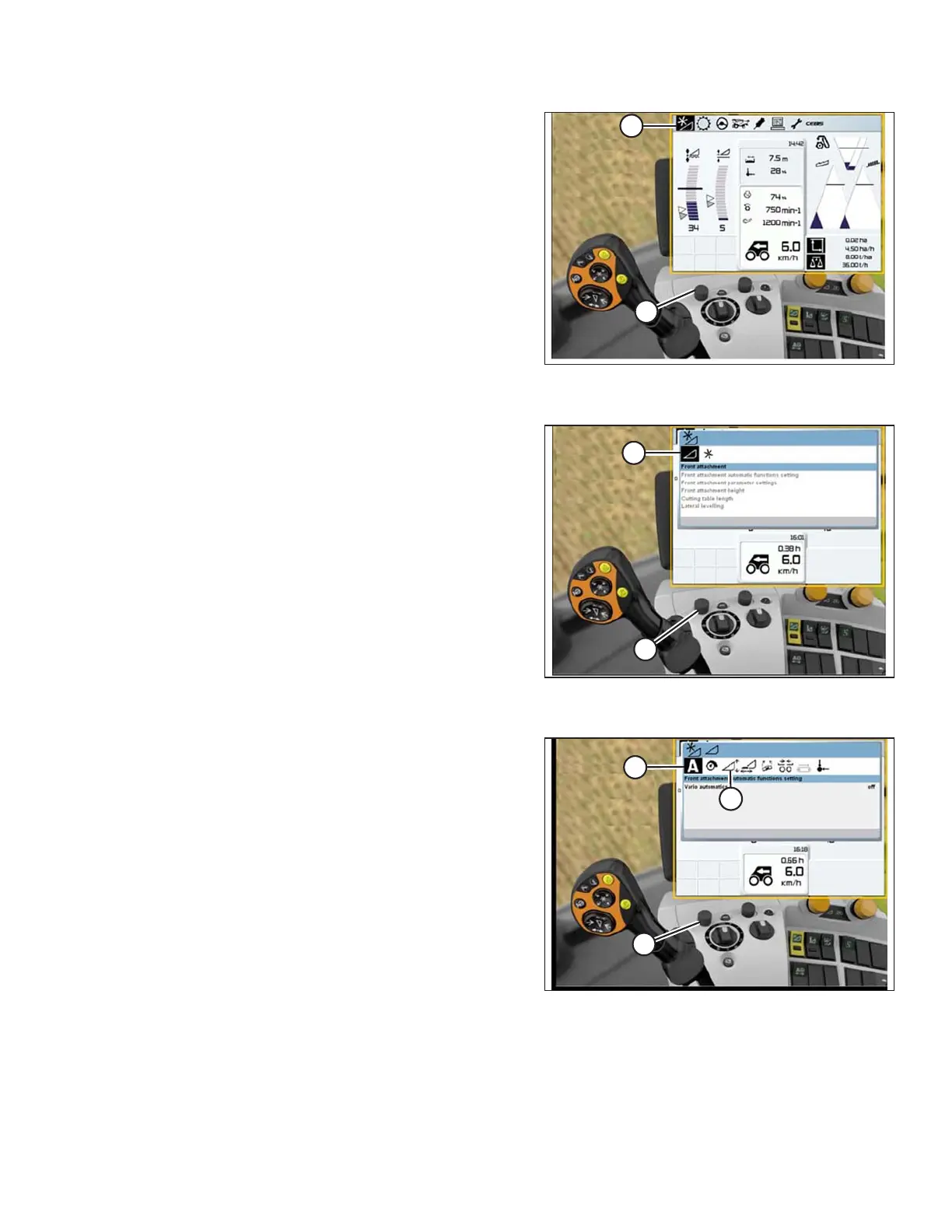
Figure 3.372: CLAAS Combine Display,
Console, and Joystick
3. To calibrate AUTO CONTOUR, use control knob (A) to
scroll left and right in top row until AUTO CONTOUR
icon (B) is highlighted. Press control knob (A) to
select it.
Figure 3.373: CLAAS Combine Display,
Console, and Joystick
4. Use control knob (A) to highlight icon that resembles a
header with up and down arrows (not shown), and
press control knob (A) to select it. The highlighted
HEADER icon (B) will be displayed on the screen.
Figure 3.374: CLAAS Combine Display,
Console, and Joystick
5. With letter A (A) highlighted, use control knob (B) to
move to highlight icon that resembles a header with up
and down arrows (C), and press control knob (B) to
select it.
OPERATION









 To Next Page