215916 184 Revision A
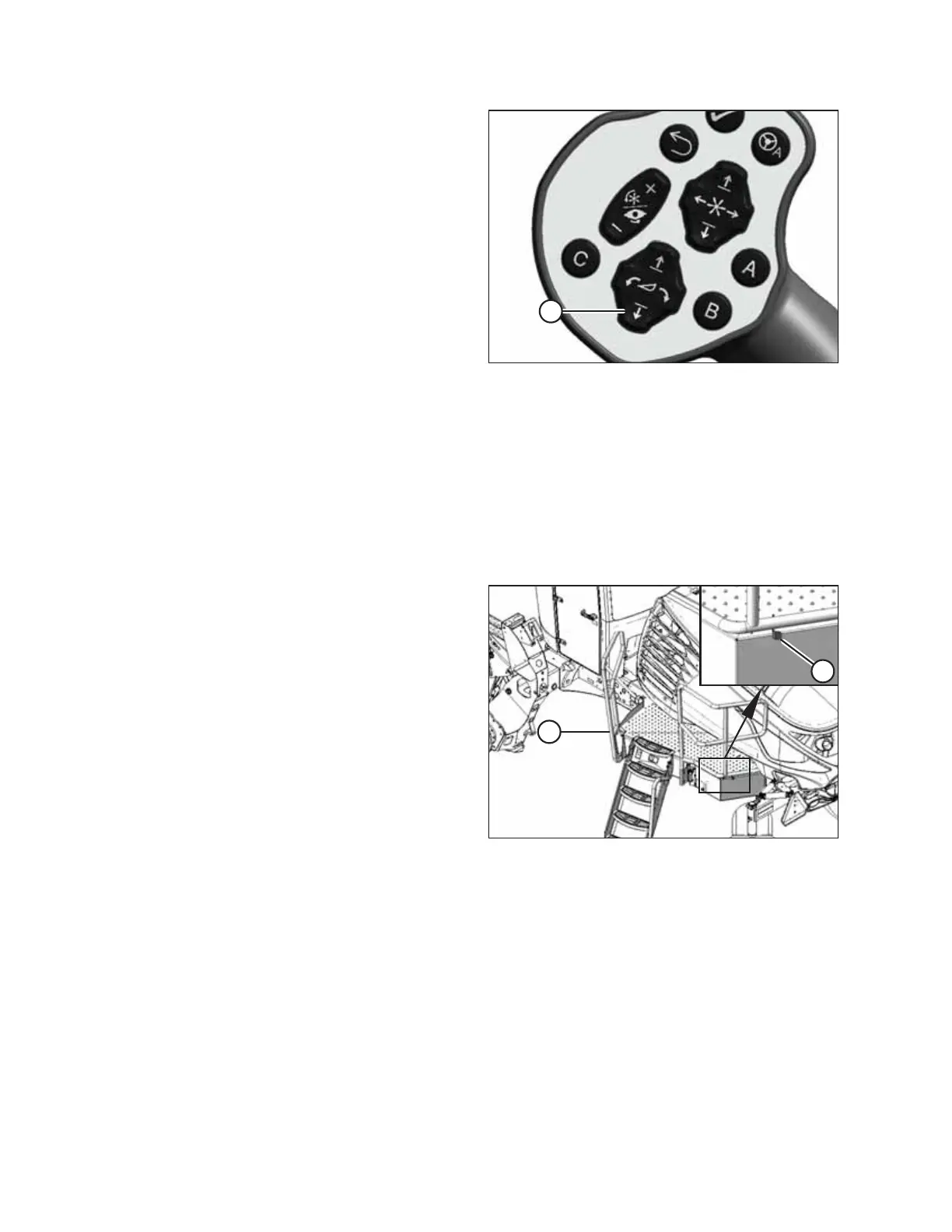
Figure 4.158: GSL
20. Start the engine and press HEADER DOWN switch (A) on
the GSL to fully lower the header.
NOTE:
If you are not prompted by the HPT display to restore float,
restore the float manually.
21. Shut down the engine, and remove the key from
the ignition.
Connecting R1 Series Rotary Disc Header Hydraulic and Electrical Systems
Connecting the R1’s hydraulic and electrical systems to the windrower involves attaching the header’s knife drive, pressure,
return, case drain, and electrical connectors to the windrower’s receptacles.
IMPORTANT:
To prevent contamination of the hydraulic system, use a clean rag to remove dirt and moisture from all hydraulic couplers.
1. Retrieve the hydraulic hoses from the header.
Figure 4.159: Left Cab-Forward Platform
2. Push latch (A) to unlock platform (B).
OPERATION



 To Next Page