215916 92 Revision A
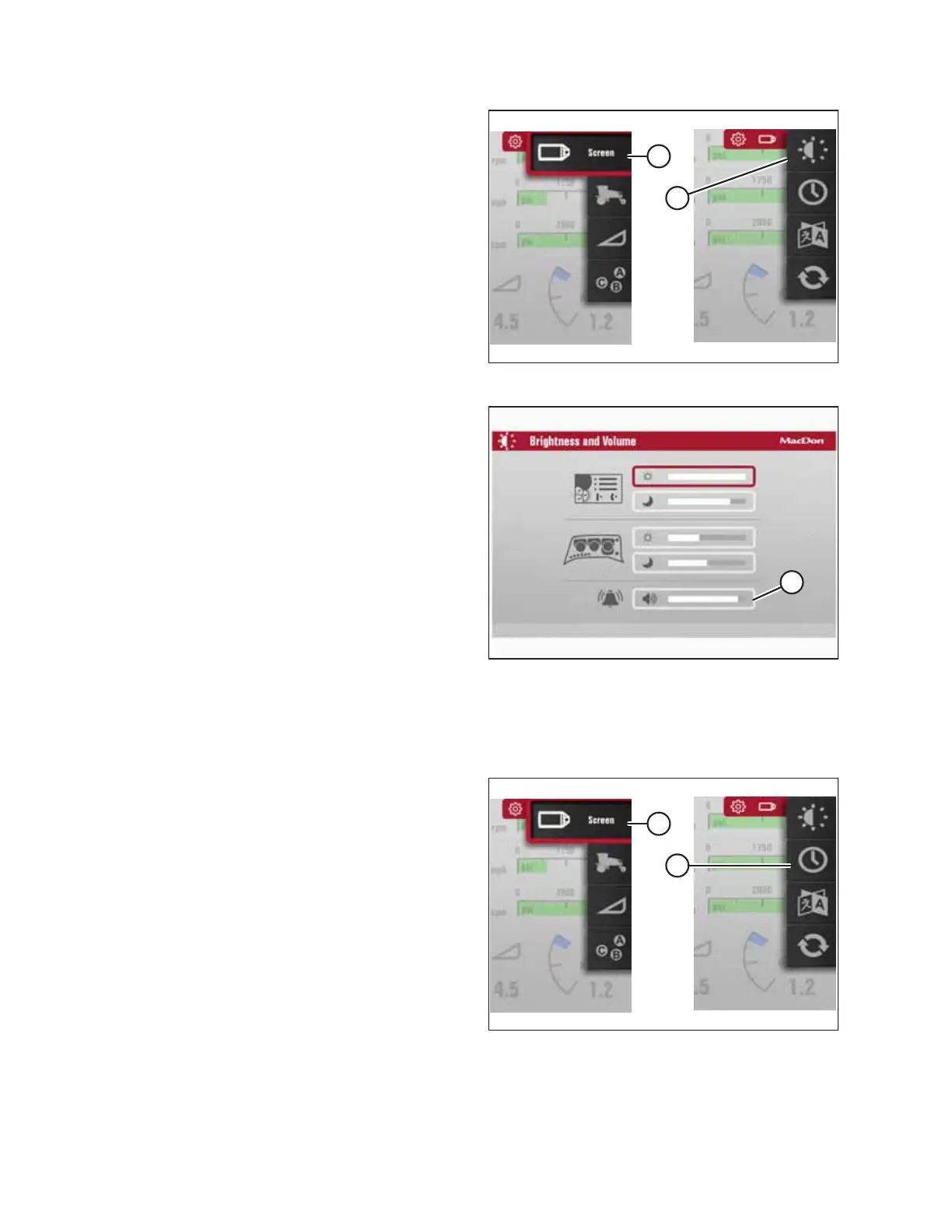
Figure 3.102: Brightness and Volume
2. Scroll to SCREEN icon (A) and select it.
3. Scroll to BRIGHTNESS AND VOLUME icon (B), and select it
to open the adjustment window.
Figure 3.103: Brightness and Volume
4. Scroll to VOLUME option (A) and select it.
5. Adjust the volume by scrolling.
Setting Time and Date
The time and date can be set in the Harvest Performance Tracker’s (HPT) SETTINGS menu.
Figure 3.104: Time and Date
1. Navigate to the SETTINGS menu with soft key 5 and the
HPT scroll knob. For instructions, refer to 3.17.2 Navigating
Harvest Performance Tracker Display, page 81.
2. Scroll to SCREEN option (A) and select it.
3. Scroll to TIME AND DATE option (B), and select it to open
the adjustment window.
OPERATOR’S STATION



 To Next Page