215916 76 Revision A
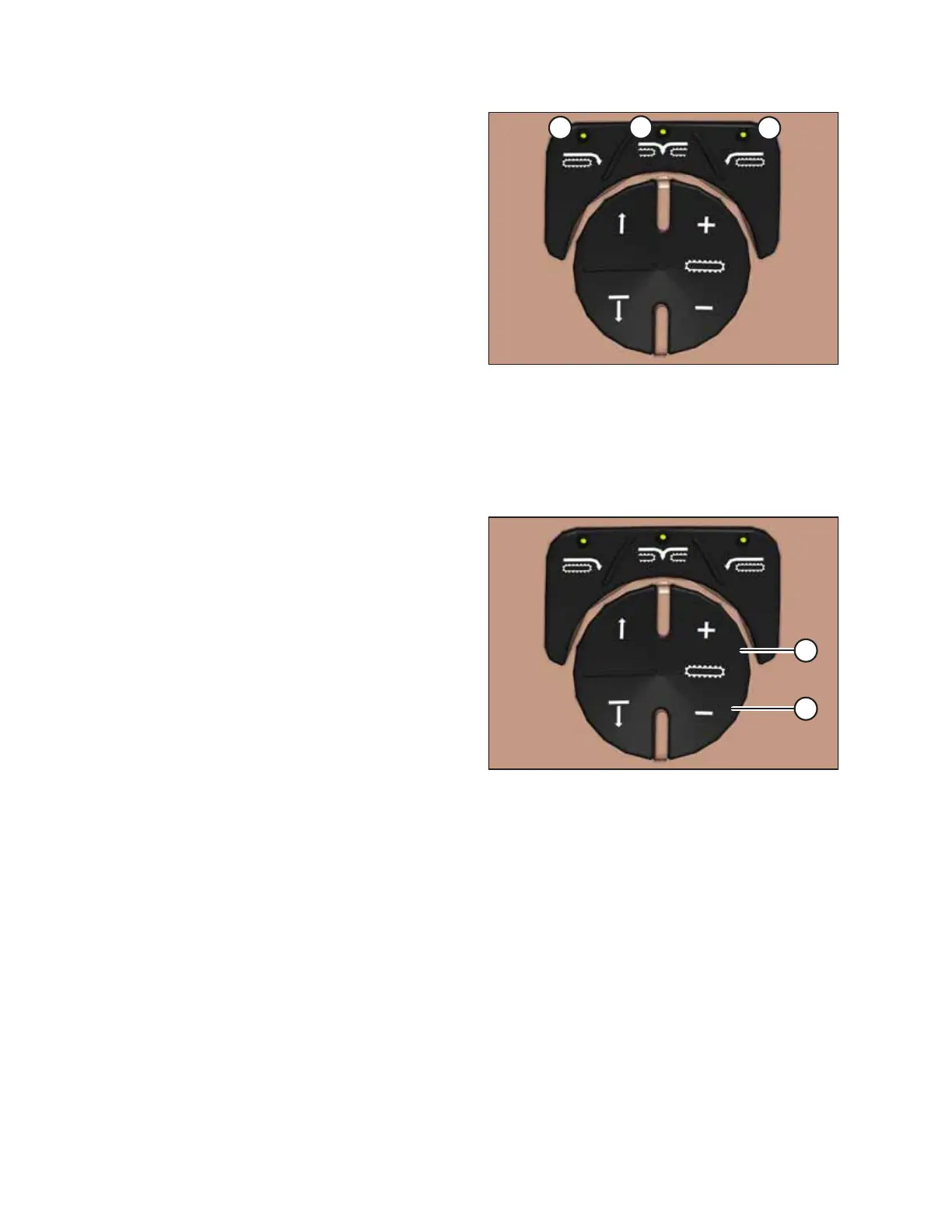
Figure 3.68: Header Switches
A - Float Preset 1 B - Float Preset 2
C - Float Preset 3
Float presets:
When used with a rotary disc header, auger header, or draper
header, these buttons select header float presets. For
instructions, refer to 4.8.3 Setting Float Options with Fixed Deck,
page 311 to learn how to preset the float.
NOTE:
For detailed switch operating modes, refer to the section in this
manual that is specific to your header.
Conveyor Speed Adjustment Buttons
Buttons to control header functions are located on the console.
Figure 3.69: Operator’s Console Conveyor Controls
Adjust the header or double windrow attachment (DWA)
conveyor speed by pressing switch (A) to increase the speed, or
switch (B) to decrease the speed.
Conveyor speed can be adjusted in either manual or auto
modes. For instructions, refer to 4.6.6 Adjusting Draper Speed,
page 276 for more information.
OPERATOR’S STATION



 To Next Page