215916 67 Revision A
3.14.1 Using Eco Engine Control
Eco Engine Control (EEC) is useful in lighter crop conditions that do not require the maximum engine rpm. The reduced
engine speed lowers fuel consumption, noise levels, and exhaust emissions in addition to reducing engine wear.
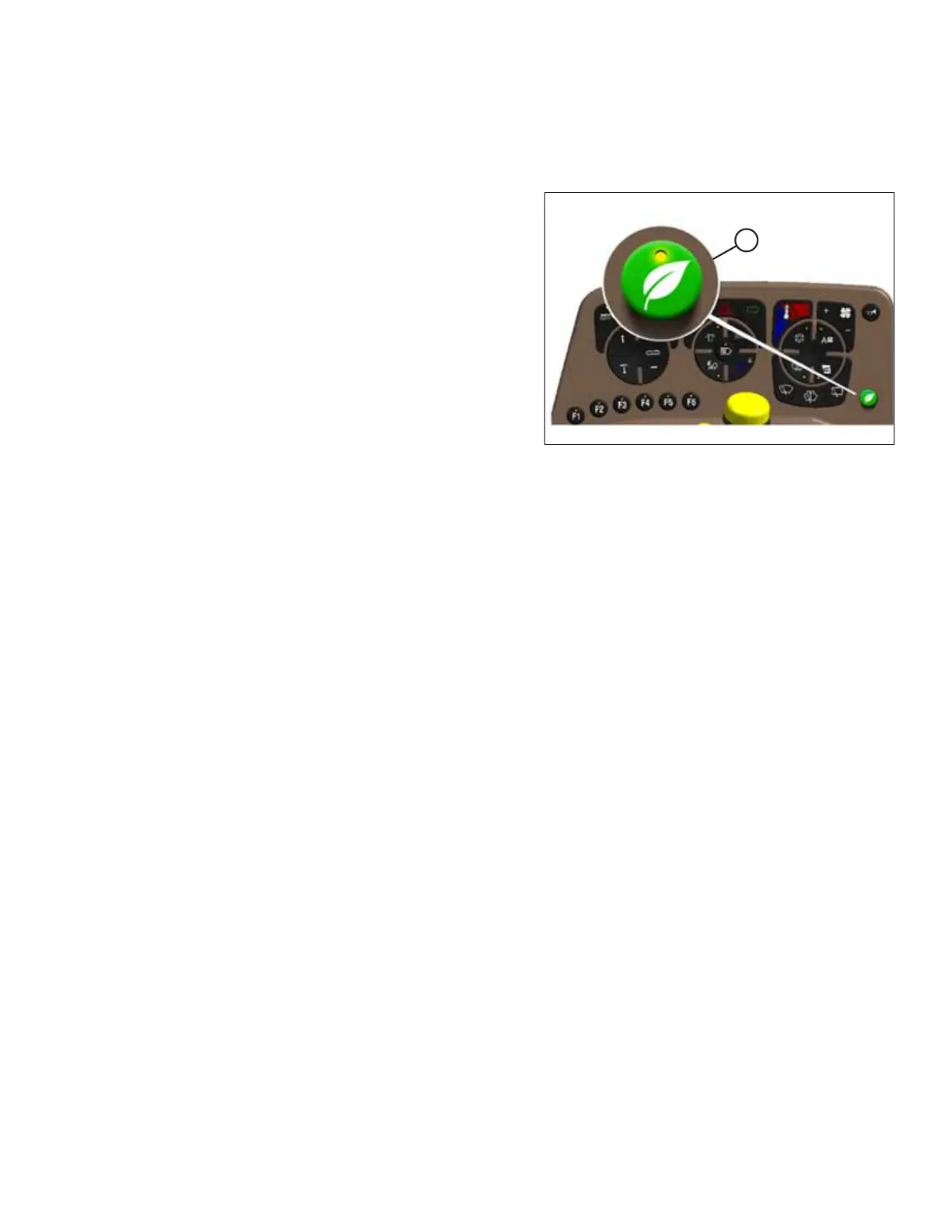
Figure 3.53: Eco Engine Control (EEC)
The EEC limits the engine to 1900–2200 rpm when the header is
engaged, and is adjustable in 100 rpm increments. Activate this
feature by using EEC button (A) on the operator’s console. The
EEC symbol will display on the Harvest Performance Tracker
(HPT) screen over the right side of the tachometer.
The EEC feature will be active only when the header is engaged,
but can be adjusted without the header running. When the
header is disengaged, EEC will be canceled and engine rpm will
return to the setting determined by the throttle.
Use the QuickMenu to adjust EEC rpm. For instructions, refer to
QuickMenu System, page 83.
OPERATOR’S STATION



 To Next Page