215916 95 Revision A
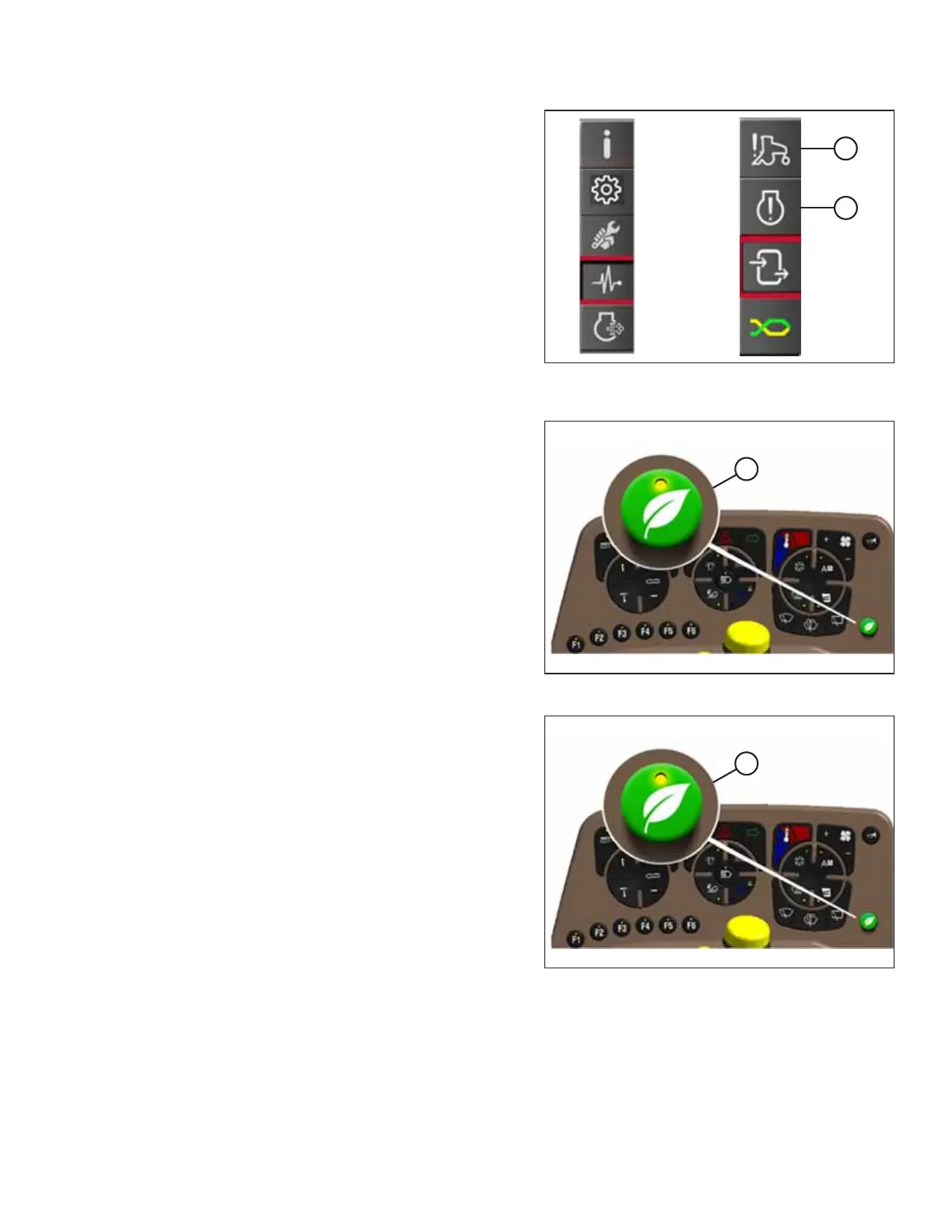
Figure 3.108: Diagnostics Icon and Diagnostics
Submenu Icon
4. Scroll to windrower fault codes (A) or engine fault codes (B)
and select it to open the fault window.
5. Verify on the screen that there are no active error
messages. You must resolve all active fault codes before
you can clear the fault codes.
Figure 3.109: Eco Engine Control (EEC) Button
6. Press and hold eco engine control button (A) for 5 seconds.
The CONFIRM YES/NO dialog box is displayed.
7. Select YES to save changes and close the dialog box, or
select NO to close the dialog box without saving changes.
Figure 3.110: Eco Engine Control (EEC) Button
8. If previously activated, press eco engine control button (A)
to reactivate this feature.
OPERATOR’S STATION



 To Next Page