215916 234 Revision A
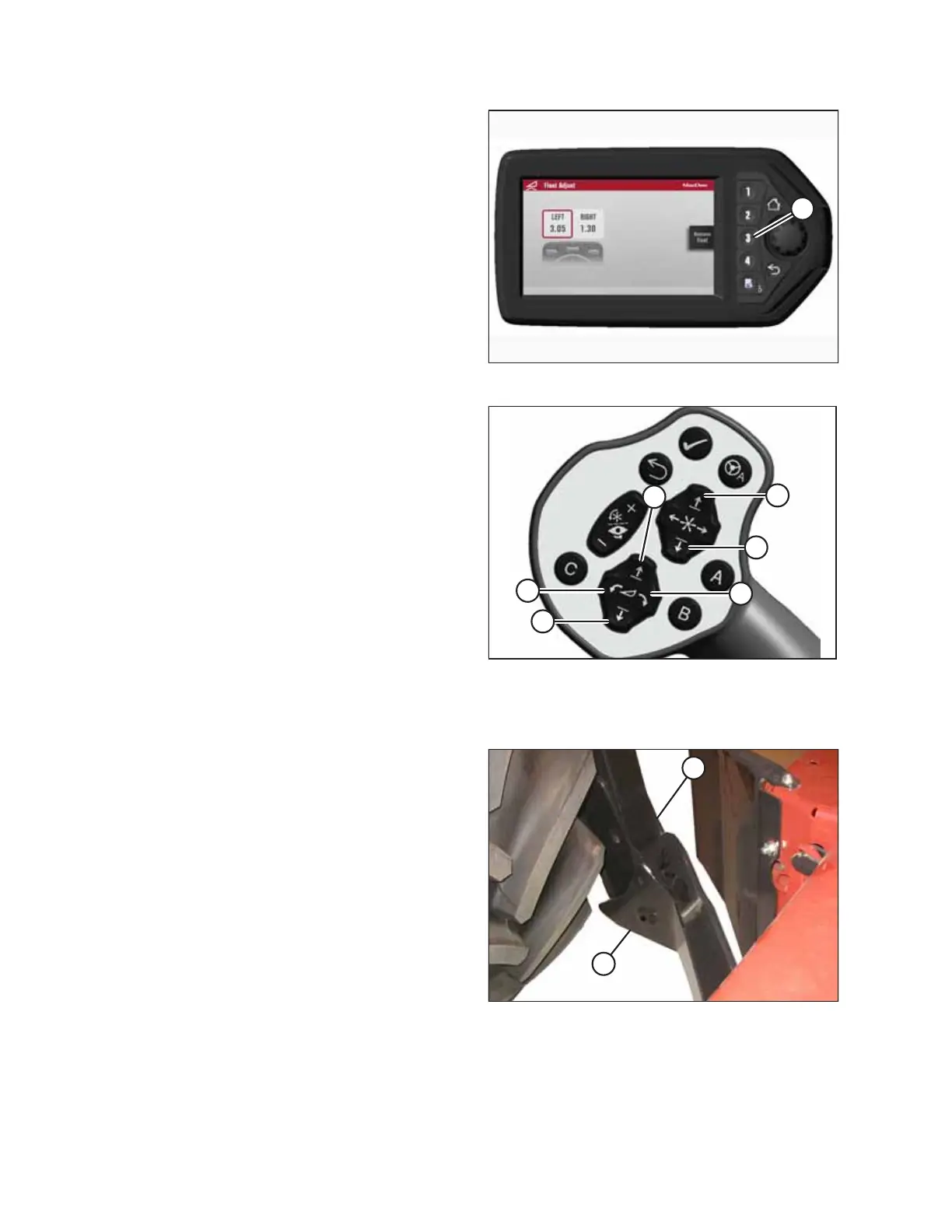
Figure 4.277: HPT Display
6. On the FLOAT ADJUST page, press soft key 3 (A) to remove
the header float.
NOTE:
If the header float is active, the icon at soft key 3 will say
REMOVE FLOAT; if the header float has been removed, then
the icon will say RESUME FLOAT.
Figure 4.278: GSL
A - Reel Down B - Reel Up
C - Header Tilt Down D - Header Tilt Up
E - Header Down F - Header Up
7. Press HEADER DOWN switch (E) on the ground speed lever
(GSL) to fully retract the header lift cylinders.
8. Press REEL UP switch (B) on the GSL to raise the center-link
until the hook is above the attachment pin on the header.
IMPORTANT:
If the center-link is too low, it may contact the header as
the windrower approaches the header.
Figure 4.279: Header Support
9. Slowly drive the windrower forward until windrower
feet (A) enter header supports (B). Continue to drive
forward slowly until the feet engage the supports and the
header is nudged forward.
10. Ensure that the lift linkages are properly engaged in the
header legs.
OPERATION



 To Next Page