215916 283 Revision A
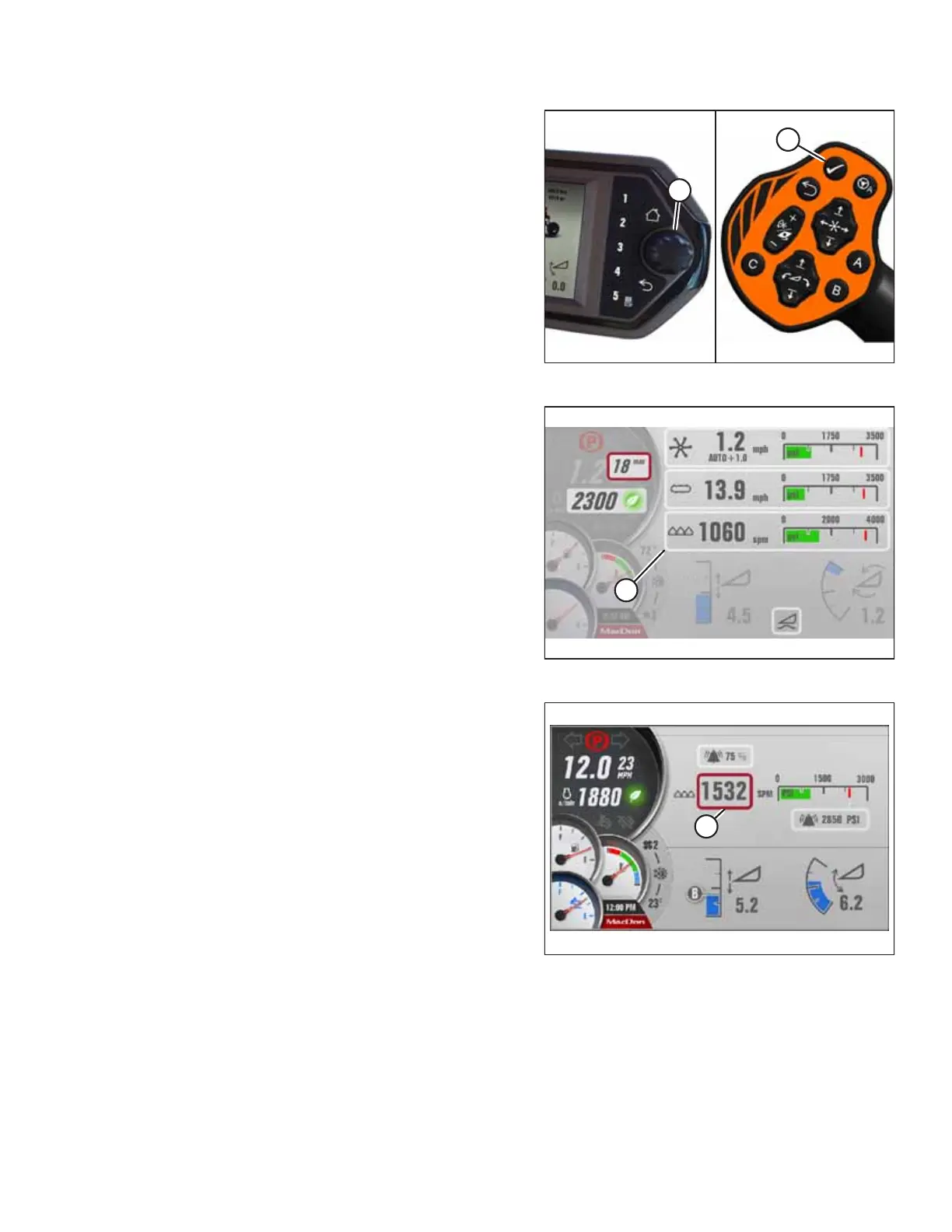
Figure 4.390: HPT Scroll Knob and GSL Select Button
2. Press scroll knob (A) on the HPT or SELECT button (B) on
the ground speed lever (GSL) to display the
QuickMenu page.
Figure 4.391: Draper Header QuickMenu
3. Scroll to KNIFE setting (A) on the QuickMenu page, and
select it.
Figure 4.392: Setting Knife Speed
4. Scroll to and select KNIFE SPEED setting (A).
5. Adjust the knife speed using the HPT scroll knob.
6. Press the scroll knob to select.
OPERATION



 To Next Page