215916 387 Revision A
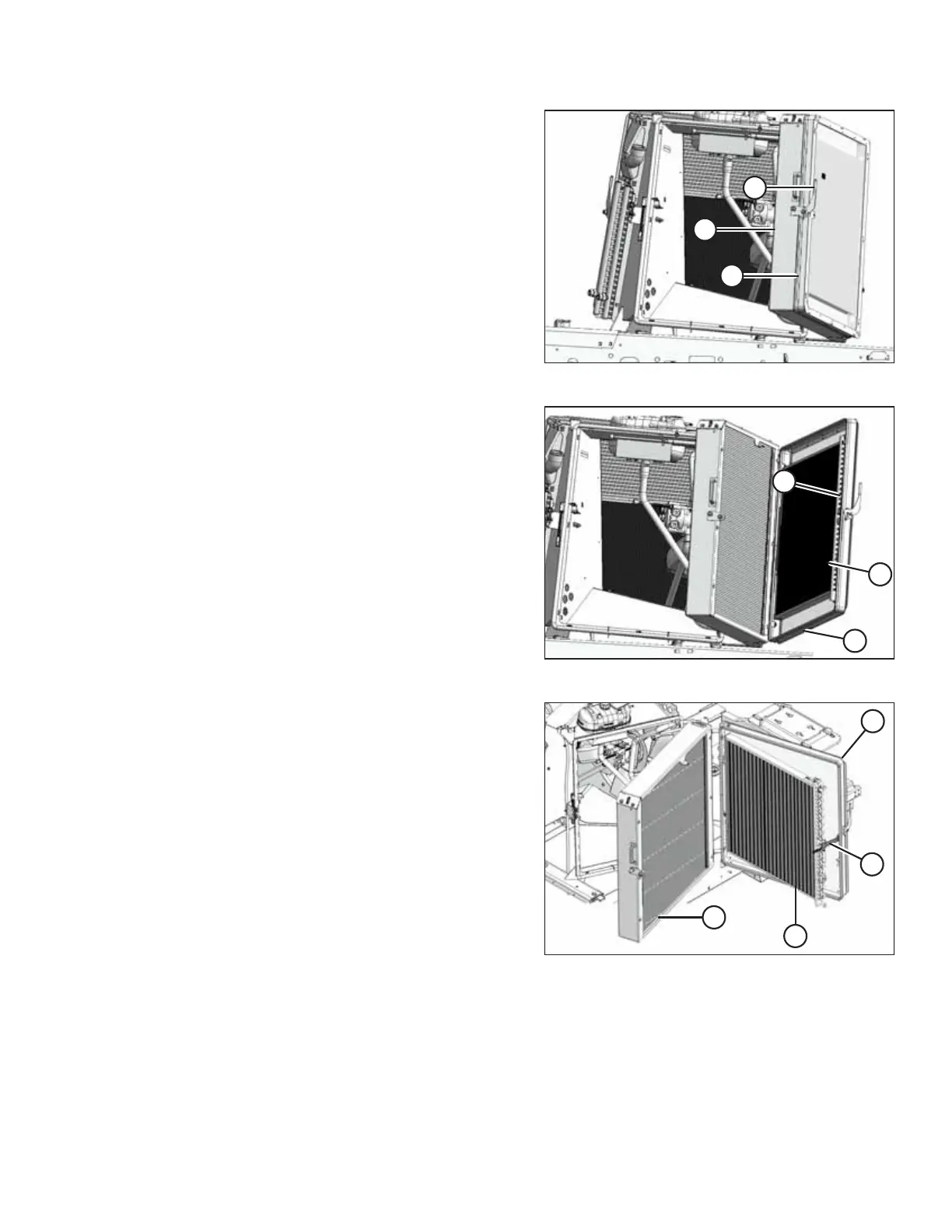
Figure 5.78: Left Cooler Module
2. Lower lever (A) to release screen/condenser door (B) from
radiator (C), and open screen/condenser door (B).
Figure 5.79: Left Cooler Module
3. Pull lever (A) up to partially open condenser (B) away from
screen (C).
Figure 5.80: Left Cooler Module
4. Secure condenser (A) with bracket (B).
5. Clean debris from radiator (D), condenser (A), and
screen (C) with compressed air.
MAINTENANCE AND SERVICING



 To Next Page