215916 161 Revision A
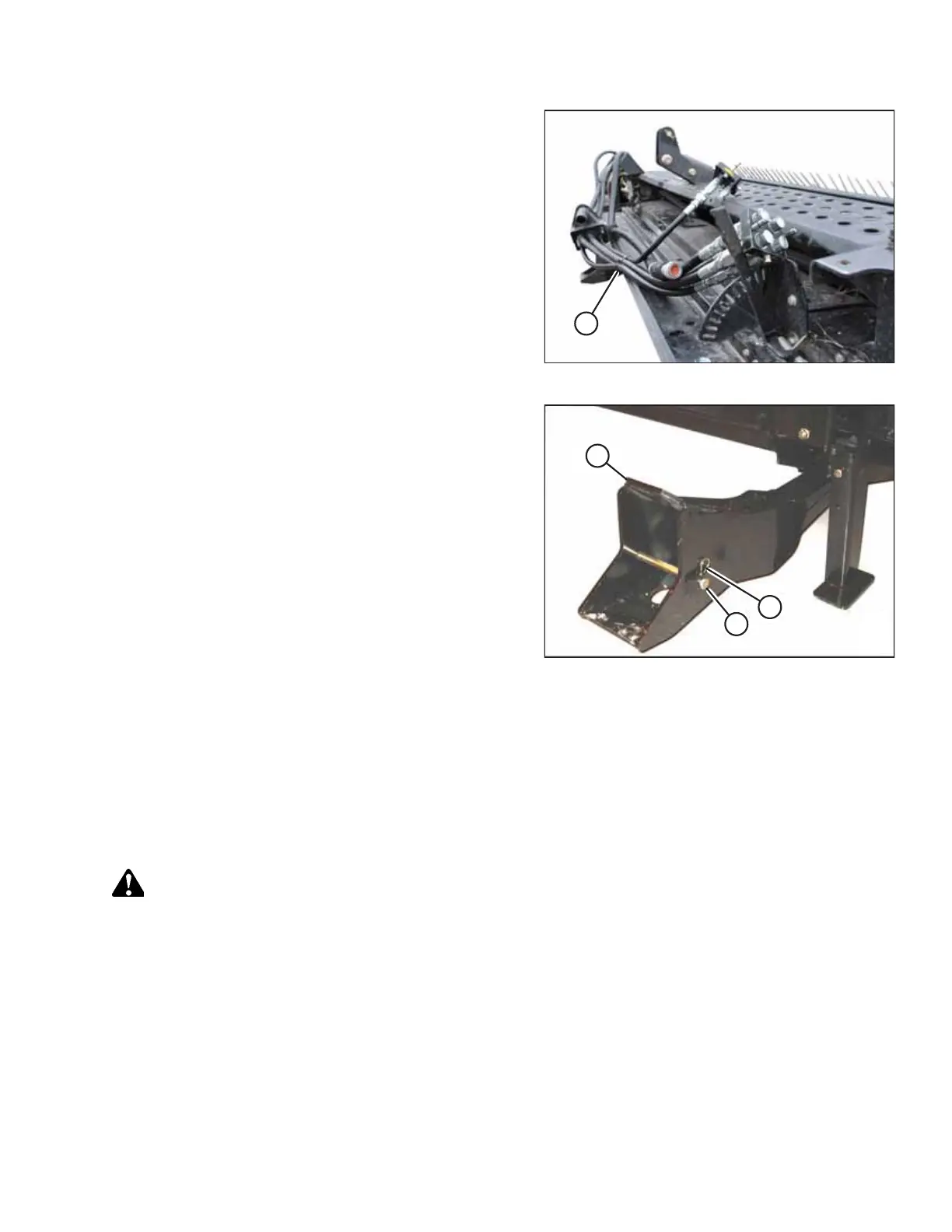
Figure 4.99: Hydraulics Hoses in Storage Position
18. Place hydraulics/electrical bundle (A) in the storage position
on the header.
19. Back the windrower slowly away from the header.
Figure 4.100: Header Support
20. Reinstall clevis pin (B) into header support (C) and secure
with hairpin (A). Repeat for the opposite side.
4.4.2 D1X or D1XL Series Draper Header
This section details the procedures necessary to physically attach a D1X or D1XL header to a windrower and to attach its
hydraulic and electrical connections. The procedures may vary slightly depending on the configuration of the windrower.
Attaching Draper Header Supports
Draper header supports are required to attach the header to the windrower.
DANGER
To prevent bodily injury or death from the unexpected startup of the machine, always stop the engine and remove the
key from the ignition before leaving the operator’s seat for any reason.
If not installed, attach the draper header support (supplied with the header) to the windrower lift linkage as follows:
1. Shut down the engine, and remove the key from the ignition.
OPERATION



 To Next Page