215916 247 Revision A
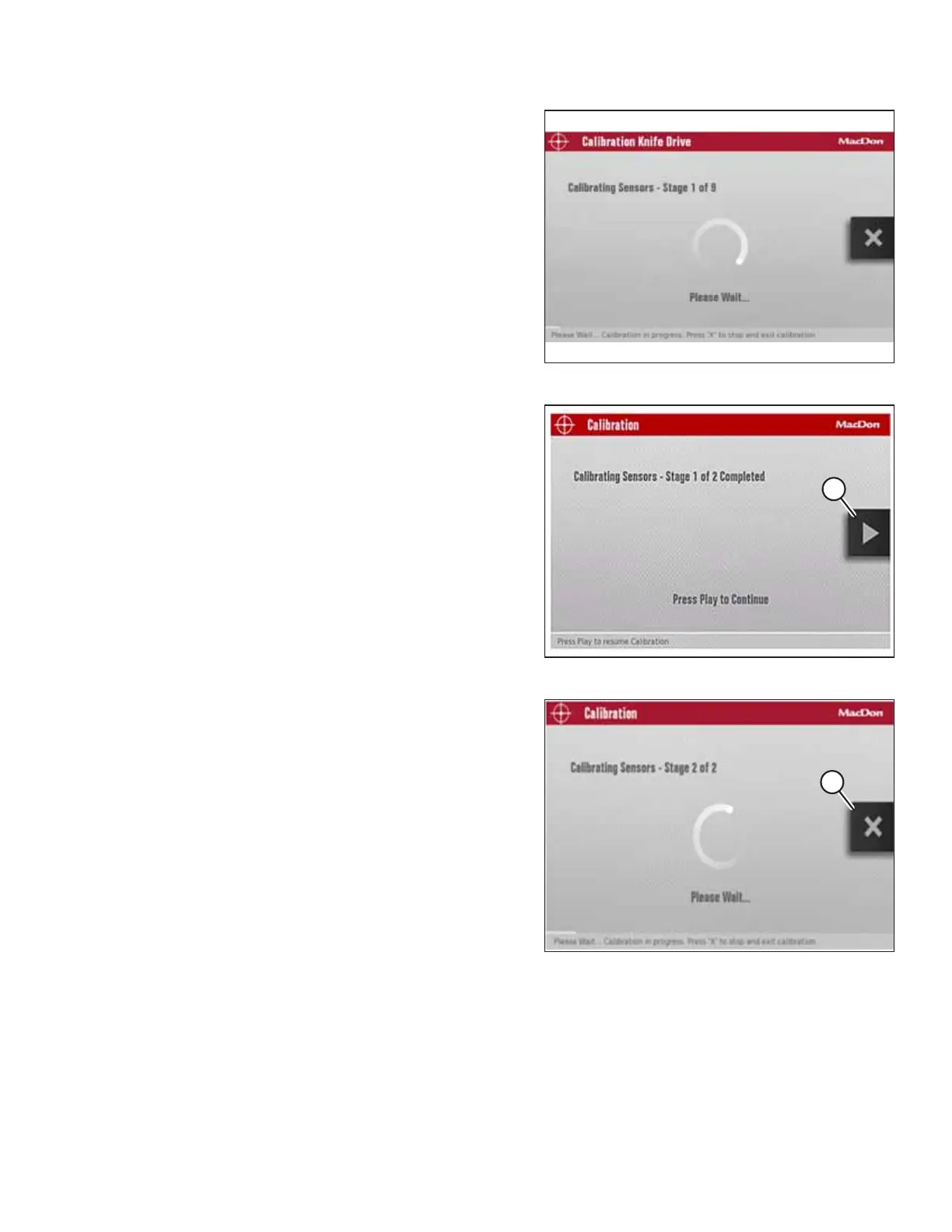
Figure 4.310: Calibration Screen
9. Press the PLAY icon on the screen to begin the calibration
process. The display on the screen changes to show that
the calibration procedure has started.
NOTE:
If the engine speed is less than 1500 rpm prior to starting
the calibration procedure, the system will raise the engine
speed to 1500 rpm.
Figure 4.311: Calibration Page
10. When Stage 1 of the calibration is complete, press PLAY
icon (A) on the screen to continue with Stage 2 of the
calibration process.
NOTE:
Knife drive calibration consists of nine stages.
Figure 4.312: Calibration Page
11. Press the PLAY icon to begin the calibration process.
NOTE:
During the calibration procedure, the windrower’s
computer will vary the engine rpm and header speed.
NOTE:
Press X icon (A) on the screen or use the HEADER
DISENGAGE switch at any time during the calibration
process to exit the calibration procedure without saving
your progress. The engine speed will return to the original
rpm prior to starting the calibration process.
OPERATION



 To Next Page