215916 94 Revision A
4. Scroll through the available options on the HPT, select the desired item, and rotate the scroll knob to move through
the available options:
• LANGUAGE
– CZECH
– DANISH
– ENGLISH (default)
– FRENCH
– GERMAN
– LATVIAN
– SPANISH
• UNITS
– METRIC
– USA (default)
NOTE:
Refer to 8.2 Conversion Chart, page 509 for a comprehensive list of U.S. and metric units.
Clearing Fault Codes
The lists of inactive fault codes stored on the Harvest Performance Tracker (HPT) can be cleared using the operator
console.
1. Turn the ignition key to the ACC or RUN position. Make sure the engine is not running.
NOTE:
You cannot clear fault codes if the engine is running, or if there are any active fault codes.
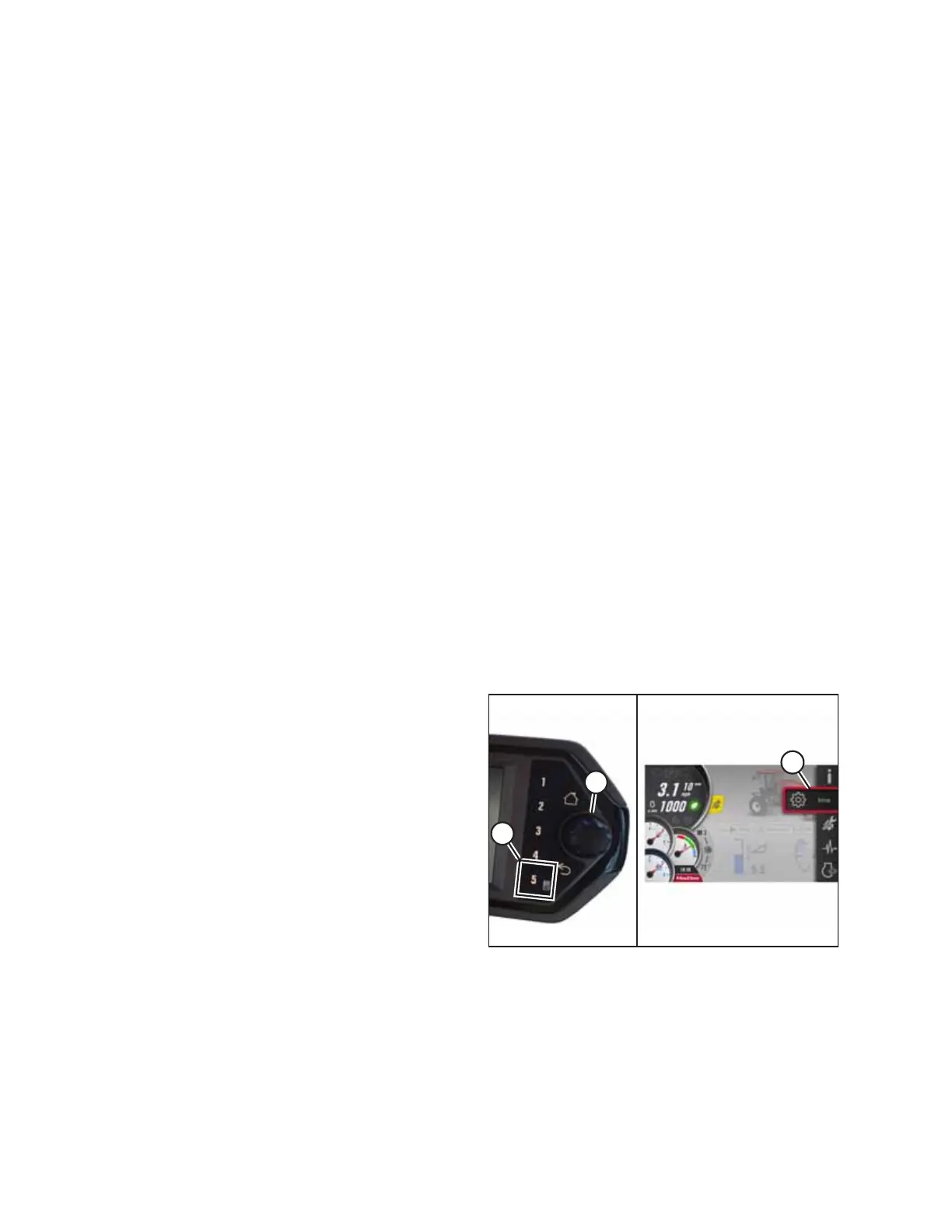
Figure 3.107: Opening the Main Menu
2. Press soft key 5 (A) to open the main menu or press SHIFT
and SELECT on the ground speed lever (GSL).
3. Use Harvest Performance Tracker (HPT) scroll knob (B) or
the GSL scroll wheel (not shown) to place red cursor (C)
over the diagnostics icon.
OPERATOR’S STATION



 To Next Page