215916 390 Revision A
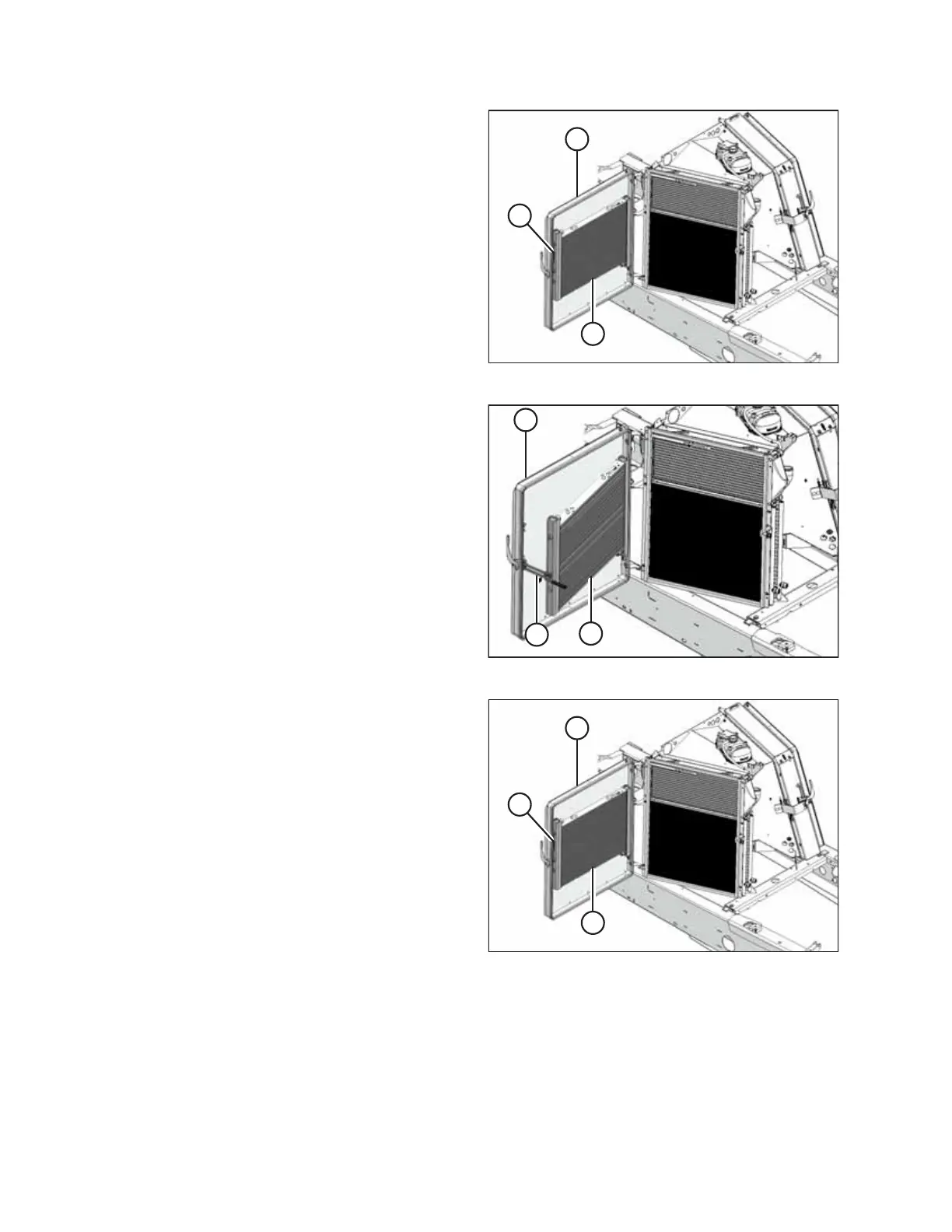
Figure 5.87: Right Cooler Module
4. At right cooler module, with screen/case drain cooler (A)
open, pull lever (B) to partially open cooler (C) away from
screen.
1019886
A
B
C
1019886
A
B
C
1019886
A
B
C
Figure 5.88: Right Cooler Module
5. Secure case drain cooler (A) with bracket (B).
6. Clean the debris from case drain cooler (A) and screen (C)
with compressed air.
Figure 5.89: Right Cooler Module
7. Close case drain cooler (C) into screen (A) and secure it
with bracket (B).
MAINTENANCE AND SERVICING



 To Next Page