215916 297 Revision A
Figure 4.421: Header QuickMenu Screen
3. Turn the knob to scroll to REEL setting (A) on the
QuickMenu, and press knob to select it. The next
page opens.
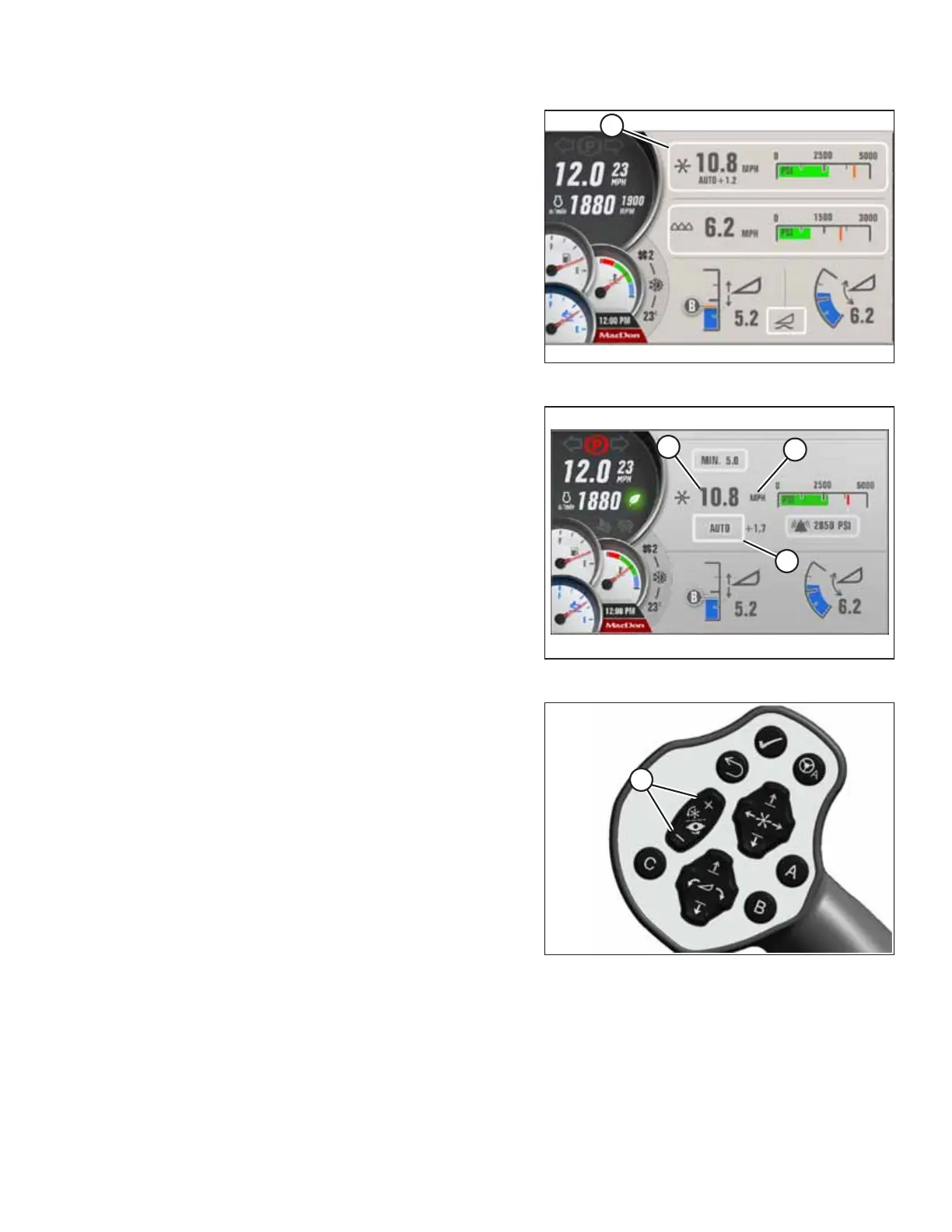
Figure 4.422: Auger Header Reel Screen
4. Scroll to mode window (A) and select it.
5. Scroll in pop-up window to MANUAL and select it.
6. Scroll to UNITS (B) and select the desired unit (that is rpm,
mph, or km/h).
7. Scroll to SPEED VALUE (C) and select it.
Figure 4.423: GSL
8. Use REEL SPEED switches (A) on GSL to set reel speed. The
desired speed increases 1 rpm (0.1 mph or 0.2 km/h if set
to mph or km/h) per momentary press, or continuous
scrolling if switch is pressed and held.
OPERATION



 To Next Page