Operation
Lifter
262 / 564
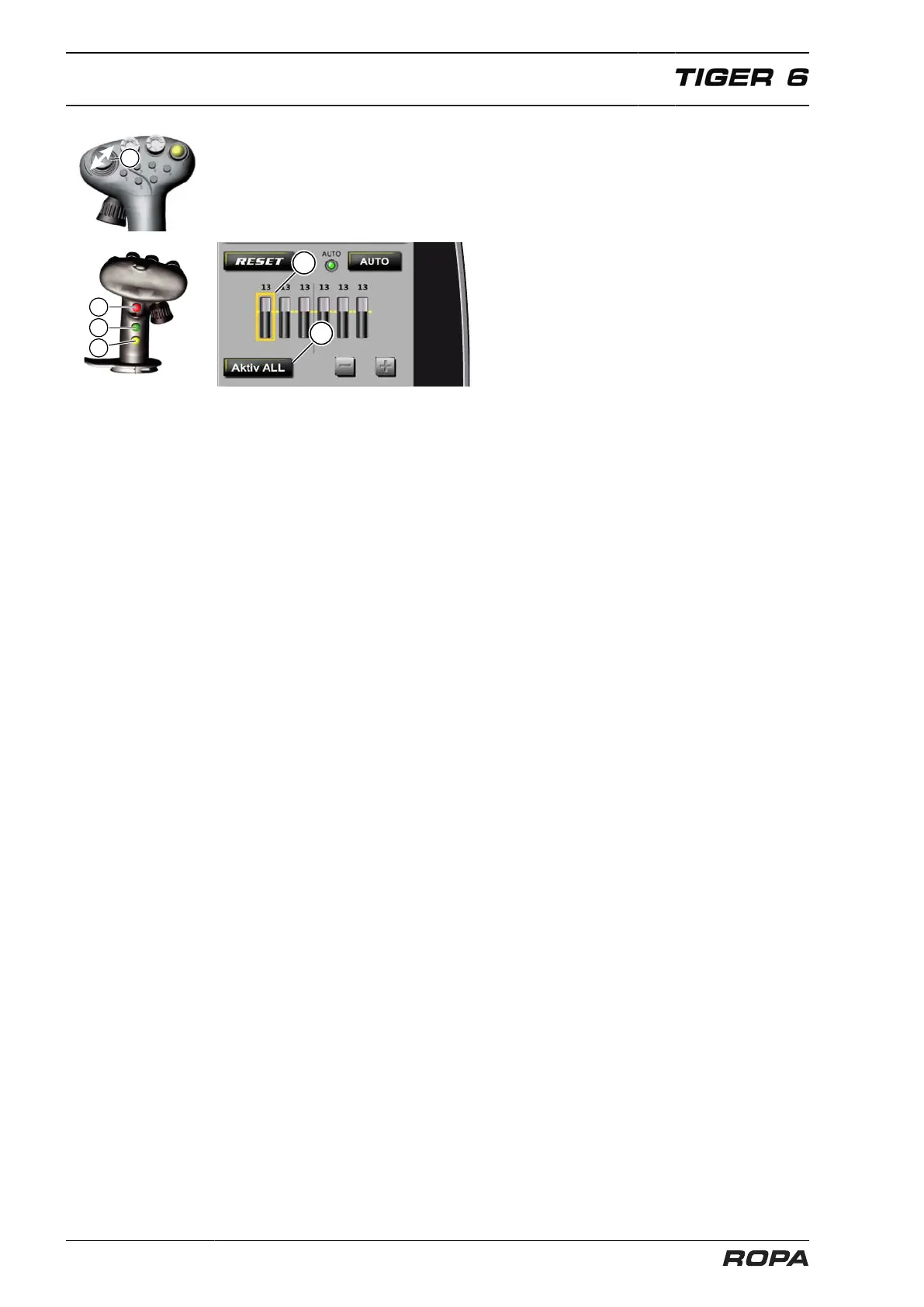
Adjust share depth mode of a single row
Press and hold the multi-key (11) and move the mini-joystick (1) left or right. This
selects the desired row (15).
Use the key (12) for flatter lifting or the key (13) for deeper lifting, to adjust the share
depth of the selected row.
Exit the single-row adjustment mode:
– by pressing and holding the (12) and (13) keys on the joystick
– by touching the "Activate ALL" switch panel (9)
– if no adjustment is made for 5 seconds
Rows are then adjusted synchronously again. The height ratio of all rows is retained.
Set all rows to the same share depth
– by raising the three-point suspension AND activating a different steering mode.
This allows the three-point suspension to be raised at any time and the machine to
be reversed a few metres back without adjusting a share depth.
– by touching the "RESET" switch panel (3).
The share depth is adjusted to the last common share depth of all rows.



 To Next Page