Operation
Bunker unloading
329 / 564
If you press additionally to the key multi-key (56) on the unload conveyor operat-
ing panel, the unloading conveyor articulation part 2 (2) is swung downwards.
(52) Unloading conveyor height 1
When pressing shortly this key, the unload conveyor automatically moves to the height
currently saved for this key. When the unload conveyor moves to the saved height,
LED in the key flashes. When the saved unload conveyor height is reached, the
LED lights constantly.
Saving the unload conveyor height:
Set height manually. For this purpose, press the keys (50) "Raise unload conveyor"
respectively (51) "Lower unload conveyor", until the unload conveyor has reached
the desired height. You can save the current unload conveyor height on the key
pressing continuously (about 5 sec.) the key for unload conveyor height 1 (52). A suc-
cessful save is confirmed by a beep sound. Thus, the current unload conveyor height
is permanently saved on this key until you save a new unload conveyor height on it.
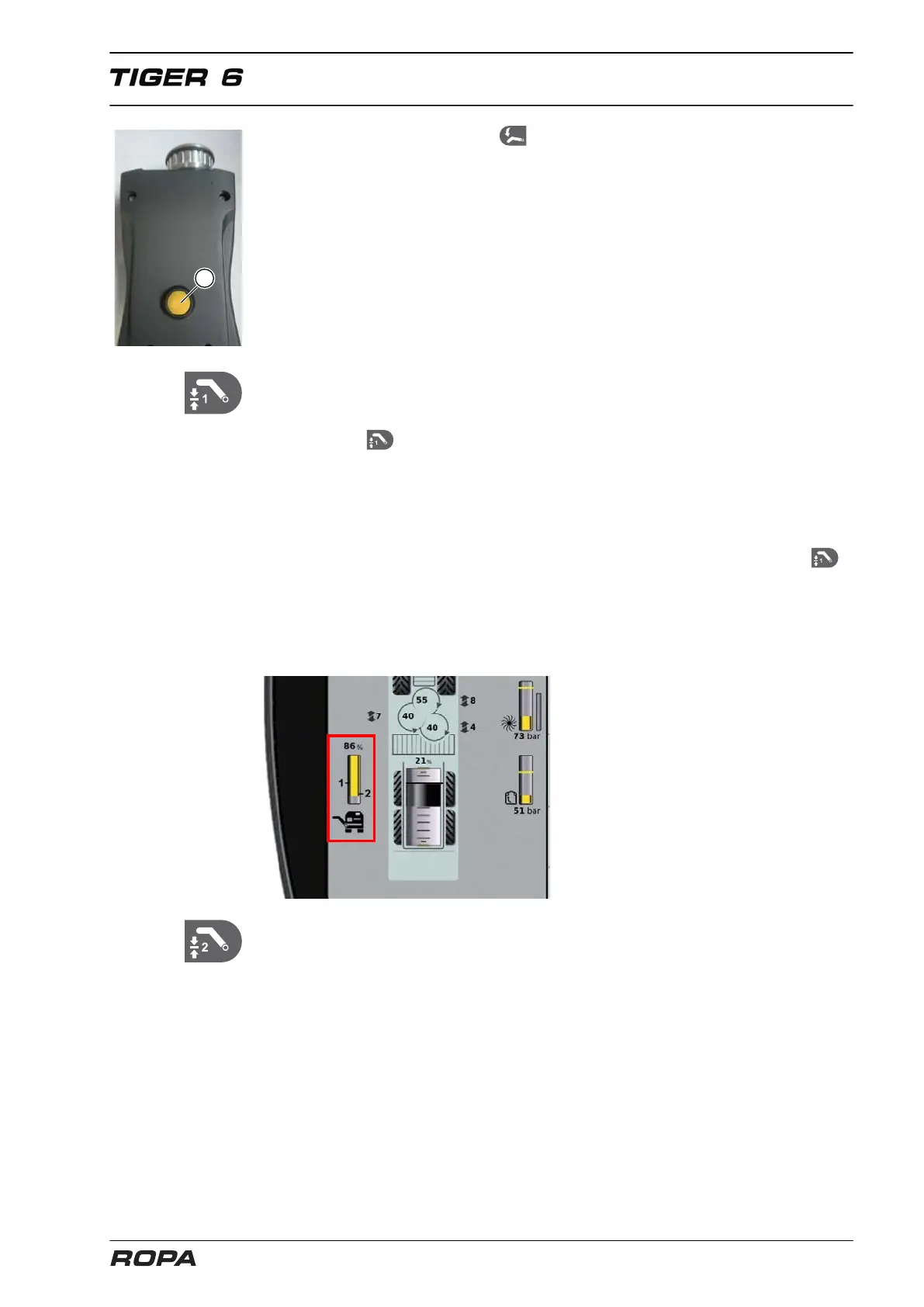
You can see on the R-Touch the current unloading conveyor height in % and the
saved unloading conveyor heights 1 and 2.
(53) Unloading conveyor height 2
When pressing this key, the unload conveyor automatically moves to the height
currently saved for this key. Saving the unload conveyor height corresponds to the
description of the unload conveyor height 1.



 To Next Page