On-screen basics 3 Getting started
Button Function Tap to.../Indicates...
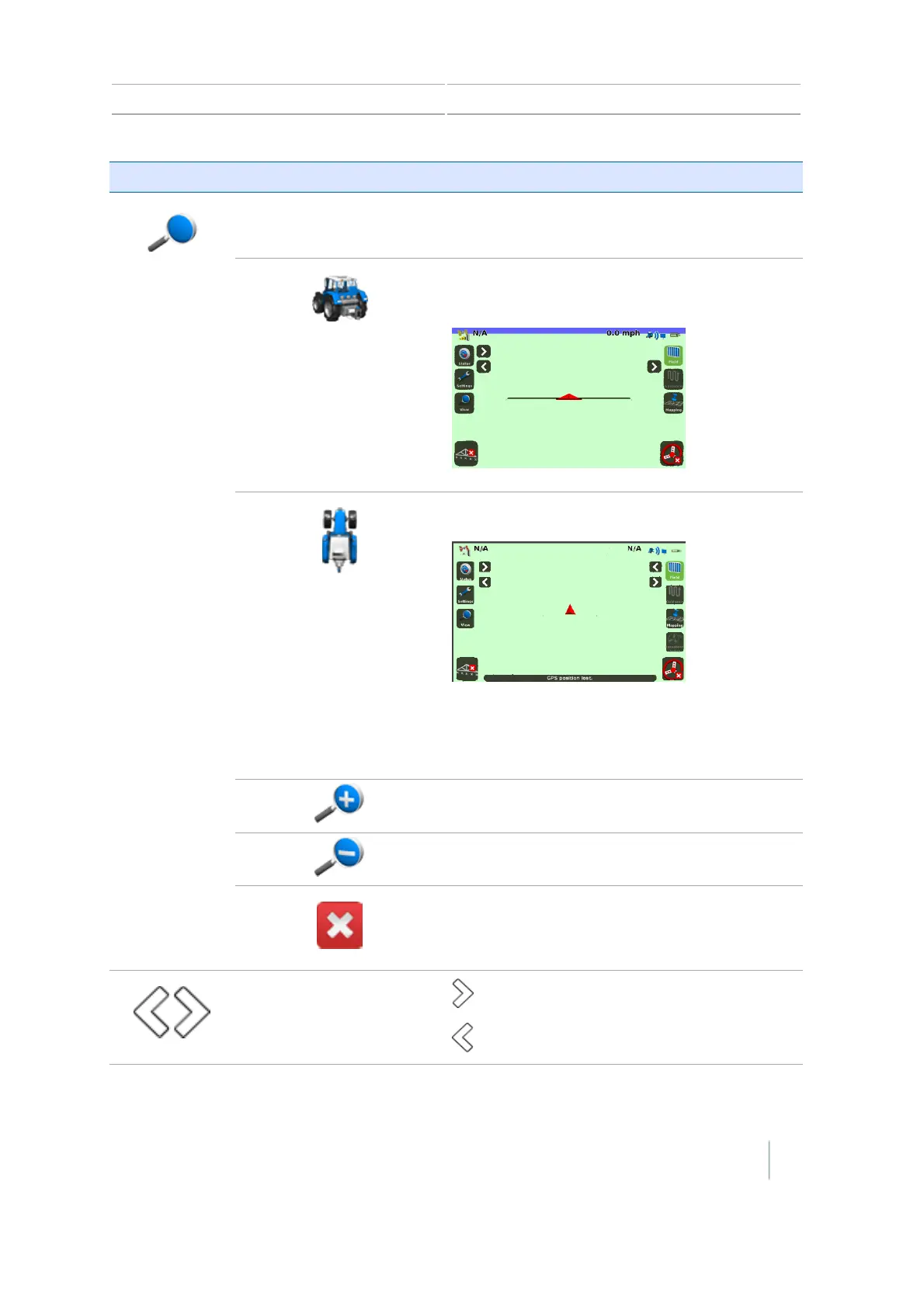
View
Open view controls.
Toggles the view from overhead view to trailing
view.
Toggles the view from trailing view to overhead.
Note – By default, the view switches from
Overhead to Trailing when you approach the AB
line.
Zoom in
Zoom out
Hide the view controls.
Hide or show controls.
to show hidden controls.
to hide controls.
Version 7.0, Revision A CFX-750 Display User Guide 47



 To Next Page