3 Getting started On-screen basics
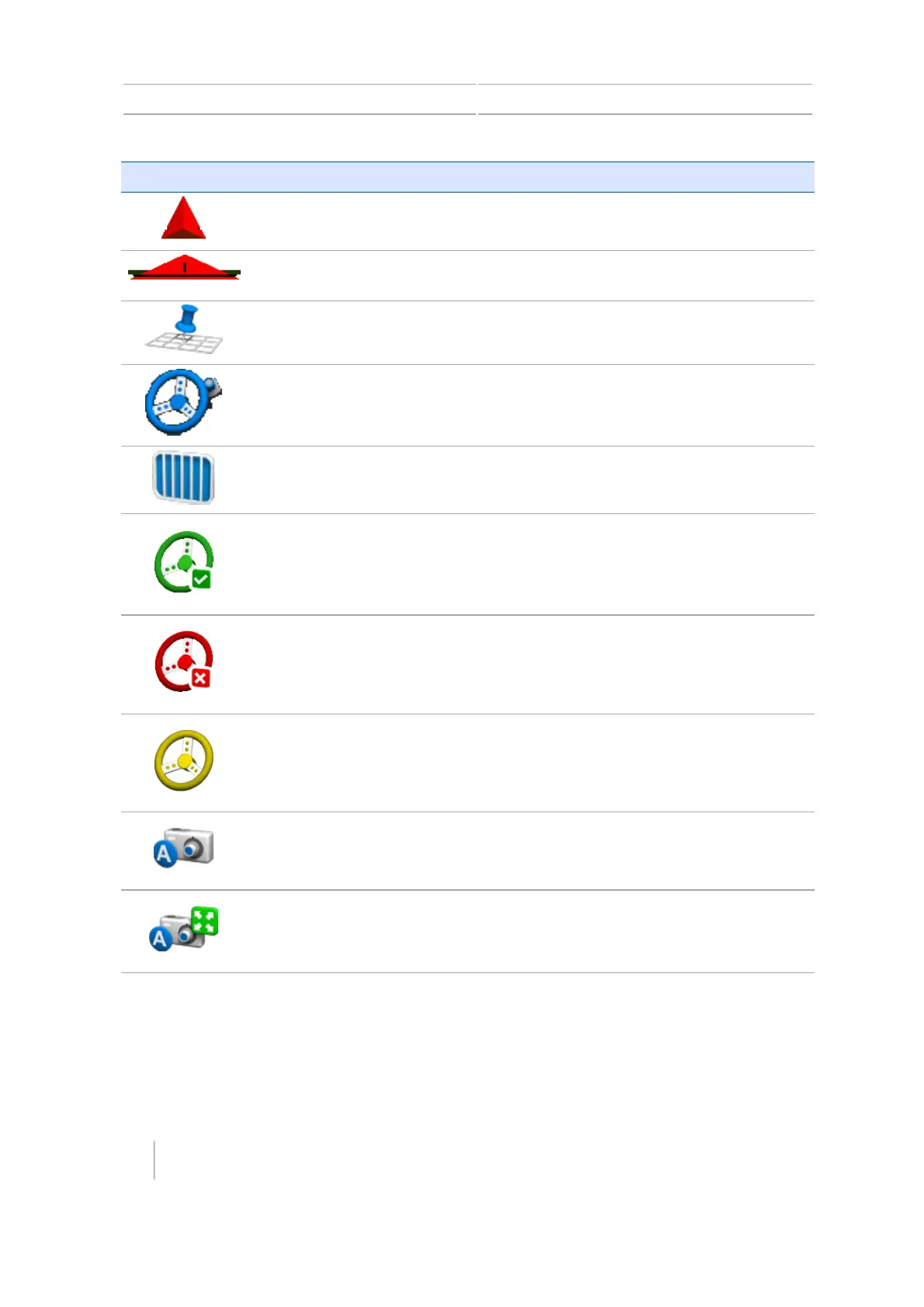
Button Function Tap to.../Indicates...
Toggle to show or hide
controls.
A shortcut to removing the controls so you can
view the guidance line labels.
Toggle to show or hide
controls.
A shortcut to removing the controls so you can
view the guidance line labels.
Opens mapping controls See
Map guidance and features, 202
.
Opens auto steering setup
Opens field controls See
Fields, 216
.
Disengage the automatic
steering system
To disengage the auto steering system. Indicates
you are currently automatically steering on a
guidance line/pattern.
Indicator only Indicates the automatic steering system cannot
be used.
Engage the automatic
steering
To engage. Indicates the automatic steering is
ready to be engaged.
Activate external video input
View full screen external
video
To replace guidance screen with video feed. Tap
again to resume guidance screen viewing.
48 CFX-750 Display User Guide Version 7.0, Revision A



 To Next Page