Alarms
ADM003GVAE1005 73
Define Global Alarms
dialog box
The Tank Gauge, Tank Digital, and Tank Mode Global Alarms are tied to Tank
points. Tank points have predefined alarms--meaning the user does not have to
build the alarm process. The user only has to enable the alarm and enter a value.
Note that in the above dialog box, if the predefined tank gauge alarm doesn’t
match the need of your system, a new global alarm can be defined and
associated with the relevant tank point. You can use these Global Alarms as a
reference for building other alarms. The RTU Comm. and RTU Status global
alarms are tied to the RTU connected to your system.
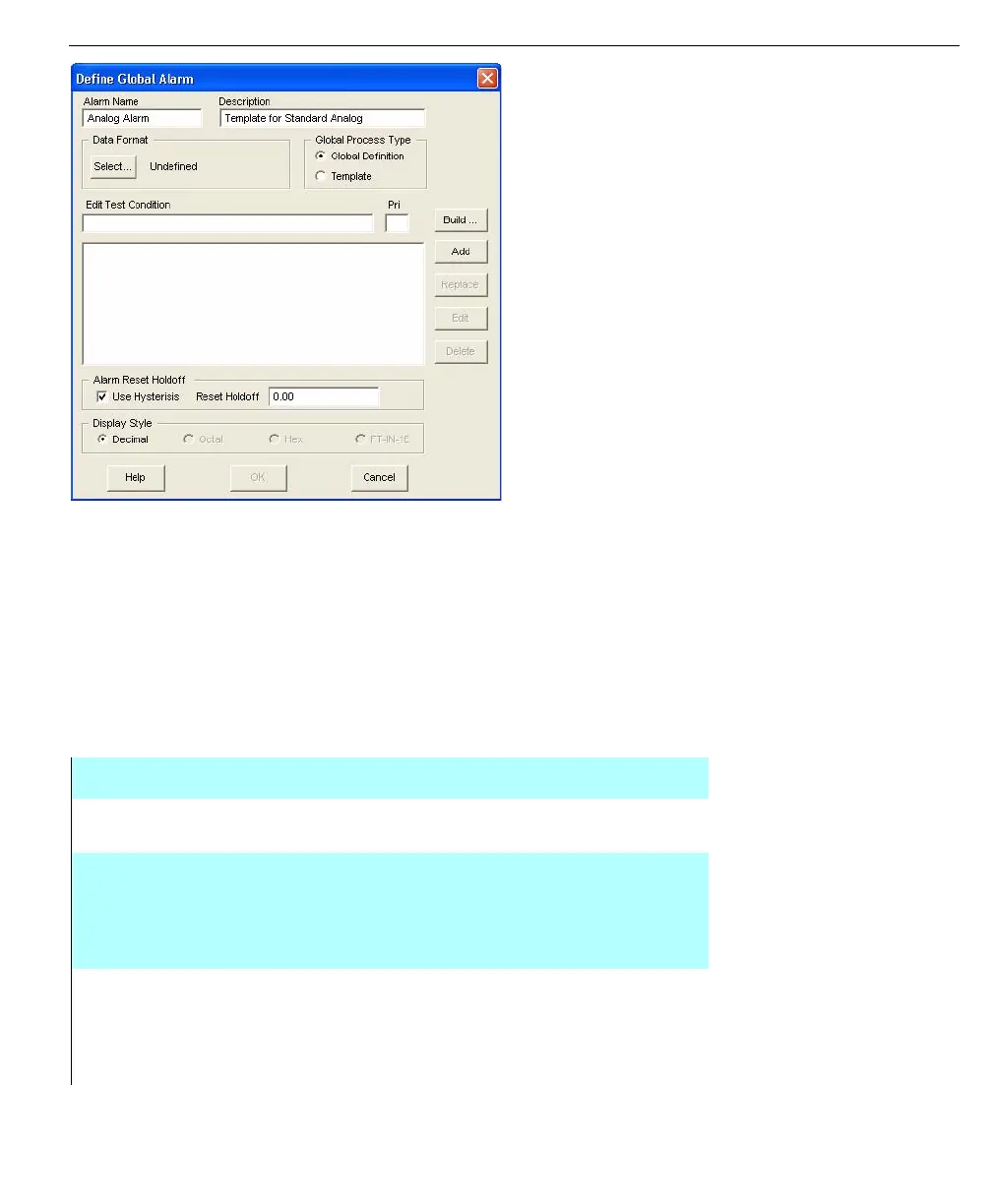
Define Global Alarm dialog box
DATA FORMAT This parameter defines the type of data value this alarm can
be applied to--Values, Word, Float, Double, Coded, etc.
USE
HYSTERESIS
This checkbox is used to determine when the alarm can
change status. It is helpful for values such as level and
temperature that may fluctuate by small amounts around
the alarm limit, thereby causing the alarm to activate again
and again.
RESET
HOLDOFF
This field is used to enter in a value for the hysteresis to
determine if the alarm should be on or off. For example,
suppose “0.1” is entered for the Reset Holdoff. If the High-
High alarm becomes active, the alarm will not clear until the
value falls by 0.1 or greater.



 To Next Page