FuelsManager Defense
74 Administrator Manual
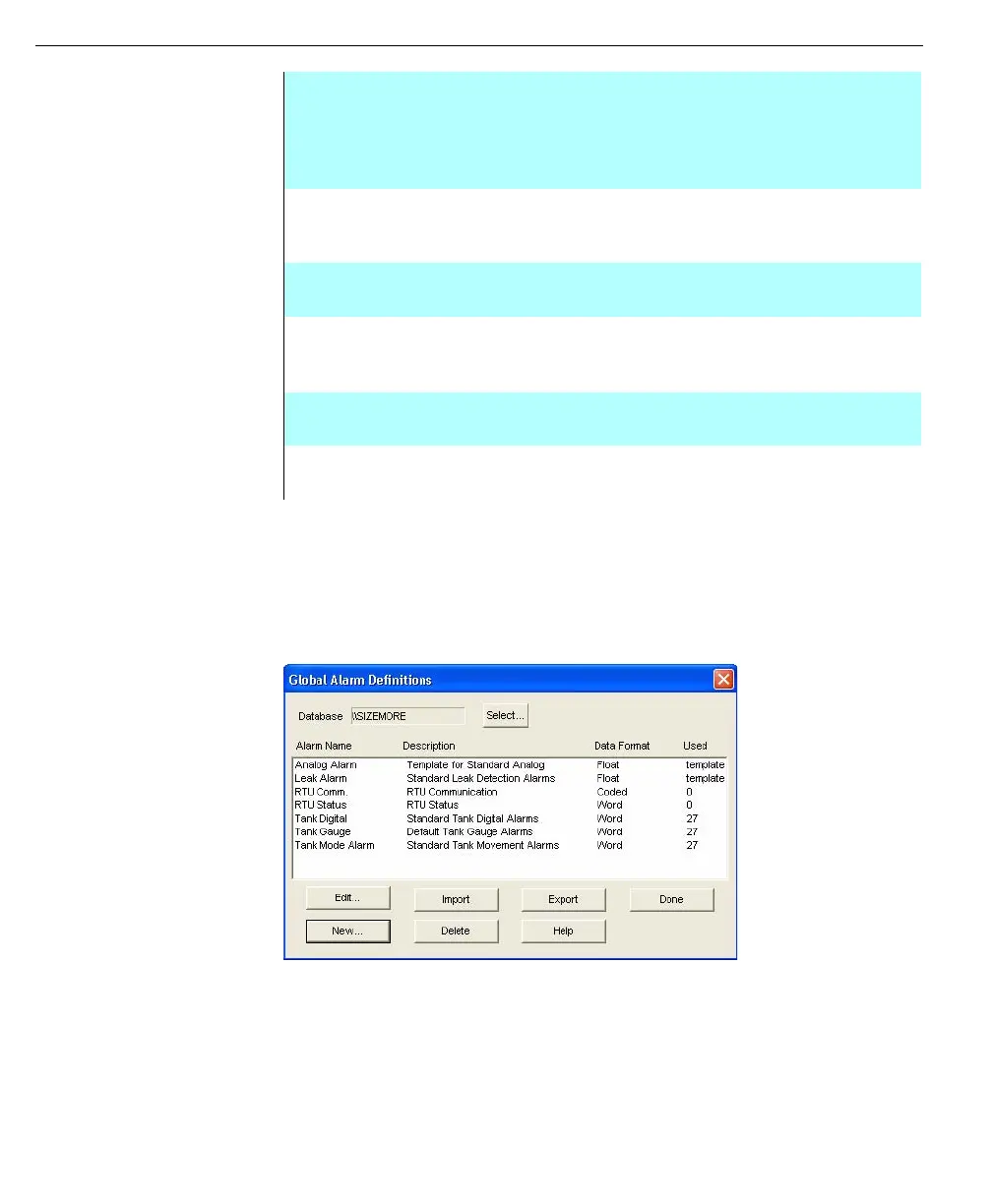
In the Used column, “template” indicates an Alarm Template. A number appearing
in the Used column identifies the number of database points using the Global
Alarm.
When a user edits a Global Alarm, the changes affect all assigned database
points. Editing involves changing the name, description, data format and alarm
limits. Editing an Alarm Template does not affect those points that have already
used the template.
Global Alarms
definitions dialog box
The Global Alarms Definitions dialog box lists all the Global Alarms and Alarm
Templates found in the system. The user can create, delete or edit a selected
Alarm Template or Global Alarm. When assigning alarms to a Global Alarm or
Alarm Template, the Alarm Name is used. A Data Format is assigned to each
Global Alarm or Alarm Template. Only database points of the selected format can
use the selected Global Alarm or Alarm Template.
DISPLAY STYLE this option determines how values are displayed in this
dialog box. Available options vary with the selected data
format.
BUILD This feature allows the user to create the actual alarm limit,
tests, and results. Refer to Build An Alarm Process for more
details.
ADD This feature will add the test condition to the conditions list
for the alarm.
REPLACE This feature allows test conditions to be replaced by the
new test condition defined in the Edit Test Condition dialog
box.
EDIT This feature allows an already existing test condition to be
modified.
DELETE This feature allows the selected test condition to be deleted
for the alarm.
Define Global Alarm dialog box



 To Next Page