OPERATING THE TRANSCEIVER
USING ENCRYPTION
ENVOY™ TRANSCEIVER REFERENCE MANUAL 81
Changing the privacy code
The CIVS scrambler operates on one of 32 codes. You can change the current privacy
code, if permitted.
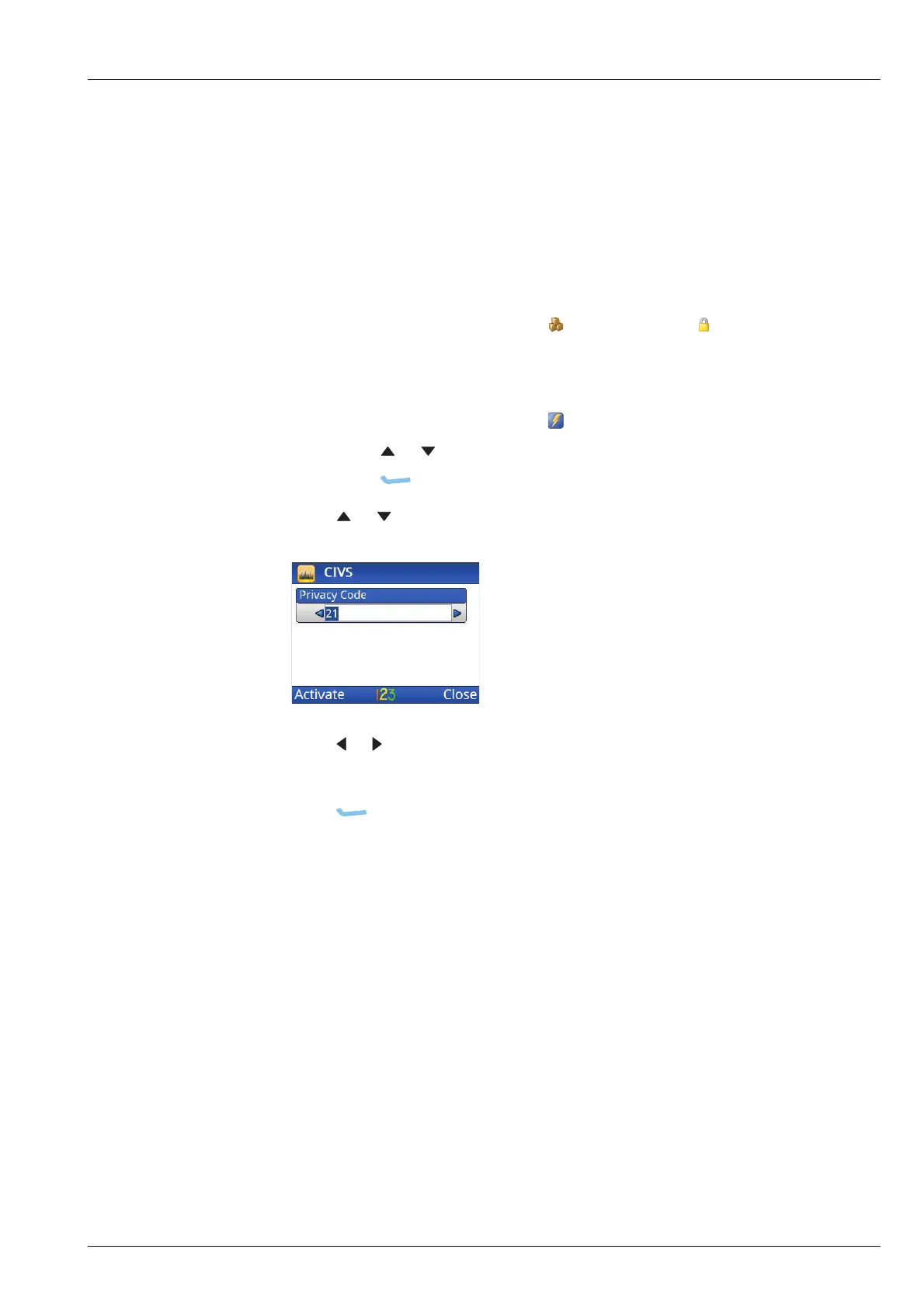
To select a privacy code:
1 If you are using a 2220 Handset or 2230 Desk Console, do one of the following:
• From the main menu, select (General), then (Secure).
• Hold SEC.
1 If you are using a 2221 Handset:
• From the main menu, select (Functions).
• Press or to scroll to the Secure Info function.
•Press (OK).
1 Press or to scroll to the Privacy Code entry.
1 Press or to select the code that you want to use.
Hold the key to scroll rapidly through the codes.
1 Press (Activate).
The transceiver goes secure on the selected code.
Related links:
CIVS voice scrambler on page 337
Setting the privacy code for CIVS on page 338
Setting user access to encryptor features on page 330



 To Next Page