OPERATING THE TRANSCEIVER
CALLING
ENVOY™ TRANSCEIVER REFERENCE MANUAL 61
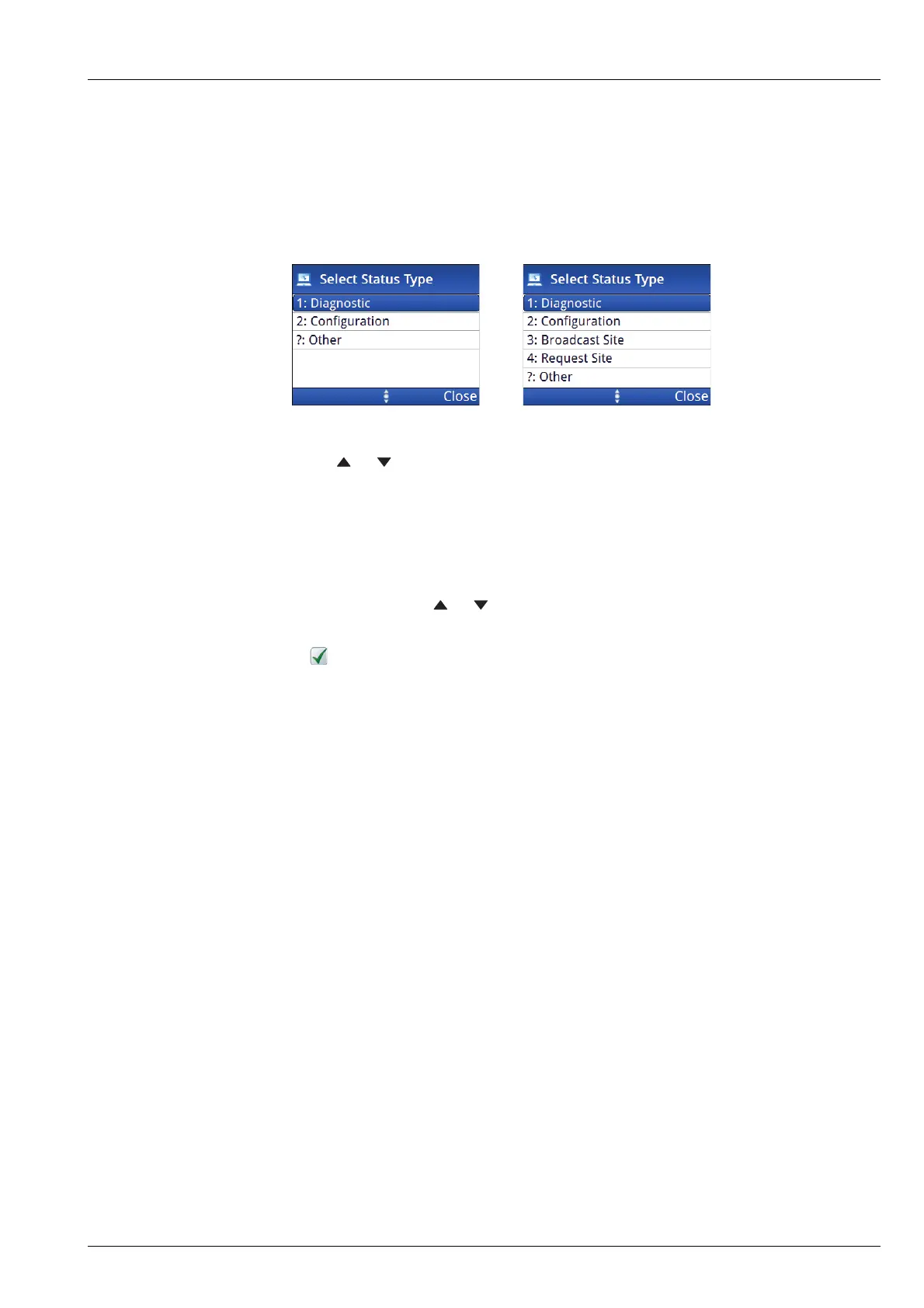
Figure 16: Available status types for a Get Status call in a Selcall or an
ALE/CALM HF network
1 Press or to scroll to the status type that you want to use, then press OK.
1 If you selected ?: Other as the status type, enter the text/command that you
want to send (Options), scroll to OK (Select).
NOTE: For information on over-the-air commands, please contact your
Codan representative.
1 If prompted, press or to scroll to the channel that you want to use, then
press CALL.
A is shown next to the currently selected channel/mode.
To abort the call before it is answered, press PTT or SCAN.
There will be audible beeps or a pop-up message to indicate that the call has
been successful.
Related links:
Get Status call on page 437
ALE Site Manager on page 240
MIL-STD-188-141B ALE on page 143
Entering text in a field on page 103
Respond OTA on page 237
Selcall HF network ALE/CALM HF network
MIL-STD-188-141B ALE option
ALE Site Manager:
Auto
Manual
Restricted



 To Next Page