CONTACTS
WORKING WITH CONTACTS
170 ENVOY™ TRANSCEIVER REFERENCE MANUAL
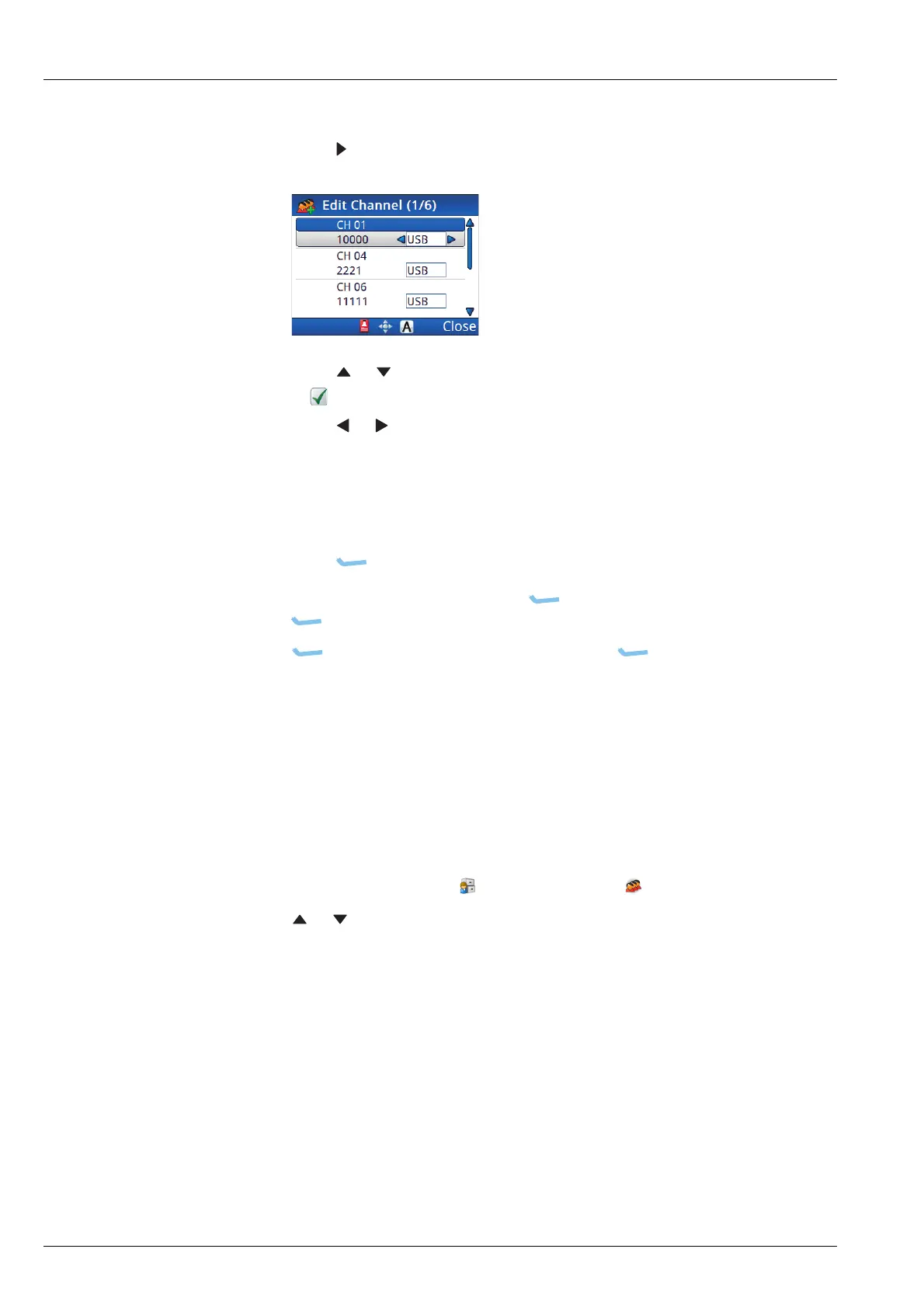
1 To select a channel:
• Press to view the list of available channels.
• Press or to scroll to the channel that you want to use, then press OK.
A is shown next to the channel/mode.
• Press or to change the mode, if required.
NOTE: If you are not able to select a different mode, then only one
mode is allowed for this channel. If you want to use a
different mode, go to the relevant scan table, duplicate the
channel, then select the new mode for this channel.
•Press (Save).
1 If you want to add another call, press (Options), scroll to Add Call,
press (Select), then repeat the steps for adding a call.
1 Press (Options), scroll to Save, then press (Select).
Editing a contact
Editing a contact is similar to adding a contact.
To edit a contact:
1 From the main menu, select (User Data), then (Contacts).
1 Press or to scroll to the contact that you want to edit, then press OK.
1 Continue with the process for adding a contact.
Related links:
Adding a contact on page 163



 To Next Page