214323 189 Revision A
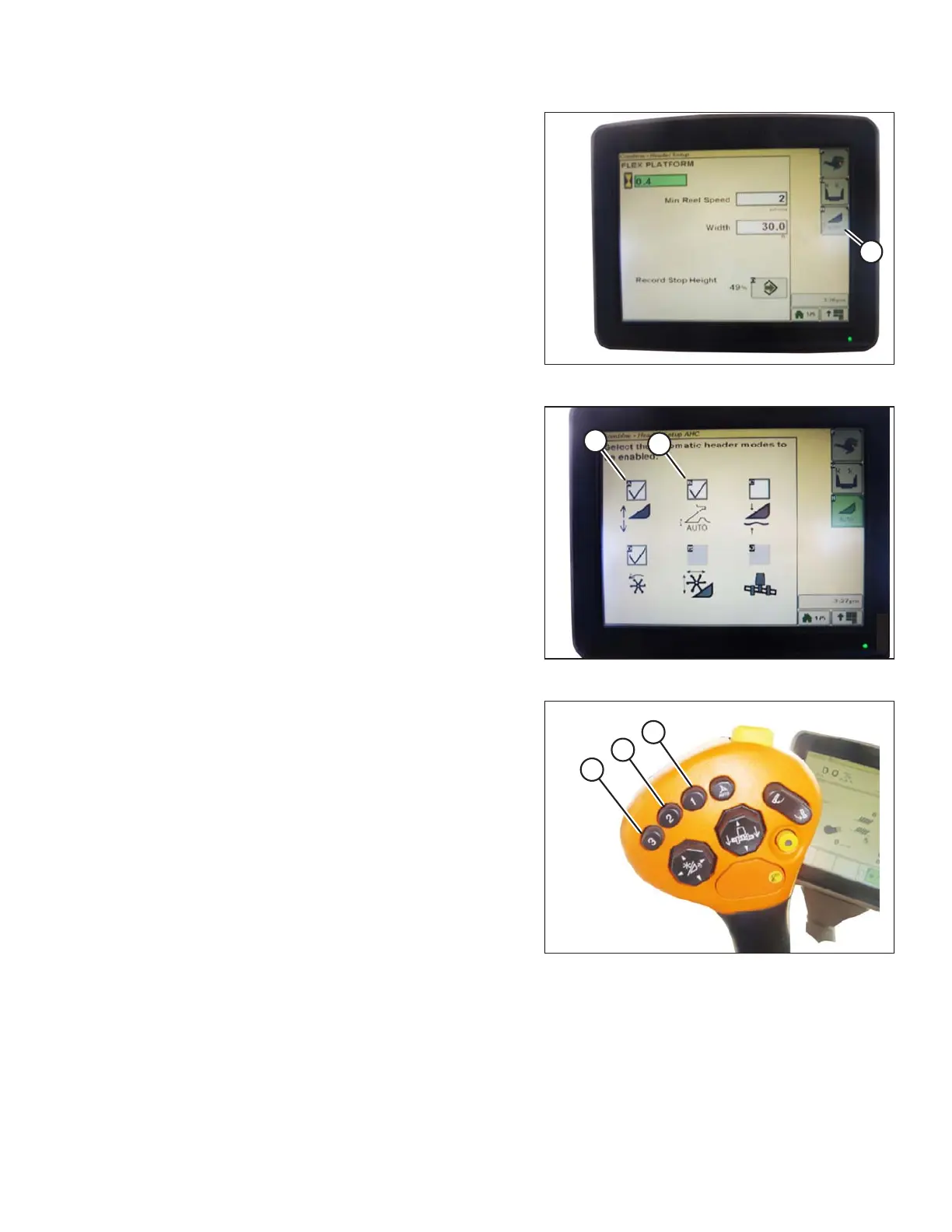
Figure 3.309: Combine Display
2. Select COMBINE – HEADER SETUP AHC icon (A).
The COMBINE – HEADER SETUP AHC screen
appears.
Figure 3.310: Combine Display
3. Select top-left (A) and top-center (B) icons for auto
height sensing and return to cut.
Figure 3.311: Joystick Buttons
4. Select an appropriate ground pressure setting. Preset
button 2 (B) on joystick for a light ground pressure
setting in muddy or soft soil conditions, or preset
button 3 (C) for a heavy ground pressure setting in
harder soil conditions and a faster ground speed.
NOTE:
Preset button 1 (A) is reserved for header lift on
headland and is not used for ground cutting.
OPERATION









 To Next Page