214323 212 Revision A
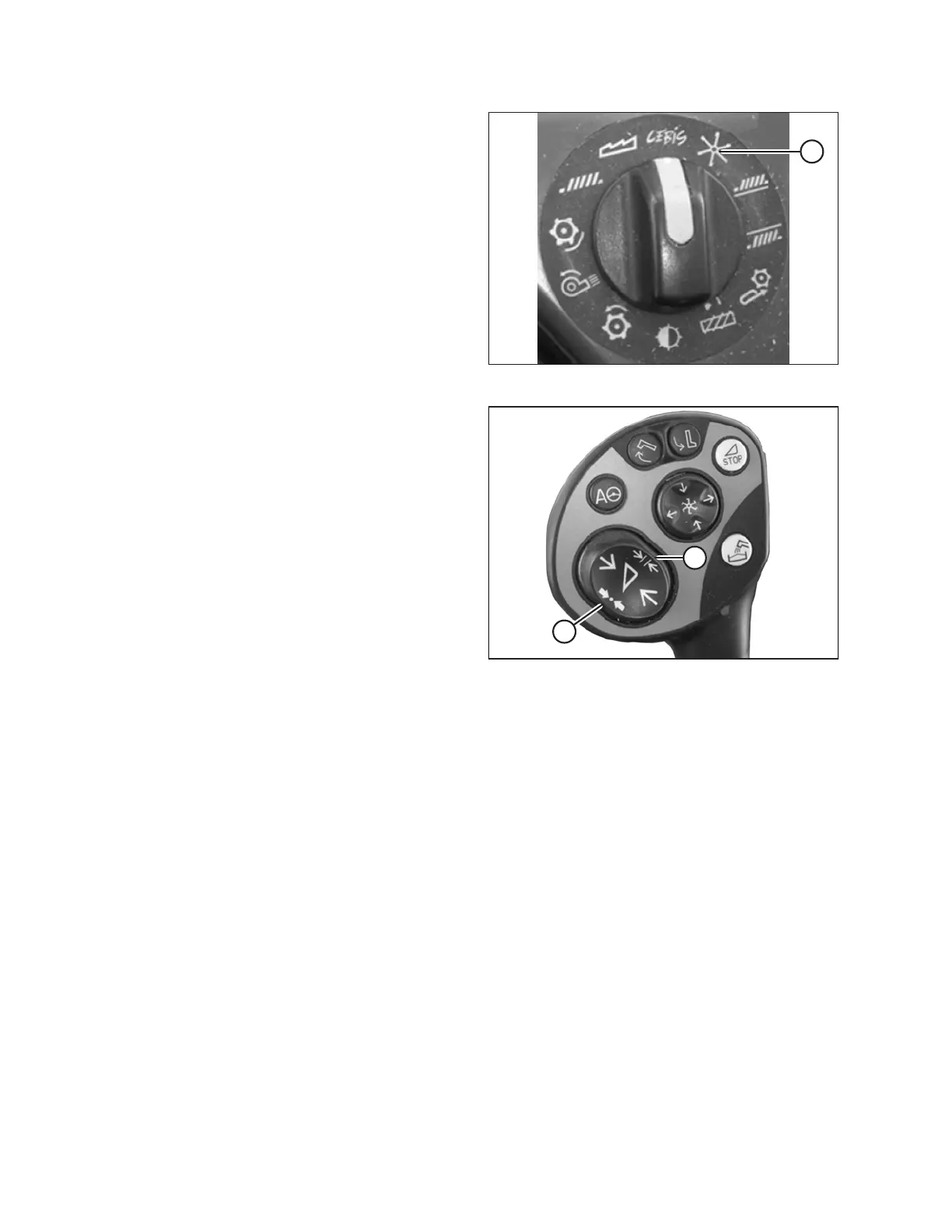
Figure 3.362: Combine Rotary Switch
4. If desired, manually adjust reel speed by rotating rotary
switch to reel position (A), and then use – or + key to set
reel speed. Window E15 will display selected
reel speed.
Figure 3.363: Joystick Buttons
5. Press and hold button (A) or button (B) for 3 seconds to
store setting into CLAAS Electronic on-Board
Information System (CEBIS). An alarm will sound when
new setting has been stored.
NOTE:
Whenever button (A) or button (B) is pressed for 3
seconds, current positions for reel speed and cutting
height are stored.
OPERATION









 To Next Page