214323 291 Revision A
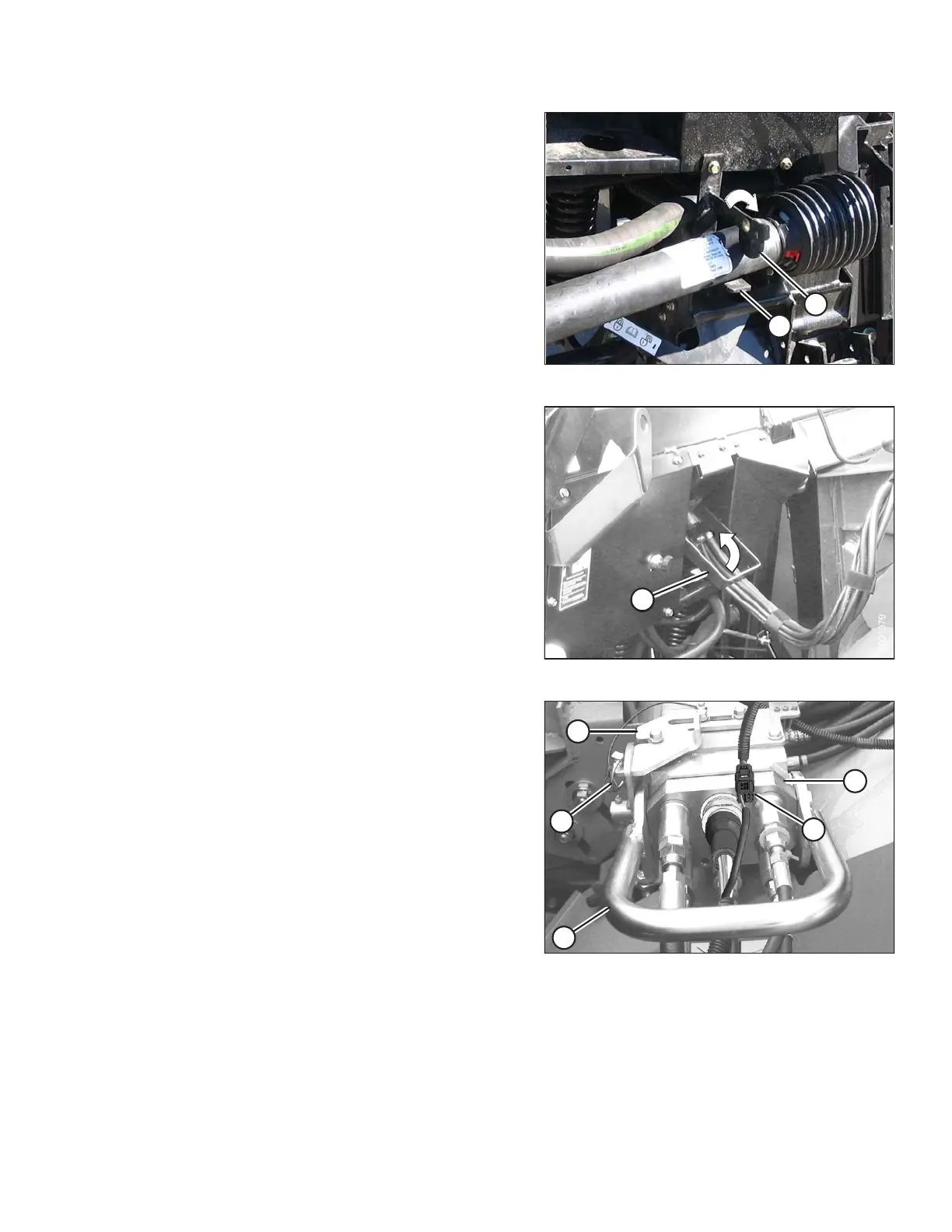
Figure 4.49: Driveline
5. Slide the driveline into the hook (A) until the disc (B)
drops securing the driveline in place.
Figure 4.50: Multicoupler Storage
6. Lift the handle (A) on the adapter.
Figure 4.51: Multicoupler
7. Disconnect the harness (A) from the combine
connector.
8. Remove the lynch pin (B) and slide the lock (C) to
release the handle (D).
9. Lift the handle (D) to full vertical position to release the
multicoupler (E) from the combine.
HEADER ATTACHMENT/DETACHMENT









 To Next Page