215916 256 Revision A
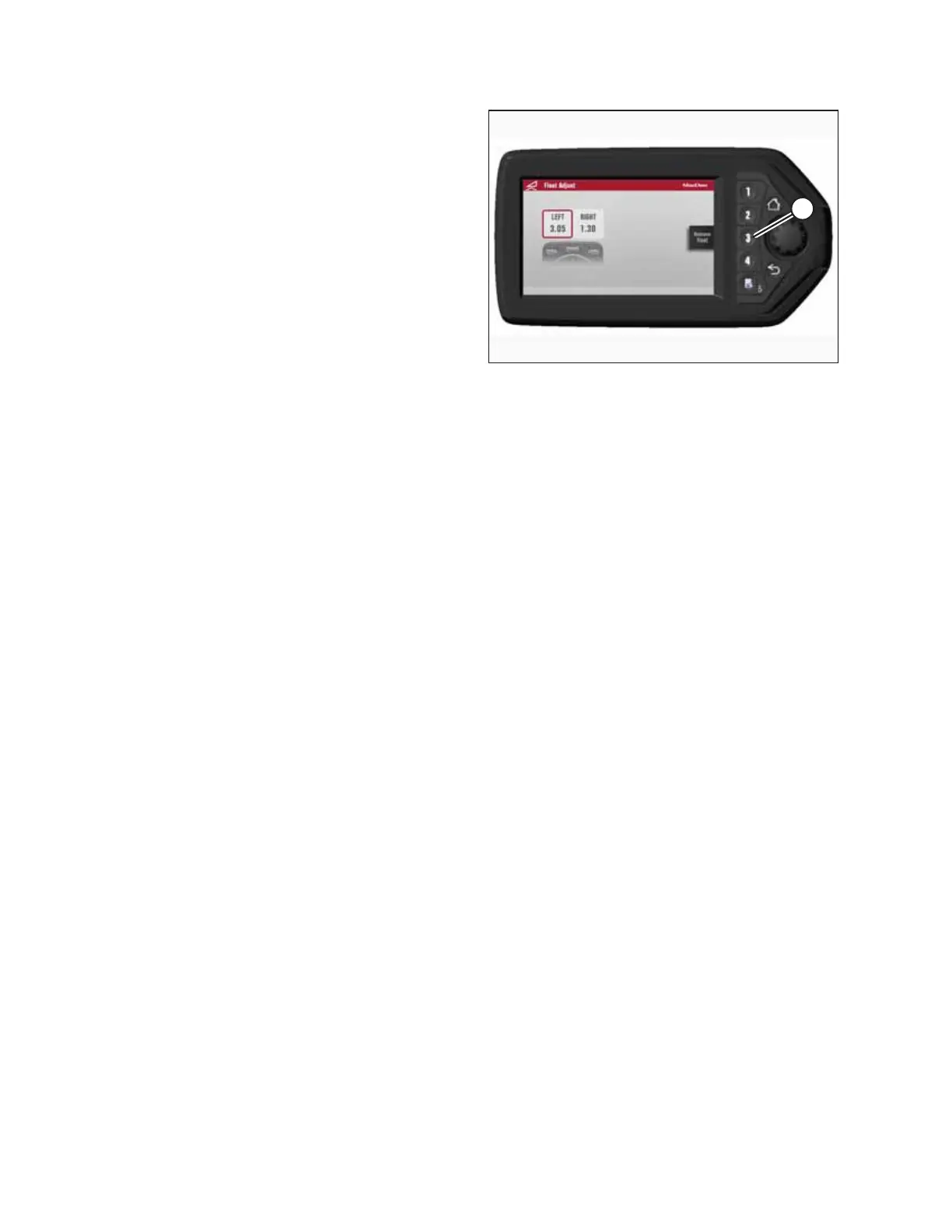
Figure 4.332: HPT Display – Adjusting Float
3. Press soft key 3 (A) to remove or restore the header float.
NOTE:
If the header float is active, the icon at soft key 3 will say
REMOVE FLOAT; if the header float has been removed, the
icon will say RESTORE FLOAT.
4.5.3 Header Drive
All header drive controls are conveniently located on the operator’s console and on the ground speed lever (GSL) handle.
NOTE:
Some controls are optional equipment and may not be present in your unit. Some controls may be installed, but will be
nonfunctional for certain headers.
OPERATION



 To Next Page