215916 258 Revision A
Reverse the header as follows:
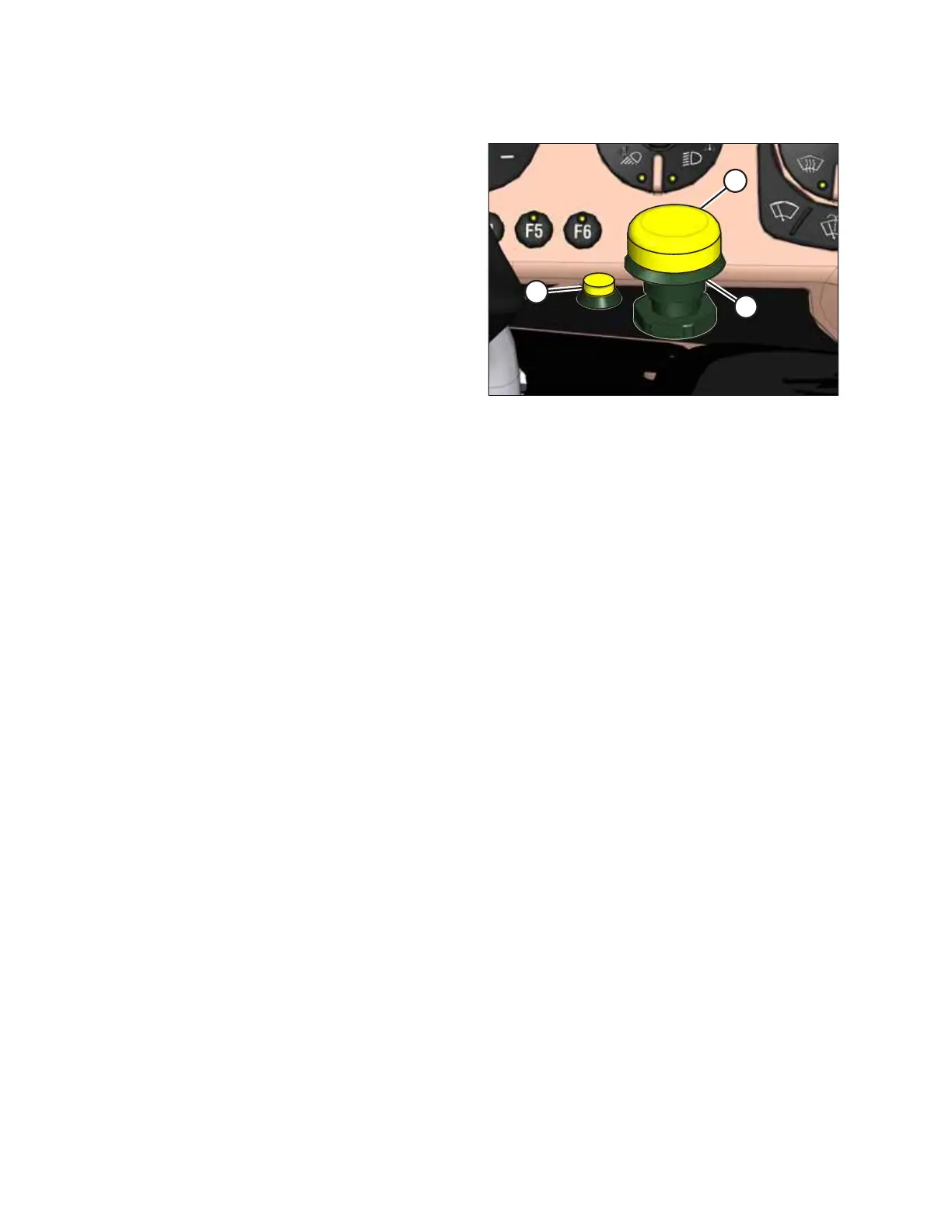
Figure 4.334: Header Drive Controls
1. Press and hold HEADER DRIVE REVERSE button (A).
2. Press and hold HEADER ENGAGE switch (B). Pull up on
collar (C), until switch (B) is in the ENGAGED position.
3. When you are ready to return to forward operation, release
HEADER DRIVE REVERSE button (A) to stop the header.
4. Push down HEADER ENGAGE switch (B) to OFF position. The
header can now be restarted. For instructions, refer to
Engaging and Disengaging the Header, page 257.
OPERATION



 To Next Page