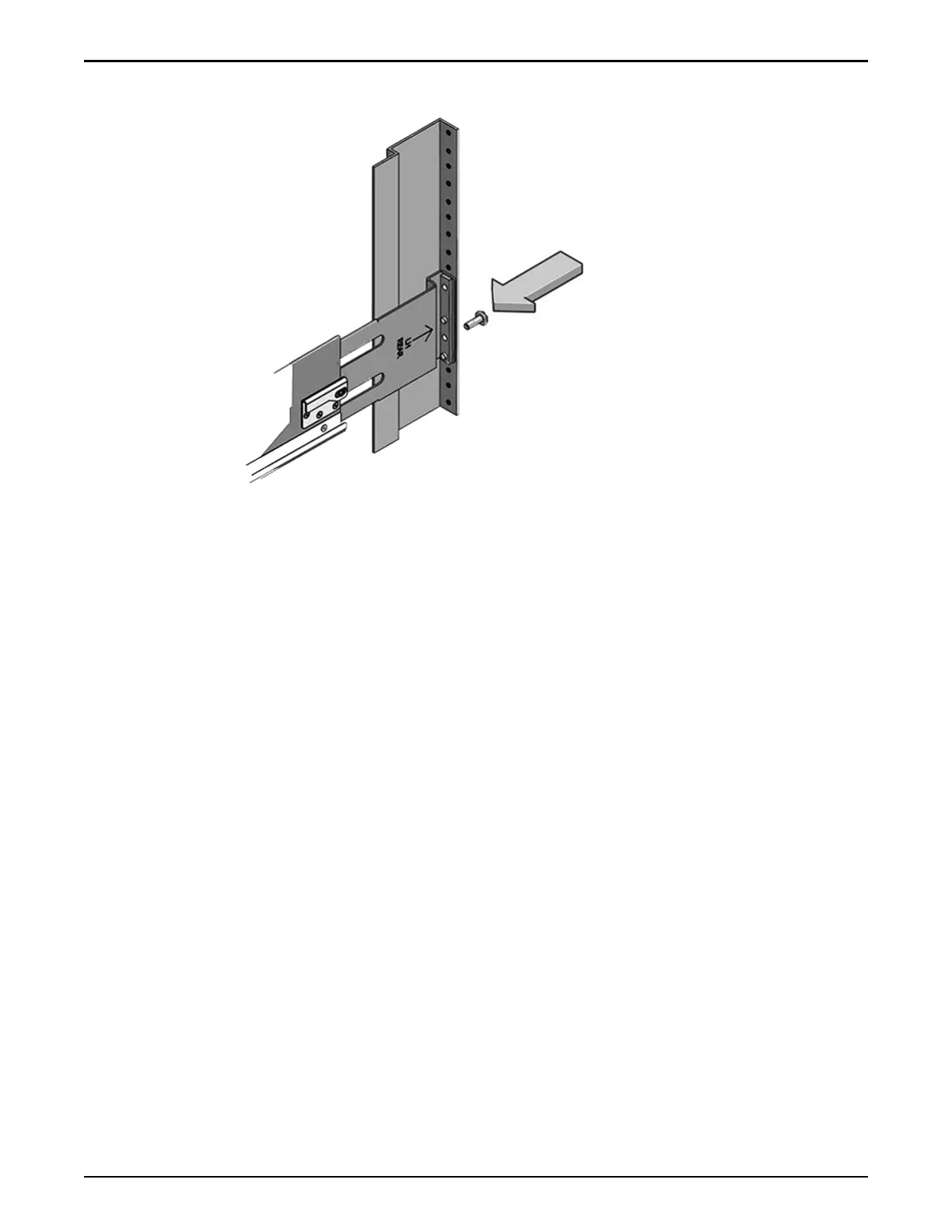
Figure 34: Back-mounting screw
Install Rails in Square or Round Hole Racks
1 Locate the appropriate rack unit (RU) height.
The DE2-24P Drive Enclosure requires two standard mounting units (2U)
of vertical space in the rack.
2 Remove the rails from the Drive Enclosure packaging.
3 Position the front rail-location pegs fully inside the holes in the front rack
posts where you plan to add a Drive Enclosure.
Make sure the rail label faces the inside of the rack. Align the rail ange
inside of the rack ange. Position the rail-location pegs fully within the
rack holes.
Oracle FS1–2 Global Procedures
68














 To Next Page