306
406273/C
Mainmenu;Functionsanddialogboxes
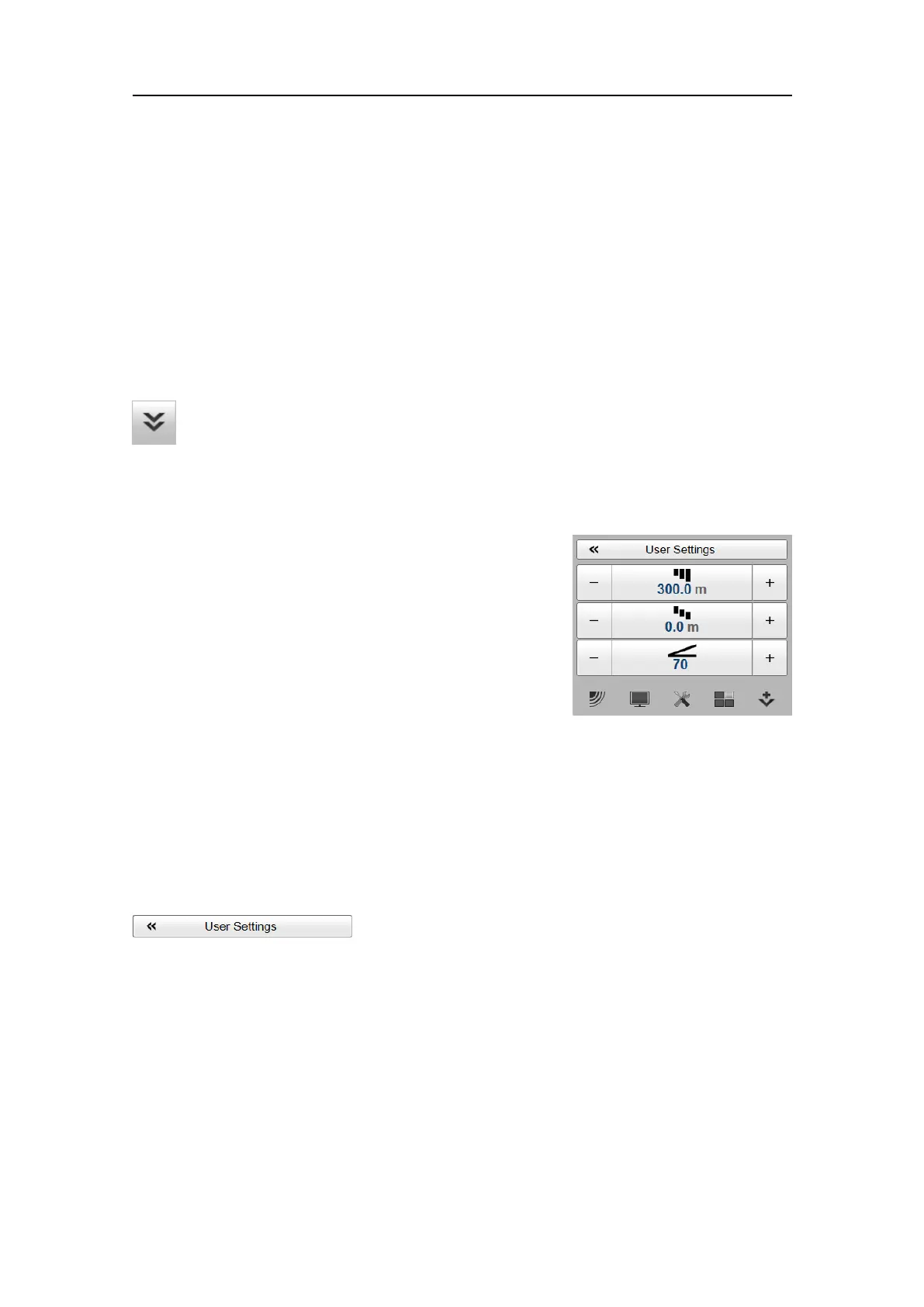
TheMainmenuislocatedatthetopofthemenustructure.Itoffersthemostcommon
functionsforefcientuseoftheES80.Unlessyouhidetheentiremenusystemfrom
view,theMainmenuisvisibleatalltimes,evenifyouclosethesecondarymenus.
Howtoopen
Bydefault,theMainmenuisopen.ItispositionedontherighthandsideoftheES80
presentation.
Onthetopbar,usetheMenubuttontohideorshowthemenu.Whenthemenusystemis
hidden,itappearstemporarilyontheleftorrighthandsideofthescreenifyoumove
thecursortothatposition.
Topics
UserSettingsdialogbox,page306
Rangefunction,page309
StartRangefunction,page310
Gainfunction,page312
UserSettingsdialogbox
TheUserSettingsdialogboxallowsyoutosavethecurrentusersettings(yourcurrent
selectionofoperationalparameters),andtoretrievefactoryorpreviouslysaveduser
settings.
Howtoopen
ThisdialogboxisopenedfromtheMainmenu.
SimradES80ReferenceManual







 To Next Page