380
406273/C
Relatedtasks
Selectingmeasurementunits,page149
Trawlpage
Whenyouuseatrawl,theES80candrawtheupperandlowertrawllinesinthe
echogram.Inordertothis,theES80needstoknowtherelevanttrawlparameters.
IfyourtrawlsystemisconnectedtotheES80,theseparametersareautomatically
available.Ifthetrawlsystemisnot
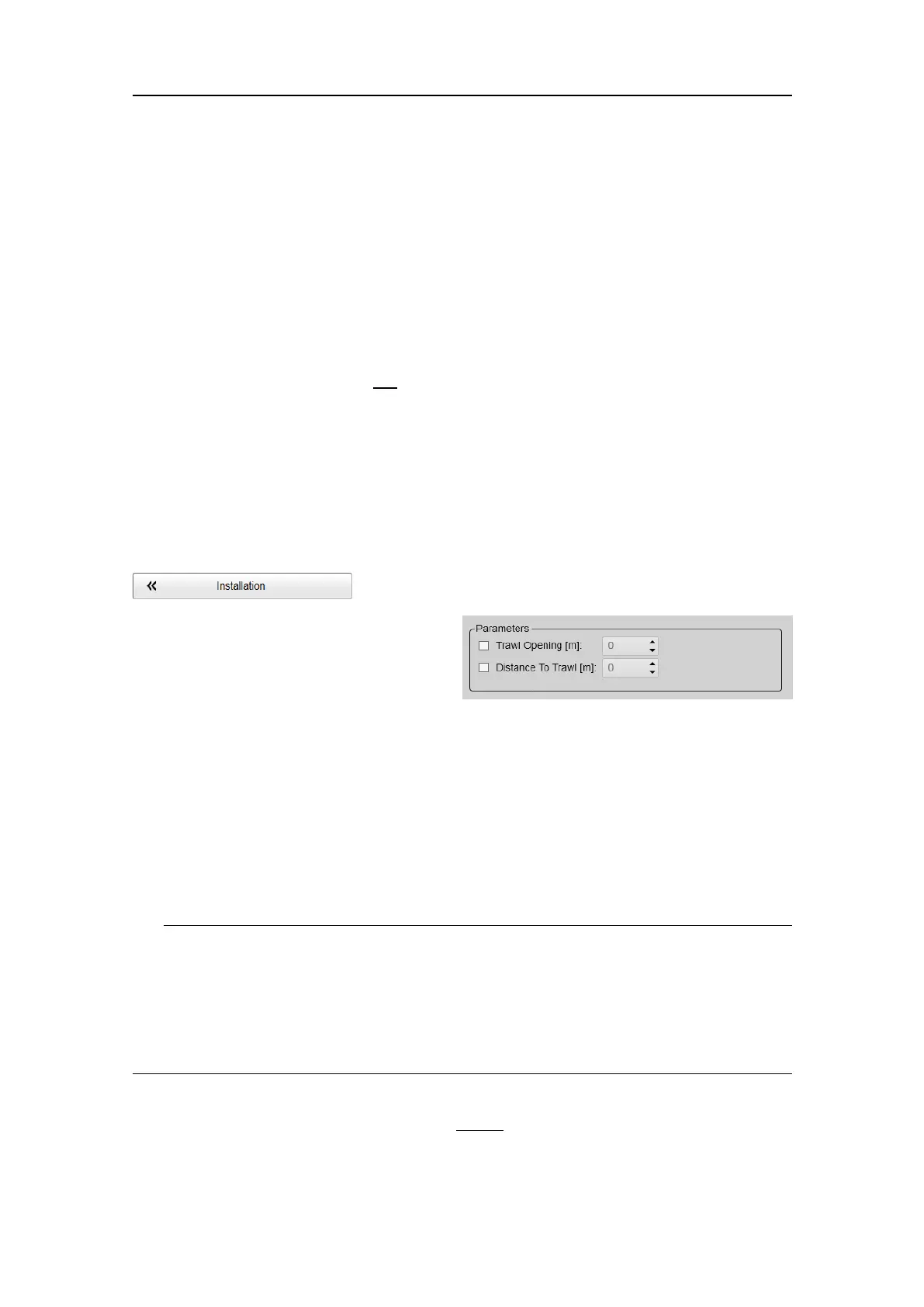
connected,theTrawloptionsallowyoutodene
theparametersmanually.
Prerequisites
TheInstallationdialogboxisnotavailablewhenyourES80issettoReplaymode.
Howtoopen
ThispageislocatedintheInstallationdialogbox.Toopen,selectitontheSetupmenu.
Description
ASimradITI(IntegratedTrawl
Instrumentation)systemcanbe
connectedtotheES80.Communication
withtheITIsystemisbasedonboth
NMEAandproprietarytelegrams,and
allnecessaryparametersareautomaticallydened.Theinformationcanbeusedtodraw
theupperand/orlowertrawllinesintheES80echogram.
Ifanothertrawlorcatchmonitoringsystemisused,andthissystemdoesnotprovidethe
trawlopeningand/ortrawldistanceautomatically,thevaluesmustbeenteredmanually.
Inordertoseethetrawllinesintheechogrampresentation,theymustbeenabledin
theEchogramdialogbox.
Tip
Toconnectandsetuptheactualinterface,usetheSensorInstallationpage.TheSensor
InstallationpageislocatedintheInstallationdialogbox.
Tosetupthecommunicationparametersbetweenthetrawlorcatchmonitoringsystem
andtheES80,usetheI/OSetuppage.TheI/OSetuppageislocatedintheInstallation
andOutputdialogboxes.
WhenyouworkintheInstallationdialogbox,youmustalwaysselectApplytosavethe
changesmadeonapage.Youmustdothisbefore
youcontinueworkingonadifferent
page.
SimradES80ReferenceManual







 To Next Page