4 DISPLAY AND CONTROL ELEMENTS
4.36 MHL360 E
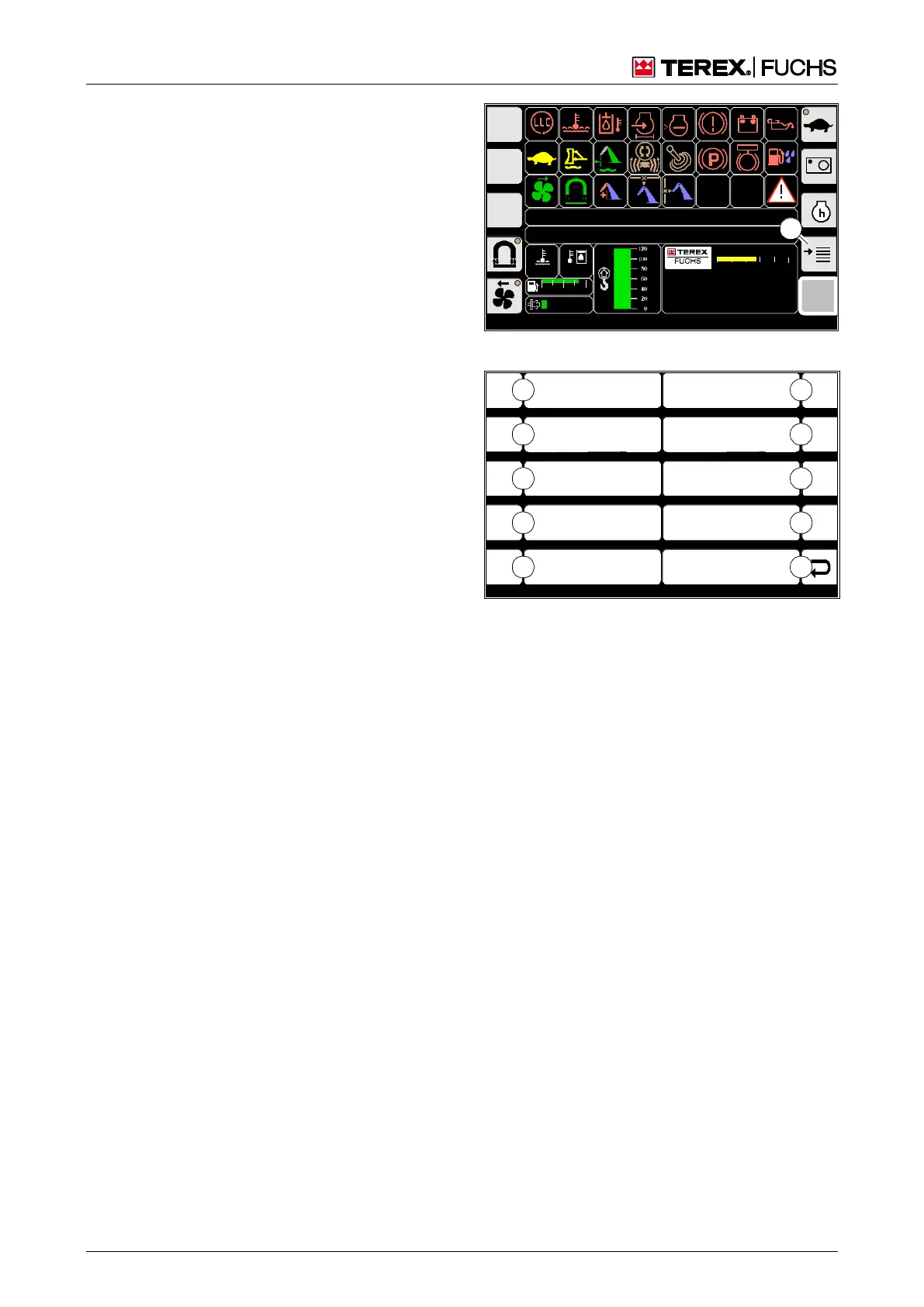
4.5.9 Main menu display screens
4.5.10 Main menu
The main menu offers additional display
screens for configuration, diagnostics and
service.
Call-up
►
Main control display > Main menu
Structure
The main menu is structured as a two-column
table.
Operating note
►
Briefly press side function key next to the
desired button (66/0-9).
or multifunction button
►
Navigate focus to the desired button 66/0-
9).
►
Briefly press button.
F
09:43 11.03.2011
MHLXXX / XXXX
1800 UPM
0 5 10 15 20 25
120 0
ARBEITSHYDRAU LIK IST GESPERRT
FEHLERMELDUNG
95°C 75°C
0 ½ 1
9 %
BSB50554
1
Fig. 65 Opening the menu
F1
F2
F3
F4
F6
F7
F8
F9
F5
Display Settings
Service Menu
Diagnostics Menu
System Information
ESC
User Settings
BSB50555
3
2
1
0
4
8
7
6
5
9
Fig. 66 Main menu
0 Back
1 System information
2 Diagnostics menu
3 Service menu
4 Display settings
5 User settings
6 Not assigned
7 Not assigned
8 Not assigned
9 Not assigned



 To Next Page