OPERATION 5
MHL360 E 5.29
5.10.2 Intermittent wiping preset
The interval time is set in the function menu
and is saved after the ignition is switched off.
Interval time 0: Continuous operation.
Interval time from 1 - 15: Wiper movement
every 1 - 15 seconds.
One windshield wiper can wipe in continuous
mode using the interval time "0" while the other
wipes in intermittent mode.
►
Control display > Function menu
Multifunction button
►
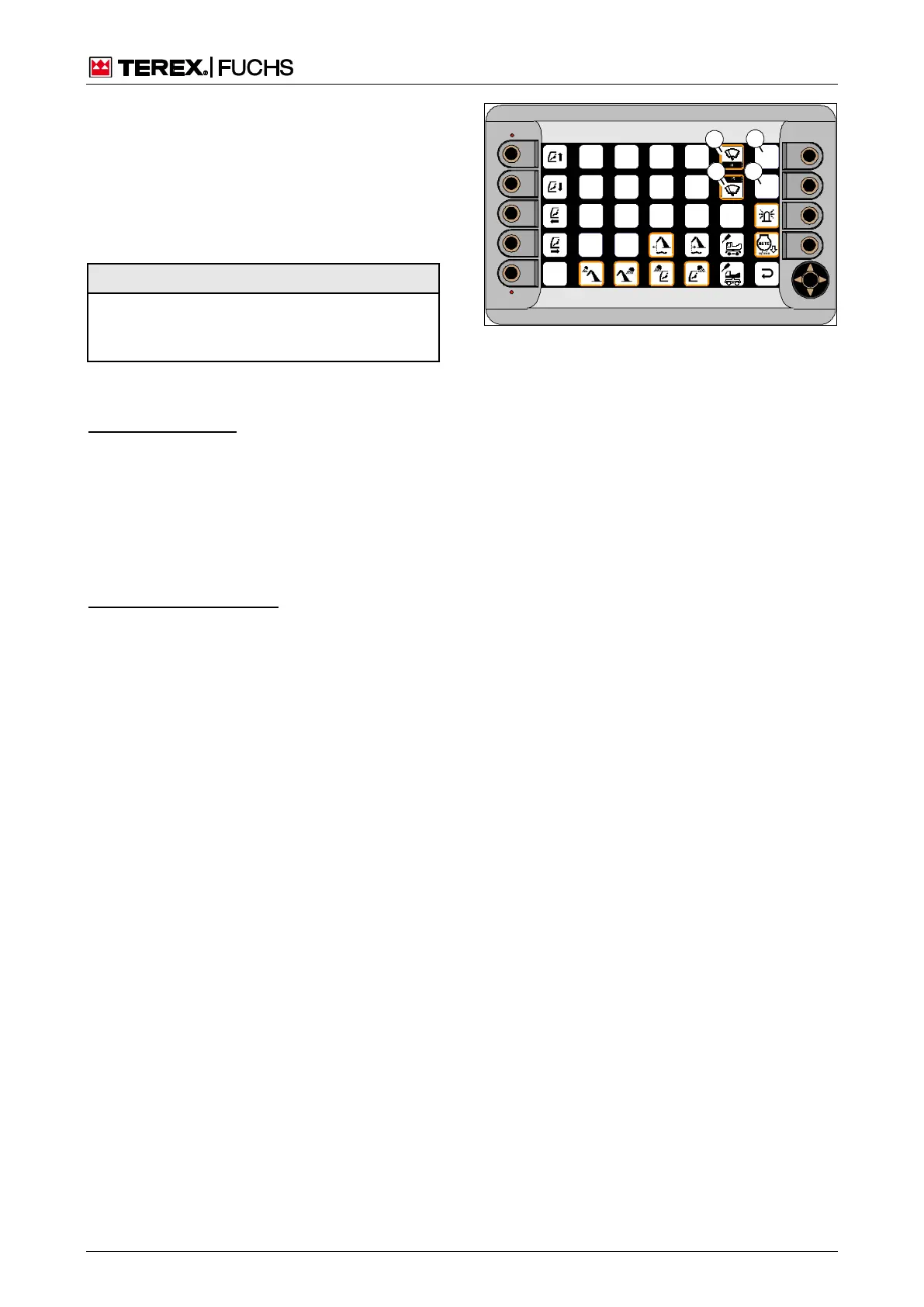
Using the mini-joystick, navigate the focus
to the upper (138/45) or optionally to the
lower windshield wiper (138/52).
►
Set the desired interval time with the but-
ton.
►
Briefly press button.
or four-way rocker switch
►
Using the arrow keys, navigate the focus to
the upper (138/45) or optionally to the low-
er windshield wiper (138/52).
►
Select the interval time using the function
key (138/46 or 53).
Fig. 138 Intermittent wiping settings



 To Next Page