4 DISPLAY AND CONTROL ELEMENTS
4.30 MHL360 E
4.5.4 Operating hours, date, time, fuel
consumption
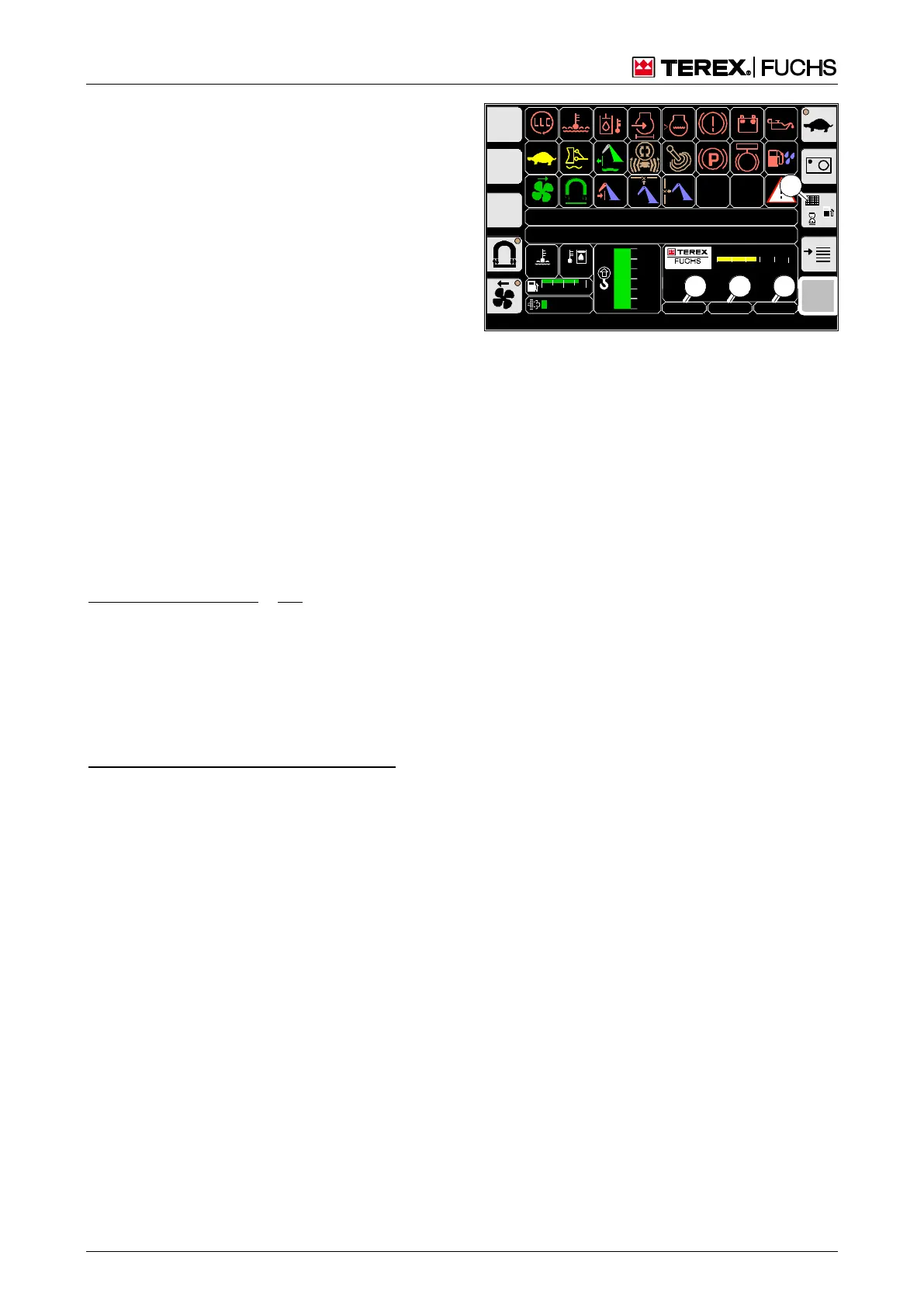
Display (51/1) shows the operating hours,
display (51/3) shows the time. When activated
repeatedly, display (51/2) switches between:
Date,
"Daily" operating hours,
Current fuel consumption,
Average fuel consumption,
Total fuel consumption.
The display that was last active (51/2) re-
mains selected after the ignition is switched
off. The fuel consumption value displayed is
valid from the most recent counter reset and
is based on data from the engine control sys-
tem.
Call-up
►
Main control display
Notes on operation
Changing the display (51/2):
►
Briefly press the side function button next
to the button (51/4).
or multifunction button
►
Navigate focus to button (51/4).
►
Briefly press button.
Resetting a counter in the display (51/2):
►
Press and hold the side function button
next to the button (51/4).
or multifunction button
►
Navigate focus to button (51/4).
►
Press and hold button.
F
09:43:120018
MHLXXX / XXXX / LE XXX
1800 UPM
0 5 10 15 20 25
120 0
ARBEITSHYDRAU LIK IST GESPERRT
FEHLERMELDUNG
95°C 75°C
0 ½ 1
9 %
120
100
80
60
40
20
0
20.12.2012
1
BSB51177
2
3
h
4
Fig. 51 Operating hours, date, time, fuel consump-
tion



 To Next Page