DISPLAY AND CONTROL ELEMENTS 4
MHL360 E 4.17
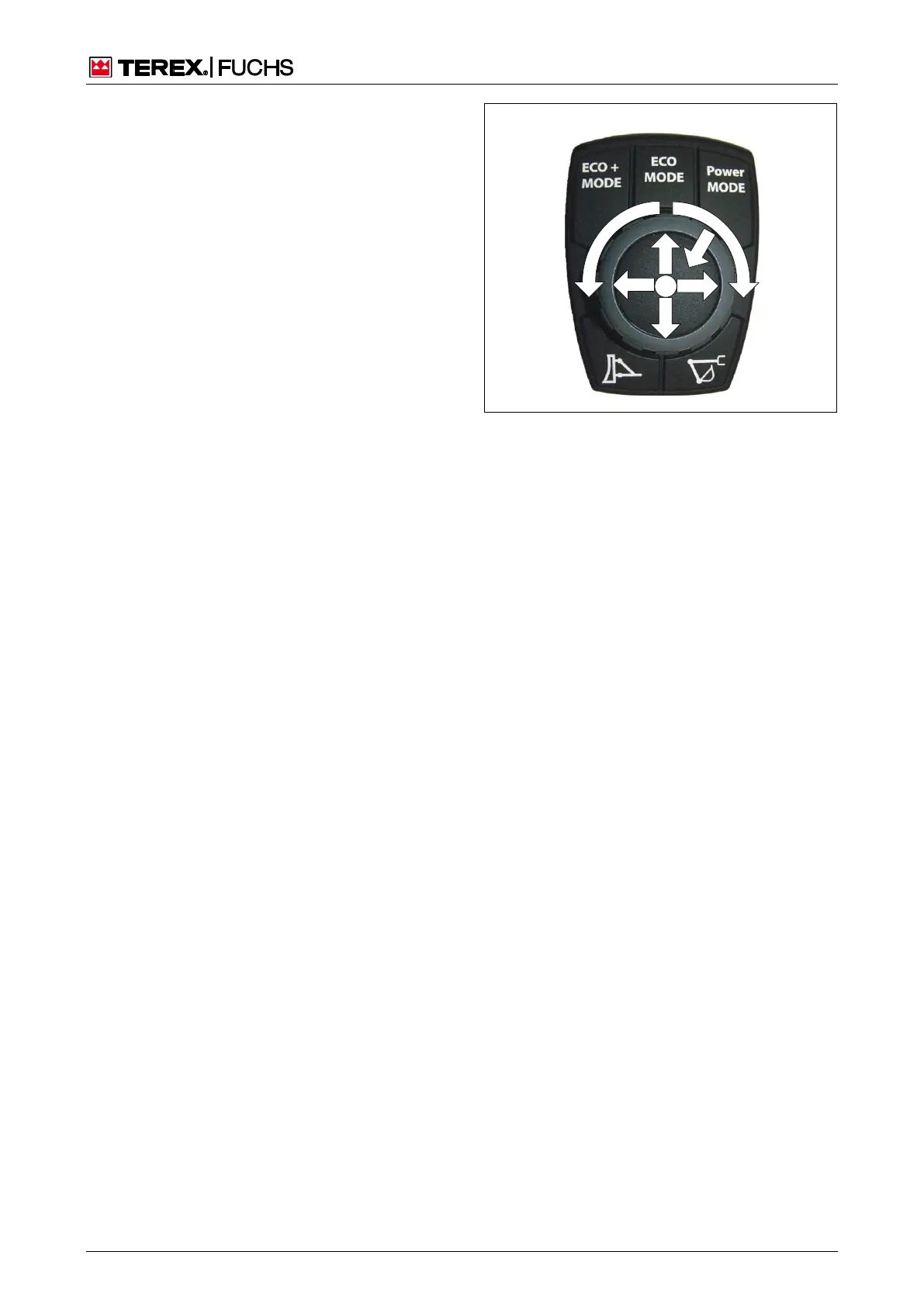
4.2.11.4 Multifunction button functions
Operating
With the multifunction button (35/6) you can
navigate, switch, and set values in the display.
There are 3 possibilities for operation:
1. Slewing
2. Pressing
3. Rotating
Slewing
►
Selecting functions in the display menu
Pressing
There are 3 possibilities:
►
Press briefly
Selected function is triggered
As an example: Switch on driving light
►
Keep the button pressed
Selected function remains triggered
As an example: Raise the cab
►
Double click
Leads from each deeper menu level to the
main control display
Rotating
►
Navigate the display menu
►
Setting, e.g. of speed
Fig. 35 Multifunction button Operating



 To Next Page