4 DISPLAY AND CONTROL ELEMENTS
4.46 MHL360 E
4.5.14.1 Reversing fan pause times (op-
tional)
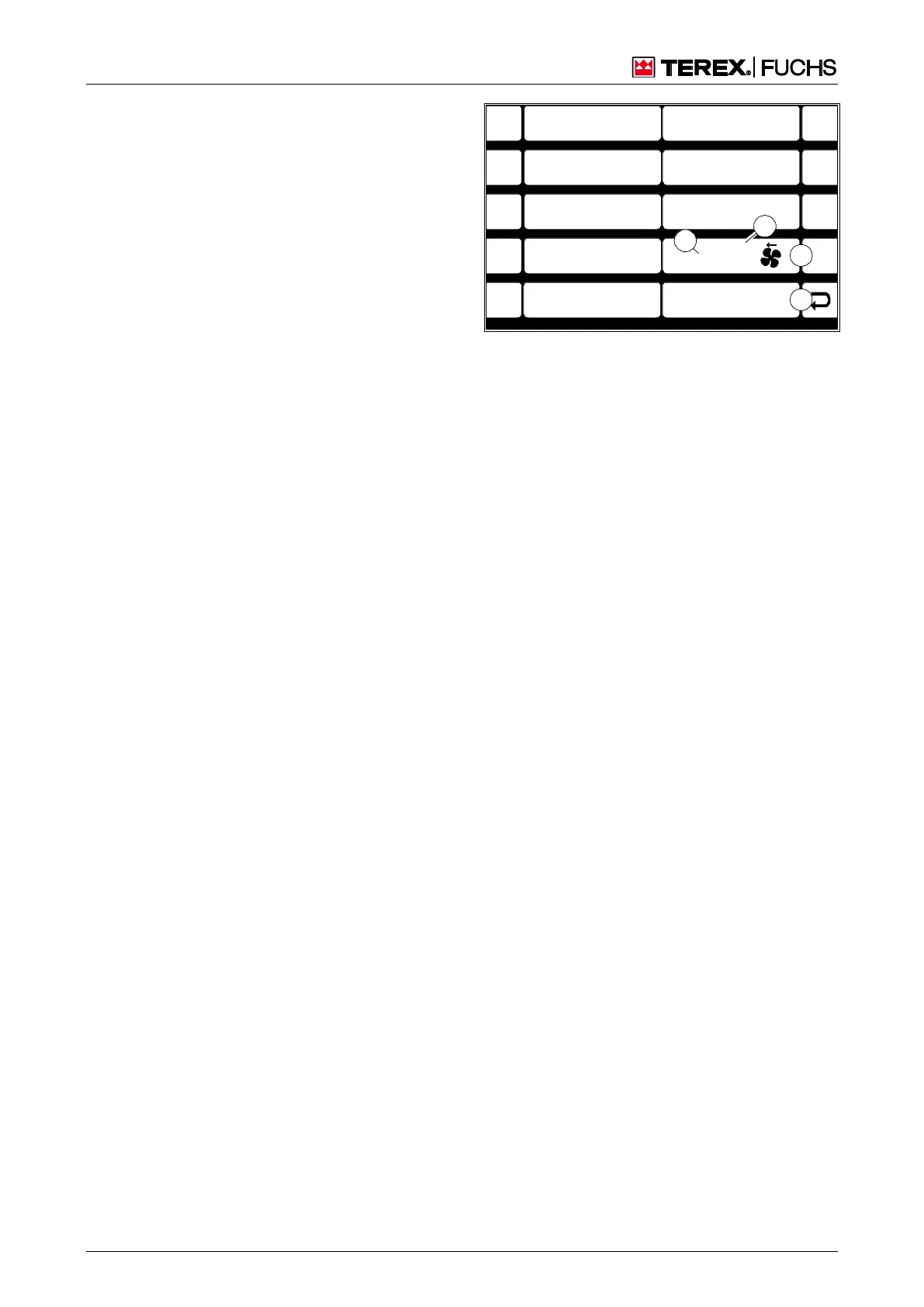
This display screen enables the pause times
between a reversal of direction to be changed.
Call-up
►
Main control display > Main menu > User
settings > Reversing fan pause times
Structure
The menu is structured as a two-column table.
The cell (86/2) on the right side shows the
current settings. The left side (86/5-9) offers
set pause times. However, freely selectable
pause times can also be set in the cell (86/2).
Operating note
►
Briefly press side function key next to the
desired button (86/5-9).
or multifunction button
►
Navigate focus to button (86/5-9).
►
Briefly press button.
To enter individual pause times
►
Activate side button (86/1).
The current pause time in minutes (86/3) is
shown with a white background.
►
Change the pause time using the arrow
buttons of the 4-way rocker switch or the
button.
F1
F2
F3
F4
F6
F7
F8
F9
F5
BSB50631
ESC
1
0
15
50
60
60 min
30
40
2
3
Fig. 86 Reversing fan pause times
1
Reversi
ng fan
pause
times
(option



 To Next Page