5 OPERATION
5.66 MHL360 E
5.19.9 Reversing fan mode (optional)
In reversing fan mode, the rotational direction
of the water/charge air cooler and hydraulic oil
cooler reverses at selectable intervals. This
reduces the soiling of the cooler.
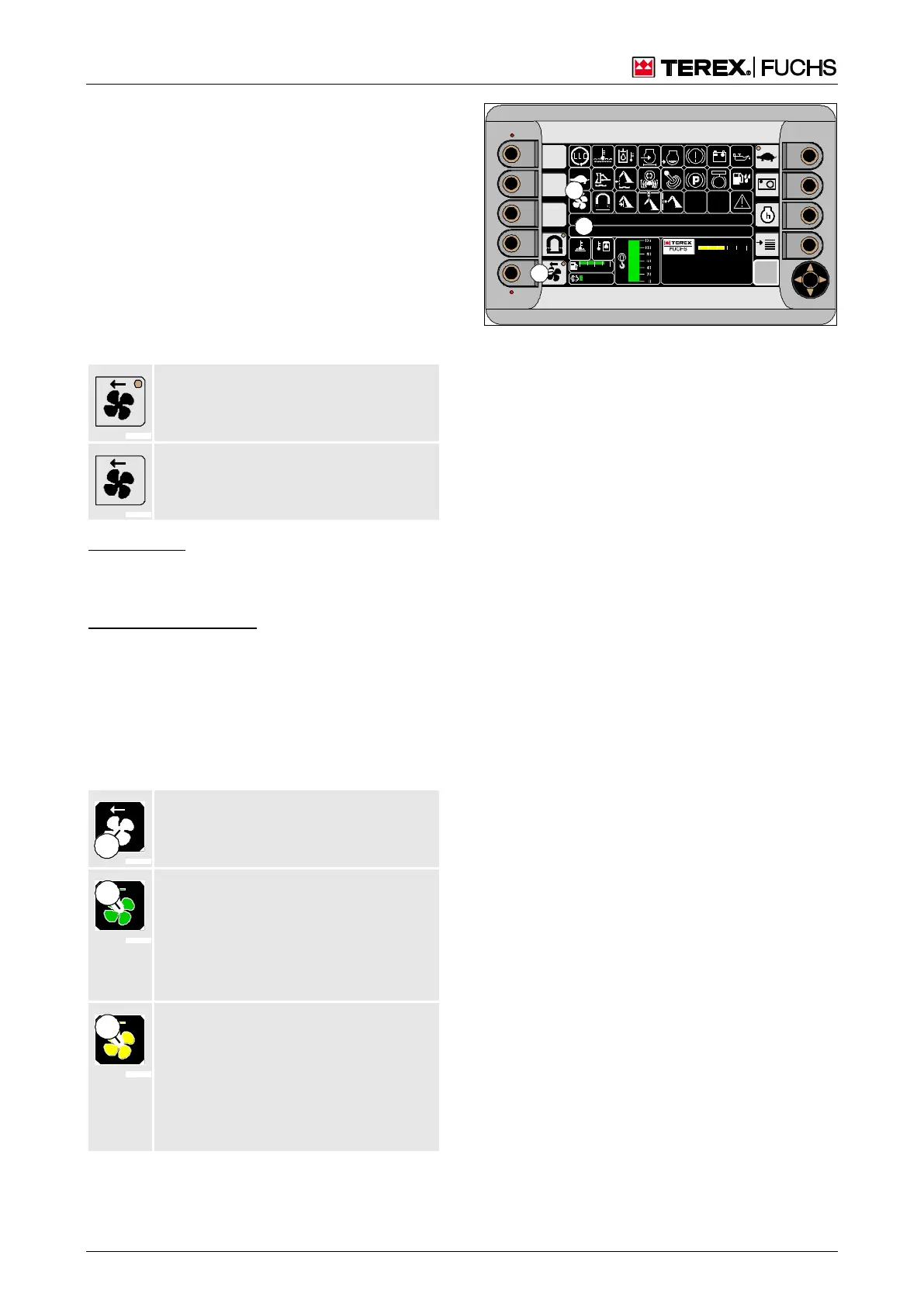
Switching reversing fan mode on or off
The reversing fan mode can be switched on
or off via the main control display. The sym-
bolized LED (194/5) indicates the status. A
reversal of rotational direction occurs after it is
switched on and thereafter at preset intervals.
LED on: Reversing fan mode
switched on
LED off: Reversing fan mode
switched off
Function key
►
Press function key next to the button
(194/5).
or multifunction button
►
With the mini-joystick, navigate the focus to
button (194/5).
►
Briefly press button.
Corresponding indicators (194/26) and text
messages (194/34) appear on the main con-
trol display.
Reversing fan mode switched off
Indicator color (1): white
No text message
Reversing fan mode switched on
The time until reversing is displayed
below the symbol.
Indicator color (1): green.
Text message "FAN IN REVERSING
MODE"
Indicator color (1): yellow, then green.
If the text message "INCREASE
ENGINE SPEED FOR FAN
REVERSING" appears, the reversal has
taken place, but the required fan speed
has not been reached.
F
09 :43 11 .03. 2 011
MH LX X X / XXX X
18 00 U PM
0 5 1 0 15 20 2 5
95°C 7 5°C
0 ½ 1
9 %
120 0
BSB50591
26
34
5
Fig. 194 Reversing fan mode



 To Next Page