7 CARE AND MAINTENANCE
7.78 MHL360 E
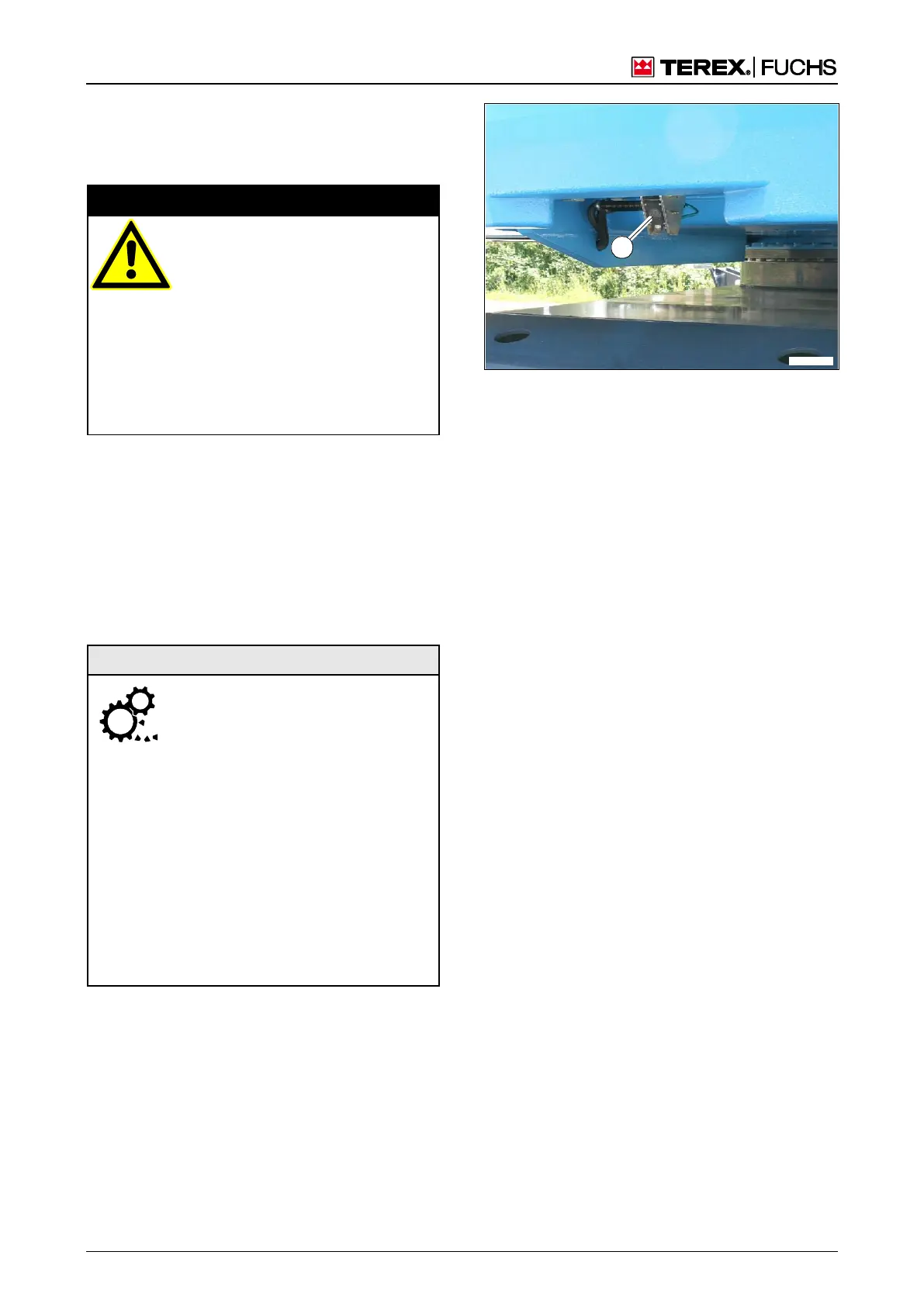
7.8.1 Rear view camera
The glass (337/1) in the rear view camera
should be cleaned if dirty.
Danger to life due to obscured
view
Dirty or damaged glass reduces the
quality of the camera image and the
viewable area.
• In the case of missing images or
poor quality of the display, the
backup must be stopped immedi-
ately.
In an emergency: Administer first
aid, seek treatment from a doctor
Use a clean, soft cloth (such as one used to
clean reading glasses) to remove loose
dust.
Use a standard, liquid glass cleaner to re-
move stubborn dirt. Do not use aggressive
fluids (spirits).
7.8.2 Multifunction display
Screen surface
Using the wrong cleaning agents
can damage the screen surface!
Before cleaning the housing sur-
face, disconnect device from the
operating voltage.
Do not use:
- Plastic-dissolving chemicals,
such as methylated sprit, gaso-
line, thinner, alcohol, acetone or
ammonia
- Paper towels, crepe paper, etc.
- Scouring powder, cream cleans-
er, etc.
- Polishing cleaning agents, such
as polishes or waxes
Remove soiling with a soft, chemically un-
treated and dry cloth. Microfiber cloths with-
out chemical additives are recommended.
If soiling is heavy, use a damp cloth.
Figure 337 Rear view camera
Rear
view



 To Next Page