5 OPERATION
5.62 MHL360 E
5.19.7 Auto-idling system
Serious injury due to machine
collision
• The auto-idling system must be
turned off when driving on in-
clines.
In an emergency: Safety braking.
During the loading operation, hydraulic func-
tions are not activated continuously by the
four-way control lever or pedals. The automat-
ic idling in these phases lowers the prescribed
working speed of the diesel engine after a few
seconds to a lower idle speed. This saves fuel
and reduces noise. If the operator reactivates
an hydraulic function, the diesel engine ramps
up to the prescribed working speed.
Switching automatic idling on or off
►
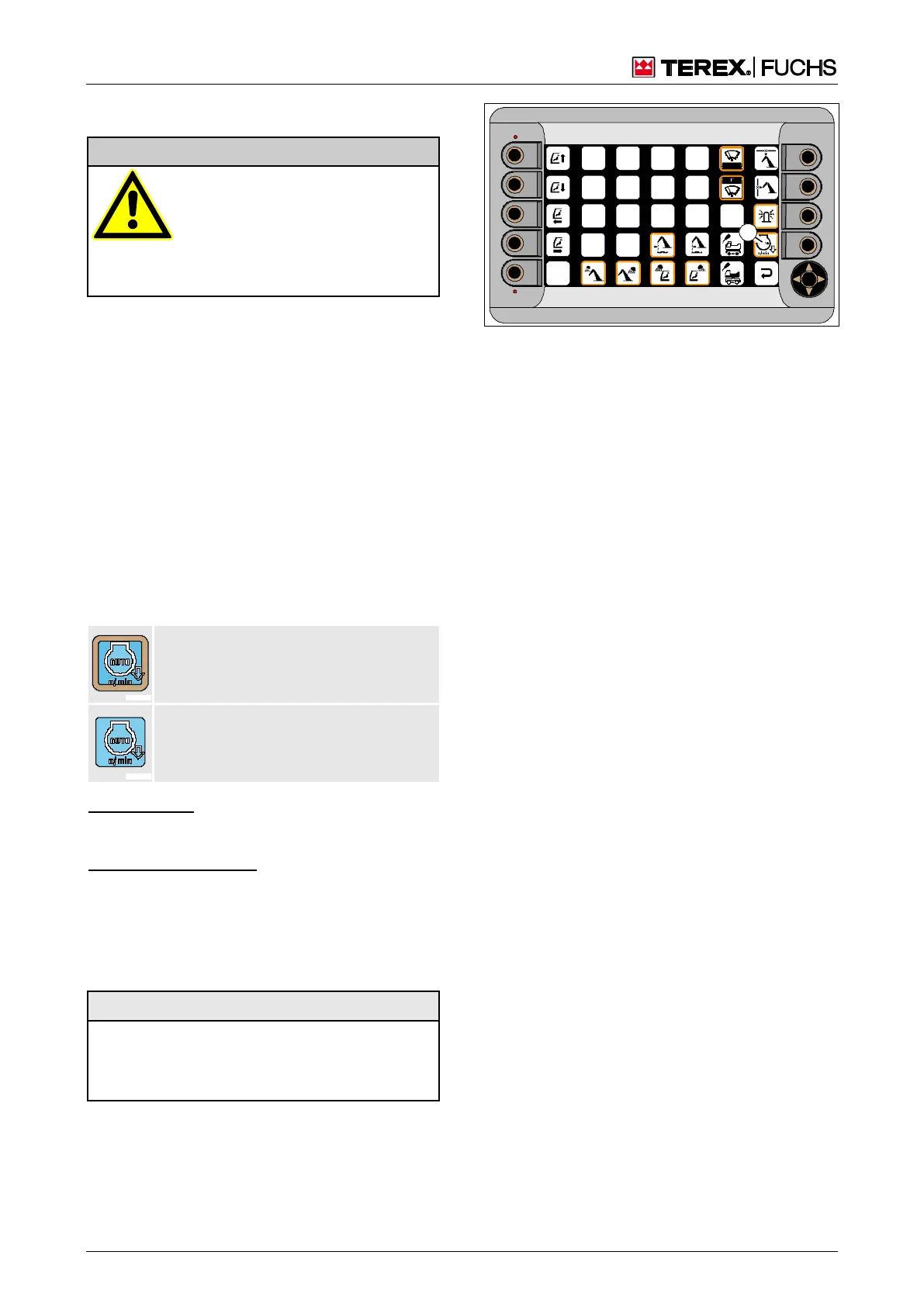
Main control display > Function menu
The automatic idling is switched on or off in
the function menu. The border around the
square (189/67) indicates the status.
Auto-idling system switched on
Border color: orange
Auto-idling system switched off
No border
Function keys
►
Press function key next to square (189/67).
or multifunction button
►
Using the mini-joystick, navigate the focus
to the square (189/67).
►
Briefly press button.
The adjustment is saved even after restarting.
When the magnet system is switched
on (optional) the automatic idling sys-
tem does not function.
Fig. 189 Auto-idling system



 To Next Page