4 DISPLAY AND CONTROL ELEMENTS
4.20 MHL360 E
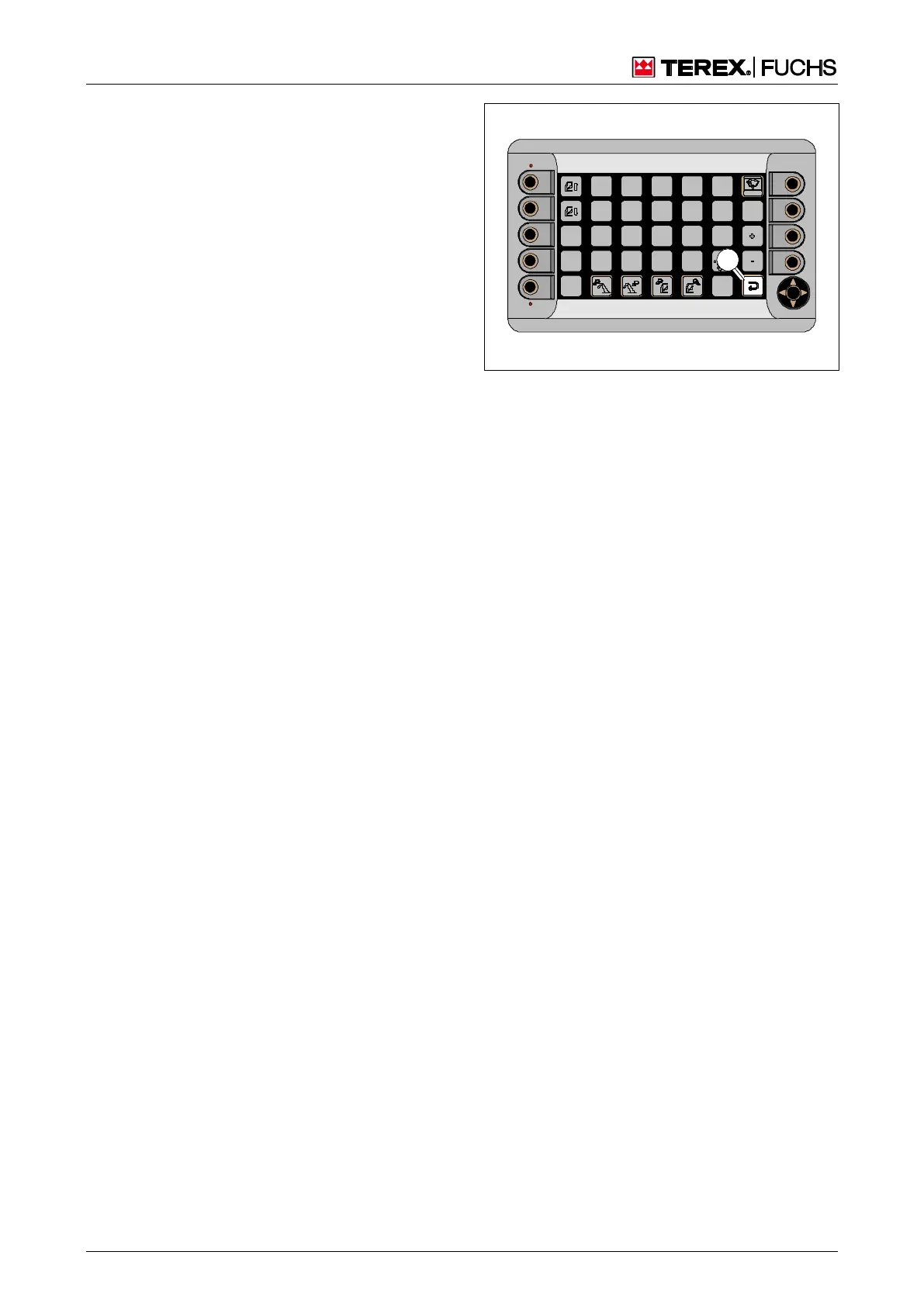
4.2.12.5 Exiting a display screen
The highest level of the display screens is the
main control display.
If no action is taken by the operator in a
different display screen, the main control
display appears after a few seconds.
Activating the sensitive area (39/1) or press-
ing the button (38/4) twice exits the particu-
lar display screen and jumps to the next
higher level.
Fig. 39 Exiting the display screen



 To Next Page