4 DISPLAY AND CONTROL ELEMENTS
4.38 MHL360 E
4.5.12 Service menu
4.5.12 Service menu
j
Risk of injury from machine mal-
functions
• The service menu may only be
opened by authorized service
personnel.
A 6-digit access code is required to access
the service menu. For security reasons, only a
description of the code entry is given here.
h For additional information about the service
menu, see the service documentation
Call-up
►
Main control display > Main menu > Ser-
vice menu
Structure
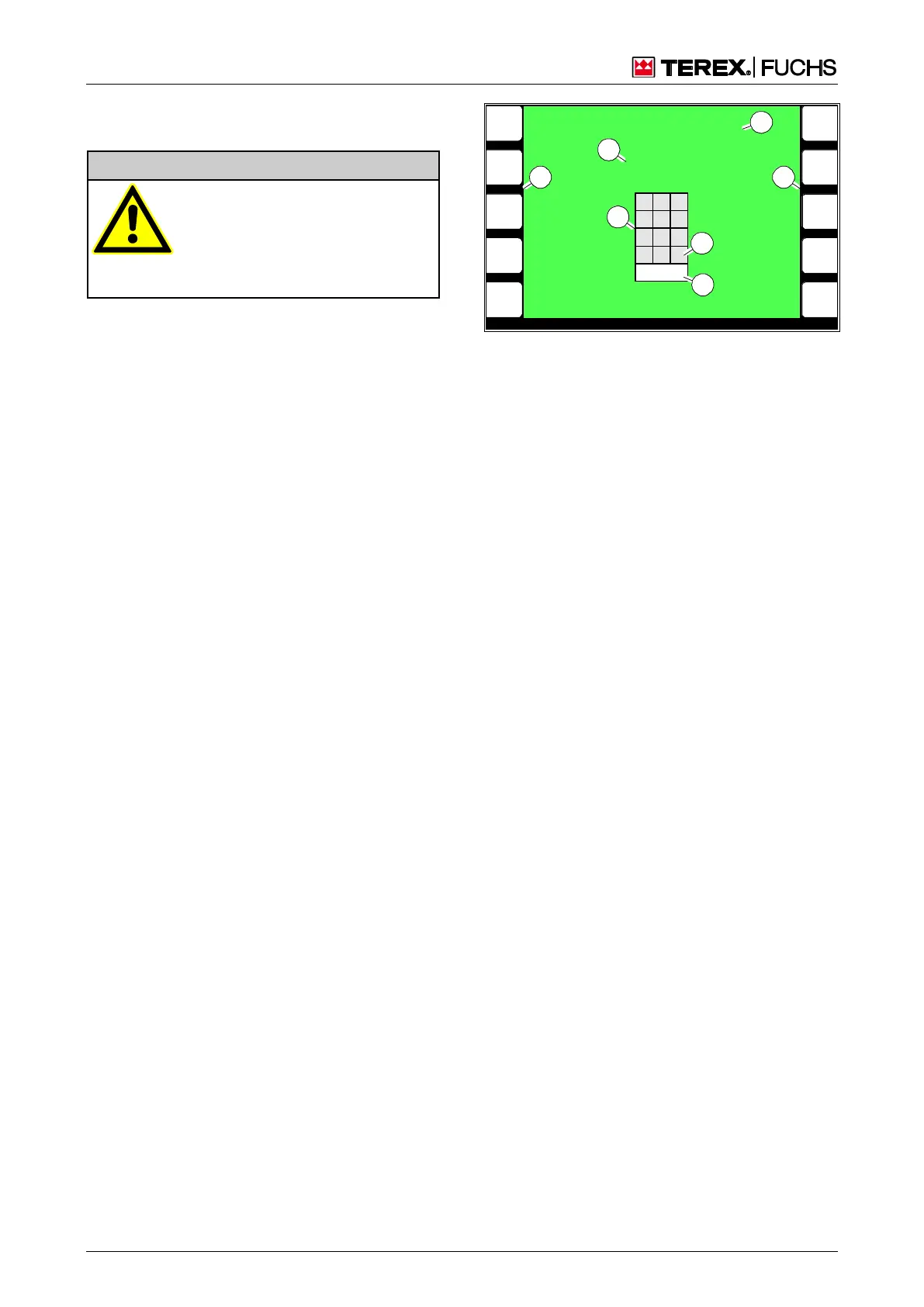
The message "!!! ENTER ACCESS CODE !!!"
(69/6) appears. If the access code is incor-
rect, the message "CODE INCORRECT -
ACCESS DENIED" appears and the display
screen closes.
Line (69/3) represents the current entry. Still
outstanding numbers are represented by the
"_" sign, numbers that have already been en-
tered are represented by the "*" sign.
The numbers are entered via the buttons at
the side (69/2). An entered number is indicat-
ed by the number block (69/1) with a white
background.
The "<" sign (69/5) represents the arrow key
of the rocker switch for deleting a number, the
">" sign (69/4) for aborting the entry. Alterna-
tively, the mini-joystick can be swiveled into
the relevant direction.
Operating note
►
Enter the numbers using the side function
keys (69/2).
►
If the access code is correct, the service
menu appears once the last digit has been
entered.
or multifunction button
►
Navigate the focus to the button (69/2) with
the desired number.
►
Briefly press button.
BSB50622
9
8
7
6
4
3
2
1
5 0
!!! ENTER ACCES CODE !!!
* * * * _ _
1 2 3
4 5 6
7 8 9
0 <
ESC >
1
3
2
4
5
6
2
Fig. 69 Service menu: Access code entry



 To Next Page