DISPLAY AND CONTROL ELEMENTS 4
MHL360 E 4.35
Red symbol, white background: Insuffi-
cient speed. Increase diesel engine
speed.
Red symbol, white background: Exces-
sive speed. Check generator drive.
Operating note
h Chapter 5.20.1 Magnet system (optional)
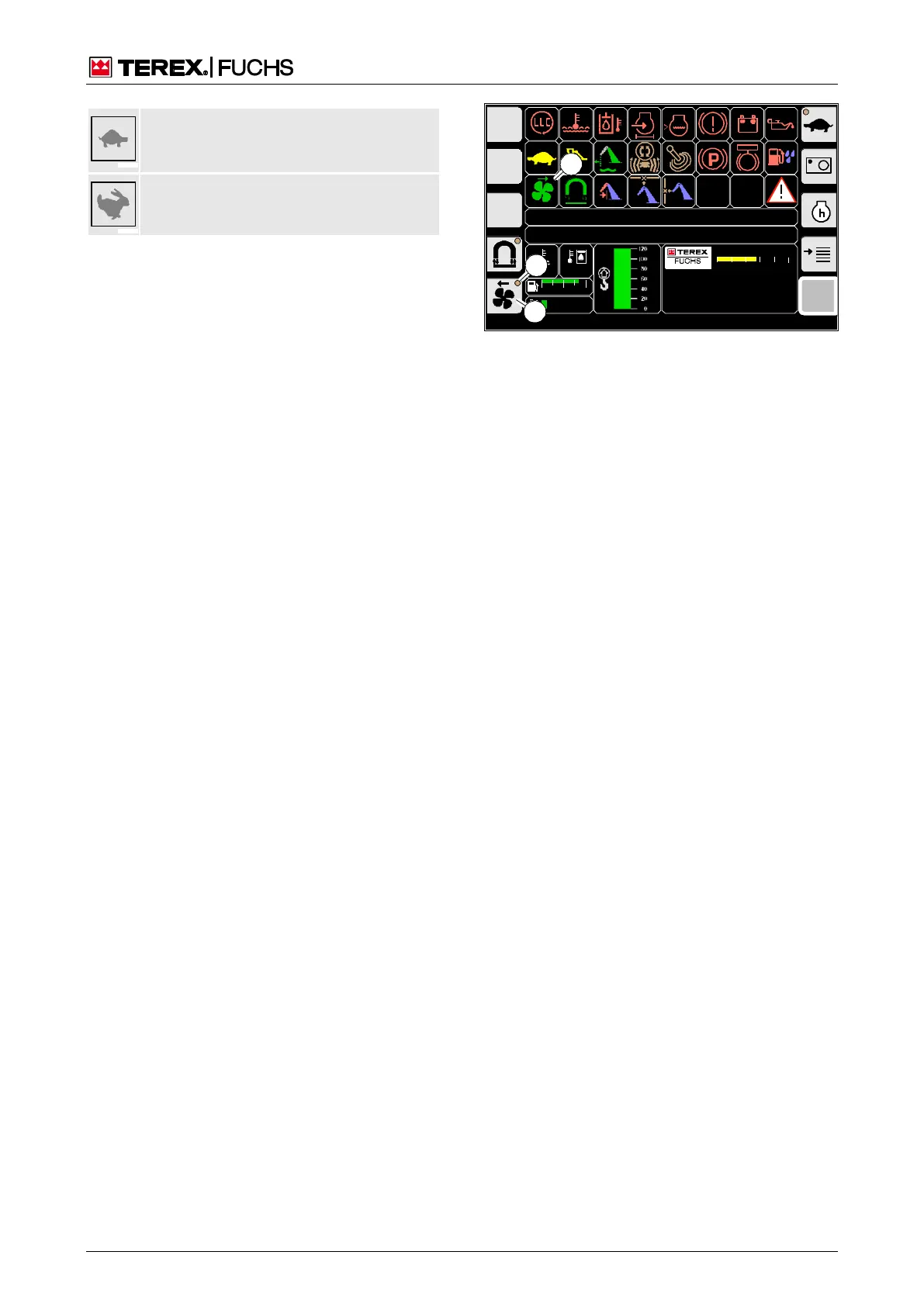
4.5.8 Reversing fan (optional)
In order to reduce the soiling of the cooler, the
reversing fan function changes the rotational
direction of the fan blade at selectable inter-
vals.
Call-up
►
Main control display
Structure
The button is marked with the symbol (64/1).
After preselection of reversing fan mode, a
symbolized LED (64/2) also appears. The
current status is displayed by the indicator
(64/3).
Operation
►
Briefly press the side function button next
to the button (64/1).
The reversing fan mode is preselected.
The symbolized LED (64/2) appears. A re-
versal of direction occurs, after that rever-
sal occurs at the specified intervals.
h Chapter 4.5.14.1 Reversing fan pause
times (optional)
or multifunction button
►
Navigate focus to button (64/1).
►
Briefly press button.
F
09:43 11.03.2011
MHLXXX / XXXX
1800 UPM
0 5 10 15 20 25
120 0
ARBEITSHYDRAU LIK IST GESPERRT
FEHLERMELDUNG
95°C 75°C
0 ½ 1
9 %
1
BSB50553
3
2
Fig. 64 Reversing fan



 To Next Page