Chapter 5: OPERATION
3. GENERAL-PURPOSE BROADCAST
5-31
3.5. EV Message Broadcasts
3.5.1. Making EV broadcasts from the Remote Microphone
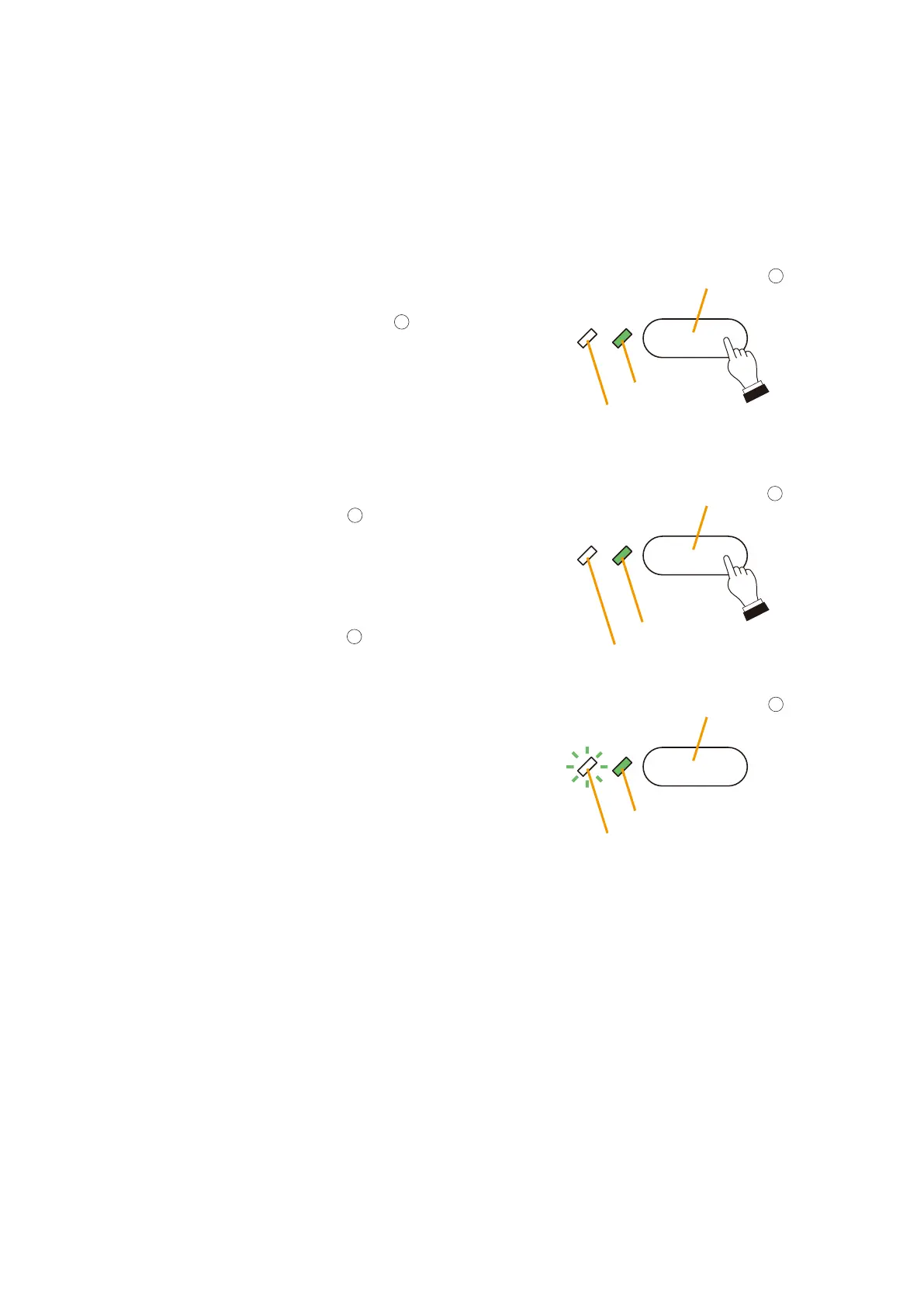
EV messages assigned to the Remote Microphone's function keys can be broadcast to the selected zones.
Lobby Zone Select key
Select LED
Zone Monitor LED
EV Message 1 key
EV Broadcast LED
EV Enable LED
Lobby Zone Select key
Select LED
Zone Monitor LED
2
11
11
Step 1. Press the Lobby Zone Select key
to select the
desired broadcast zone.
The Select LED will light green.
Step 2. Press the EV Message 1 key
.
The EV Broadcast LED will light green, and the
selected message will be broadcast to the lobby.
Tip
To stop the message halfway through broadcast,
press the EV Message 1 key
again.
The Zone Monitor LED will flash green to indicate that
the EV message is being broadcast to the selected
zone.
[Example]
Broadcasting the general-purpose EV message 1 to the lobby.



 To Next Page