Chapter 10: PC ONLINE CHECKS AND ADJUSTMENTS
2. SYSTEM SETTING FILE DOWNLOAD
10-7
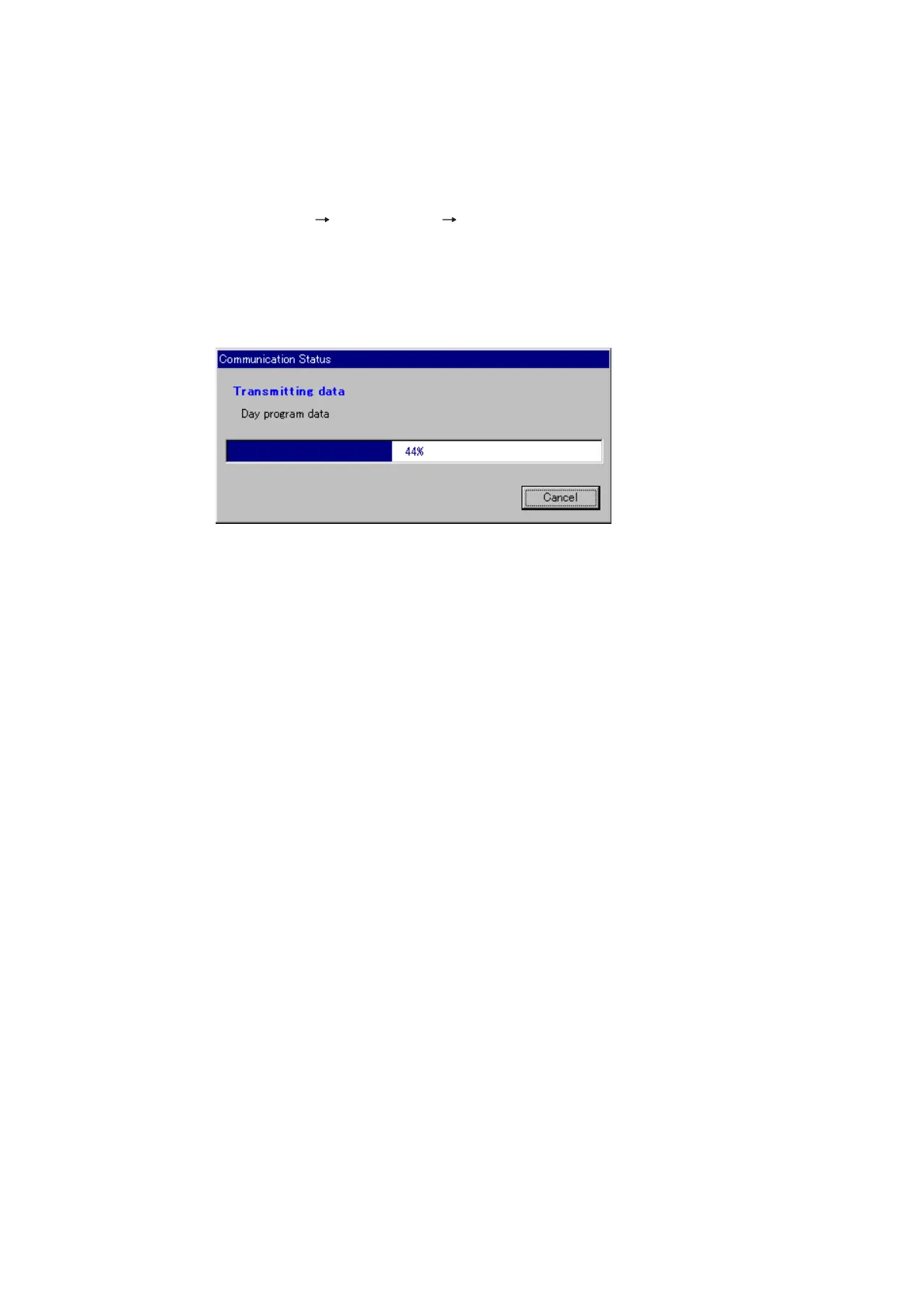
After the data transfer is 100% completed, the dialog box "Download was completed" will be displayed.
When the [OK] button is pressed, the window closes, terminating the download.
Tips
• NochangesaremadetotheVX-2000systemsettingfilewhencommunicationsarecancelledduring
the transmission.
• Wheneveranysystemsettingfileischanged,besuretoperformdownloadingagain.
2.4. System Setting File Download
Download the programmed system setting file from the PC to the VX-2000.
Note: The system setting file cannot be transferred while in the Emergency mode.
Step 1. Select [Communications Download (PC VX)] from the menu.
The following message will be displayed:
"All the data under setup is transmitted. Is communication started?"
Step 2. Click on the [OK] button to transmit the system setting file to the VX-2000.



 To Next Page